
Question
How can I make a PDF with bookmarks using Office 365?
I can use the print driver to make PDFs from Word 365. Is there an option to enable making bookmarks when printing to PDF? I can't see the option in Printer Properties. It is easily found in Save As PDF > Options.
However, when I use the Adobe Plugin and Save As PDF, Word crashes. Word then volunteers to disable the plug-in when restarting.
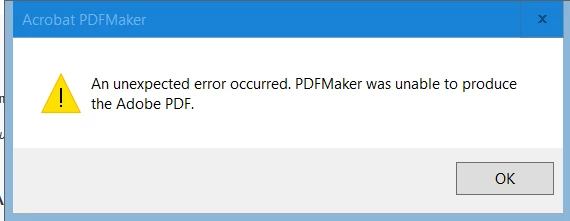
When I try to open the same file from Acrobat DC, the system hangs and I get this message:
The file in question is over 100 pages with numerous bookmark locations per page, but has simple formatting and no graphics or other special content.
 AdChoices