CosmoluSLO
Participant
January 4, 2021
Answered

How to do screen replacement on a partially visible screen

  • January 4, 2021
  • 2 replies
  • 1466 views

Hello, all!

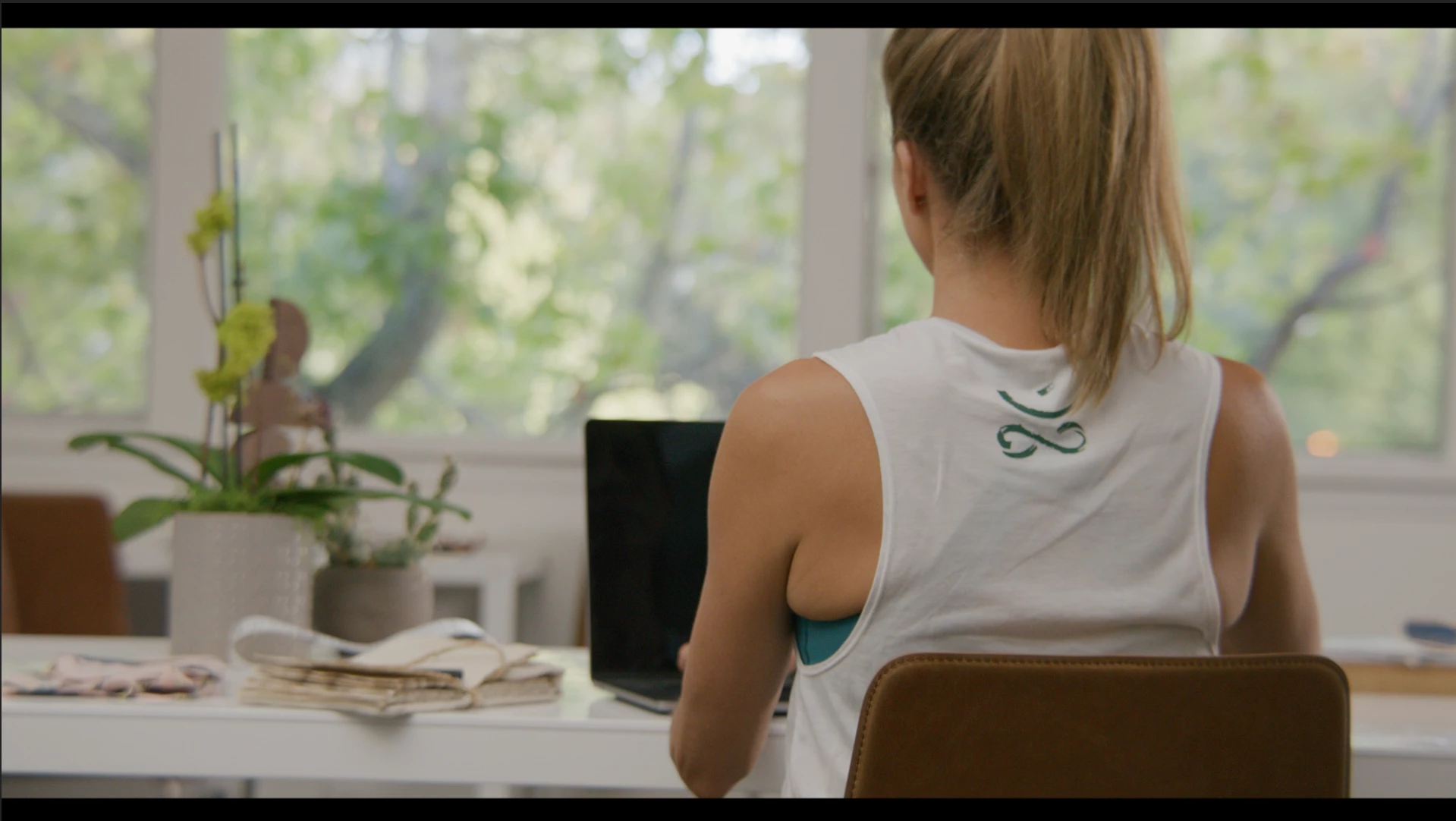
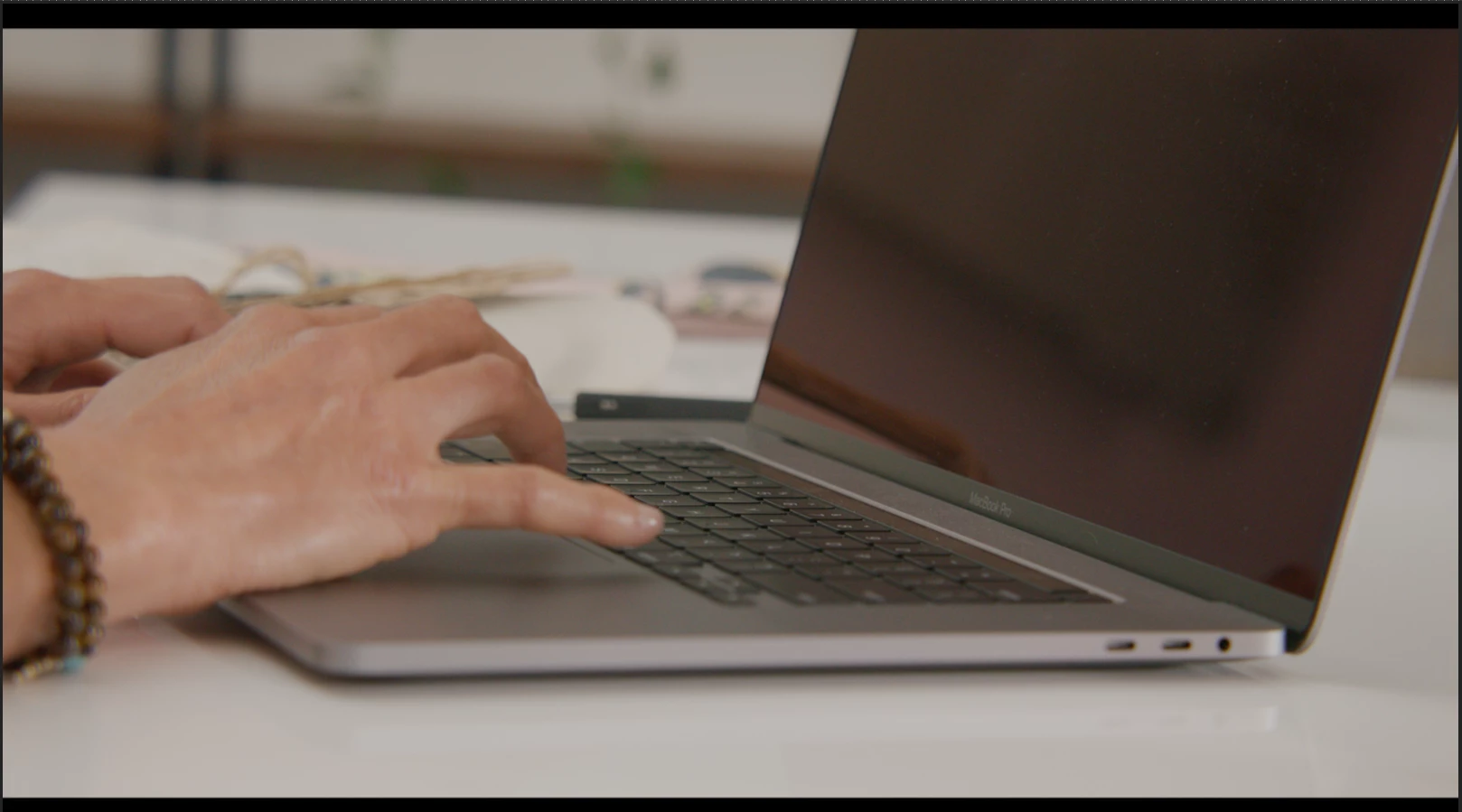
I'm working on screen replacements for some b-roll footage, but two shots I've been given don't show the entire screen that I'm replacing (examples below). In both cases the screen is obscured throughout the entirety of the video -- at no point can I see all four corners of the screen, so I have no baseline to go off of.


I haven't had any luck using Mocha without it going wild, and I'm having trouble hand-keying the shot while having it still look good. Does the community have any best practices for tackling a situation like this?
Correct answer Roland Kahlenberg

If you track with MochaAE, google "mocha occluded tracking".

If you use AE's Point Tracker, this URL is useful. Look for the section on Offset Tracking.
https://helpx.adobe.com/hk_en/after-effects/user-guide.html/hk_en/after-effects/using/tracking-stabilizing-motion-cs5.ug.html

For both apps, you will want a 4-point tracking result which you will then apply to a Corner Pin effect. To help you align to the off screen points, apply a Grid Effect to provide you with assistance as visual indicator of the perspective you're looking at.  HTH

2 replies

Roland Kahlenberg
Roland KahlenbergCorrect answer
Legend
January 6, 2021

If you track with MochaAE, google "mocha occluded tracking".

If you use AE's Point Tracker, this URL is useful. Look for the section on Offset Tracking.
https://helpx.adobe.com/hk_en/after-effects/user-guide.html/hk_en/after-effects/using/tracking-stabilizing-motion-cs5.ug.html

For both apps, you will want a 4-point tracking result which you will then apply to a Corner Pin effect. To help you align to the off screen points, apply a Grid Effect to provide you with assistance as visual indicator of the perspective you're looking at.  HTH

Very Advanced After Effects Training | Adaptive & Responsive Toolkits | Intelligent Design Assets (IDAs) | MoGraph Design System DEV
CosmoluSLO
Participant
January 6, 2021

Thanks for your reply! Sometimes just knowing which terms to search for is half the battle; I wouldn't have thought to use the term "occluded". That google search you mentioned has a ton of tutorial results, so I'll get watching. 🙂

Mylenium
Legend
January 5, 2021

You answered your own question: Find an experienced matchmoving artist for hire if you can't do it yourself.


Mylenium

CosmoluSLO
Participant
January 5, 2021

Why would I be asking for help on a 'How to' forum if I had the means to hire an experienced matchmoving artist? I appreciate your reply simply for bringing the term "matchmoving" to my attention (which helped me find some tutorial videos), but this is an otherwise entirely unhelpful comment.