ryan_dd
Participating Frequently
September 13, 2018
Answered

PDF pixelated with continuous raster applied

  • September 13, 2018
  • 1 reply
  • 2340 views

Hey Guys,

Gear: Imac retina 5K

Software: After Effects, Sketch (for design)

Project: UHD 4k 23.976

             3840x2160

             Pixel Aspect Ratio: Square Pixels.

Having an issue with a current project where the PDF I'm using is being pixelated even with continuous raster applied. First of all, the PDF looks great before the import (image included below). Once in the project, it has a pixelated edge. I have a glow effect applied which seems to intensify the pixelation - but regardless, the pixelation is still there with or with out the glow. I thought maybe the gradient on the PDF may be the issue so I imported a white version of the logo - same problem. I tweaked the import settings (set antialiasing to "more accurate") and nothing has worked. Also brought in different size pdf's, tried adjusting quality and sampling, still nothing. I have worked on other projects before with this same PDF and never had this issue. Any help would be appreciated! Thanks!

Here are a few images (at 100%) of the issue:

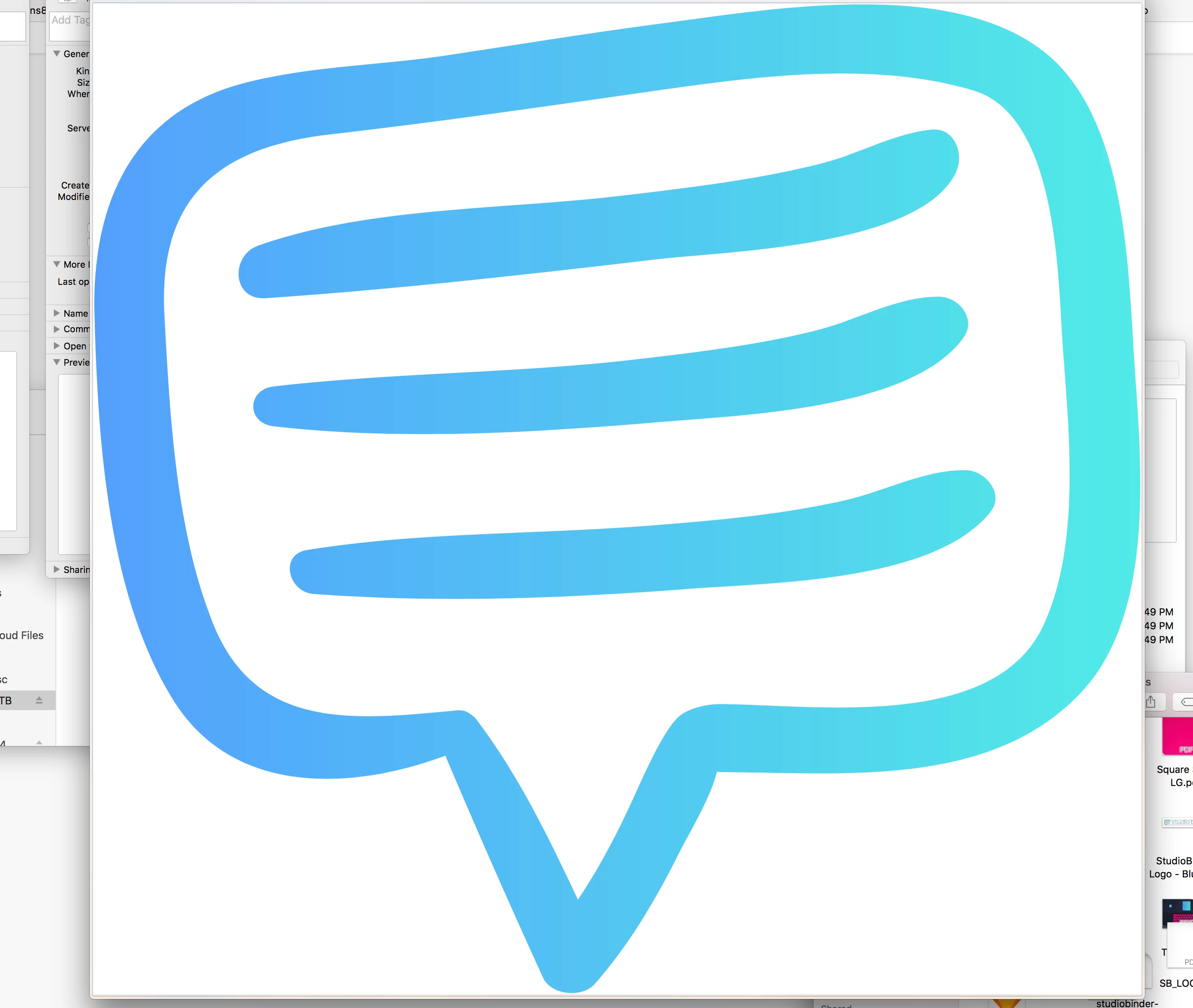
PDF before import:
Issue:

Issue when pdf is scaled down:

This topic has been closed for replies.
Correct answer Rick Gerard

I tried recreating the vector in illustrator and AE with the same result. Could it somehow be the contrast? The pixelation is exaggerated in the export with this specific pdf as well. Render settings are Pro Res 422 HQ Match Source - Max render quality, max render depth checked. Also tried exporting PNG sequence with the same result. Here is a sample of the pro res export:

Sample - YouTube


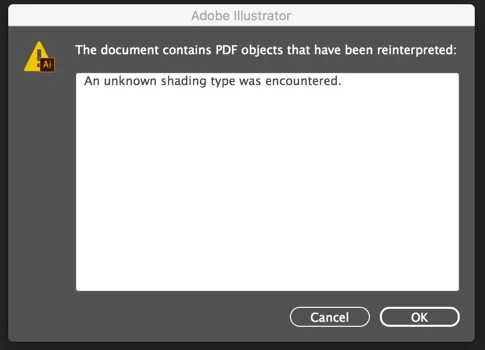
Your easier and more lightweight than Illustrator application built a very convoluted file. Here's the first warning when I opened the PDF in AI:

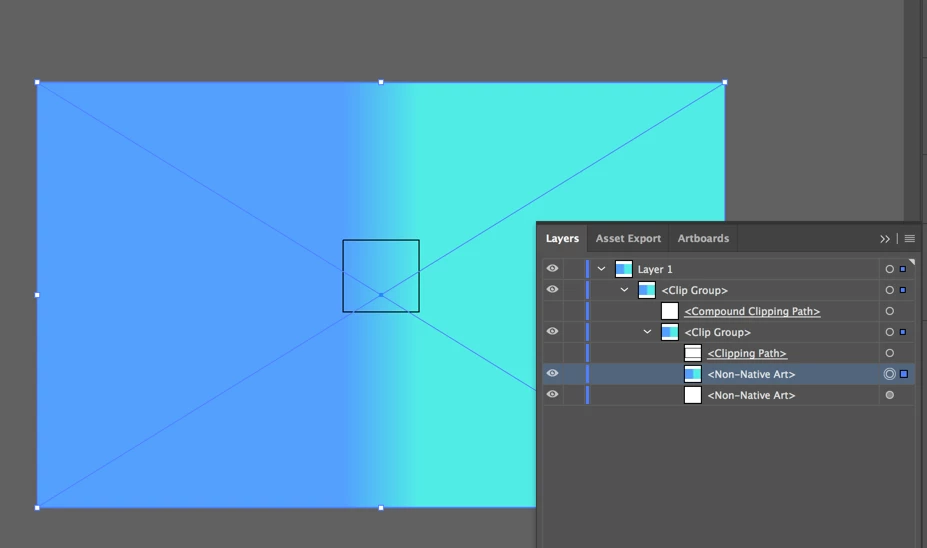
So I dug deep into the file and as I expected I found a bitmap gradient layer instead of vector art:

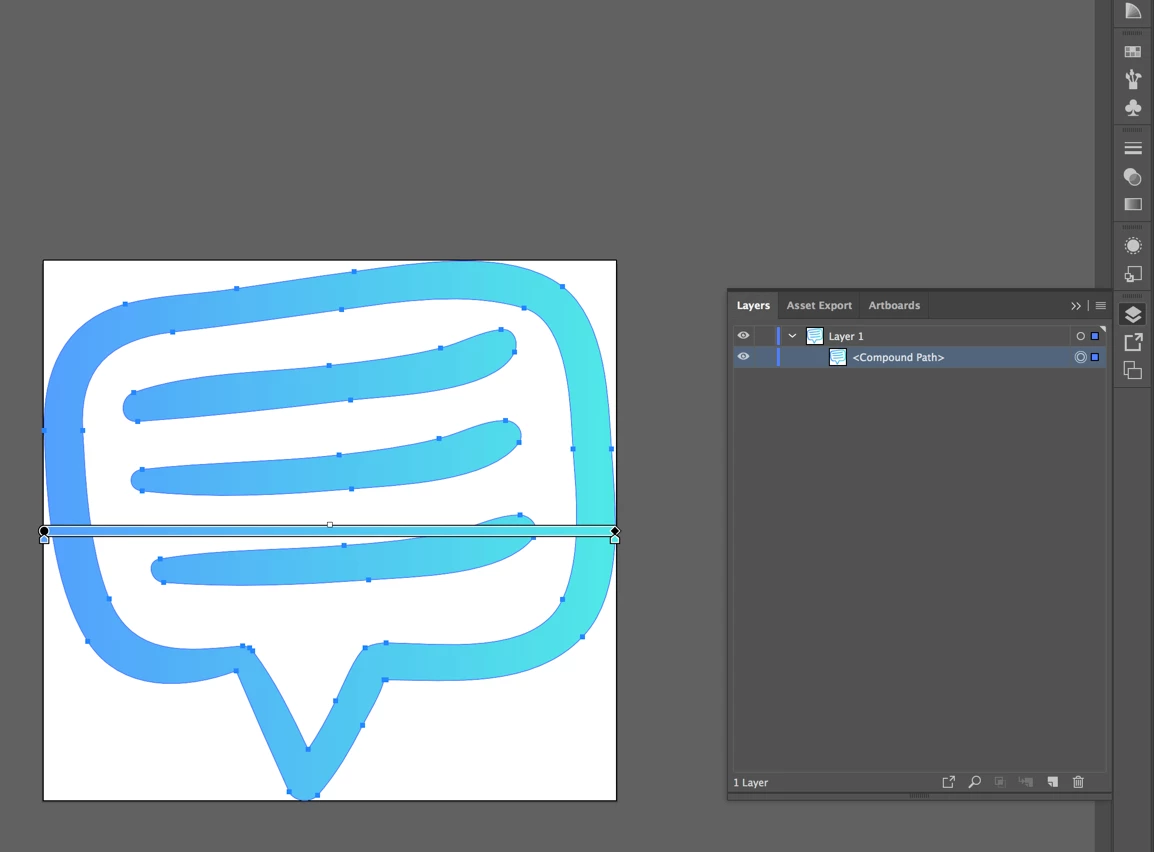
The Compound clipping path is vector art, but the color is a bitmap so the edges alias. The solution is to simplify the artwork by getting rid of the bottom 4 elements and just filling the compound path with a gradient.

Here are the AI and the PDF versions of the fixed file. Dropbox - studiobinder-LOGO.pdf

Dropbox -studiobinder-LOGO.ai

So AE was doing exactly what it is supposed to do with a vector file that contains a bitmap (raster) effect or image. You would run into the same problem if you applied any raster effect in AI when preparing files for video.

1 reply

Dave_LaRonde
Inspiring
September 13, 2018

You CAN have bitmapped images in a PDF file -- look at one with photos in it.  I'm guessing that Sketch is the culprit -- it didn't make a vector image.  Why don't you try the same thing in Illustrator?

ryan_dd
ryan_ddAuthor
Participating Frequently
September 13, 2018

Hey Dave,

Thank you so much for responding! It actually is a vector fully created in Sketch (the same way you would create it in illustrator). Every other element in the project was created in Sketch and this is the only one causing this issue. Let me know if there are any other settings you would like to see regarding my project. I can't seem to figure this one out!

Thanks

Community Expert
September 13, 2018

Open the PDF in Illustrator, check the file and make sure it is a vector file, save as an AI file, import into AE and test again.

BTW, screenshots that only show the problem are pretty useless in diagnosing the problem. Select the layer that is giving you problems, press the U key twice to reveal all modified properties of the layer, then PrintScreen and paste the entire UI to the forum so we can actually see what is going on in the comp. If you suspect the footage may be the problem it is also good to have the footage giving you selected in the Project Panel so we can see the footage properties.

My guess is that you have something going on with the Comp Panel, the layer is set to draft, the layer isn't being rendered as a vector, that there is a layer style applied, or something else is going on. It is entirely possible that this particular layer has some kind of effect applied to it in Sketch that is causing it to be rendered in AE as pixels. It's pretty hard to guess without seeing the details or trying some experiments with Sketch.

Which "Sketch" did you use? The Mac App or the Adobe Mobile app?