Known Participant
January 19, 2019
Answered

Rotate handdrawn circles

  • January 19, 2019
  • 1 reply
  • 517 views

Hi guys,

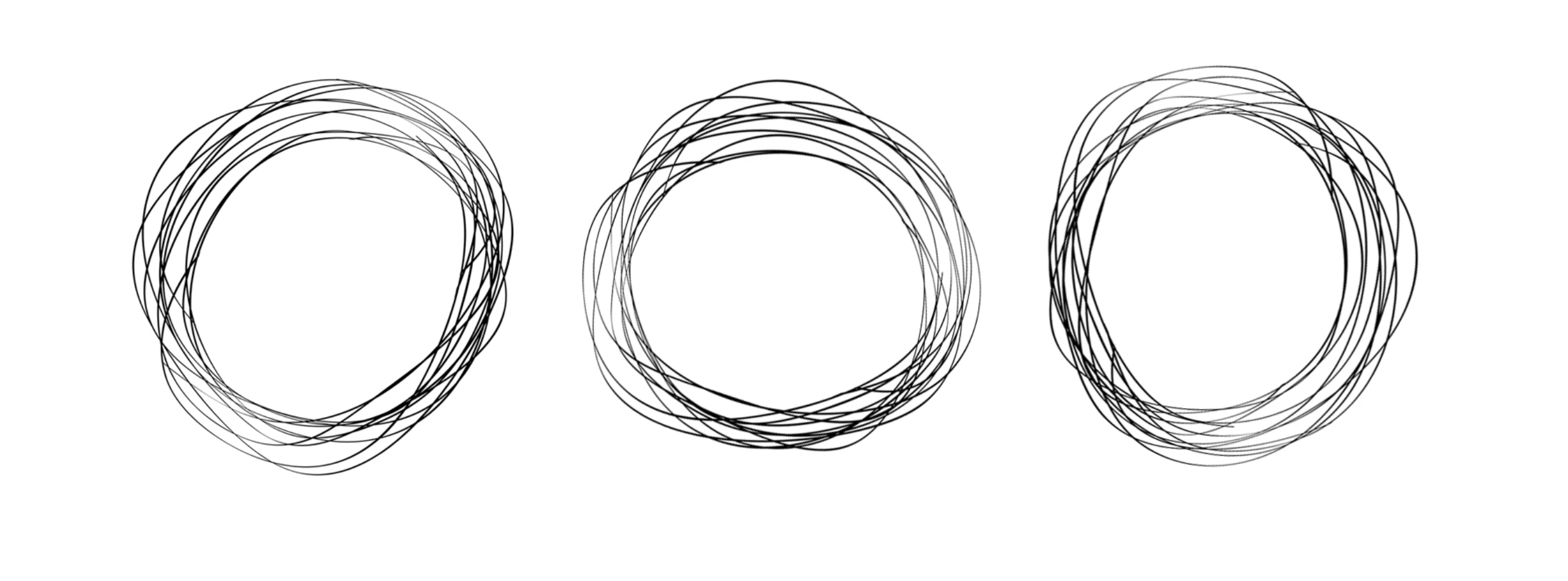
I have these circles that i want to animate in an infinite circular motion. I want the animation to feel like "Trim Path" for shapes, it begins as a single point then starts moving in a circular motion forming the lines. How can i do this? I noticed Trim Paths doesn't work with brush tool (which is what I am using, since i want them to look handdrawn)

Any help or tutorial would be appreciated.

Thanks!
This topic has been closed for replies.
Correct answer Mike_Abbott

Draw your lines with the brush tool. In the timeline you'll see Effects > Paint > Brush 1 > Stroke Options.

In the Stroke options is the 'End' property. Animate that from 0 to 100% to write on your brush stroke.

1 reply

Mike_Abbott
Mike_AbbottCorrect answer
Legend
January 19, 2019

Draw your lines with the brush tool. In the timeline you'll see Effects > Paint > Brush 1 > Stroke Options.

In the Stroke options is the 'End' property. Animate that from 0 to 100% to write on your brush stroke.

Community Expert
January 20, 2019

If you want to use trim paths I would do all the prep in Illustrator. I'm assuming the scribbly lines were created by applying a brush to an ellipse. If that is what you did then select the shape then use the menu Object>Expand, then switch the fill to a stroke. Use the eraser tool to break apart the lines so the paths are all open, save, then import as a comp, open the comp, select the vector layer, convert to shape, add Trim Paths sequentially at the bottom of the groups, select sequentially, then animate the start or end point to get the lines to draw on. You may have to use the Layer>Mask and Shape Path to set the first vertex for some of the paths to get them all moving in the right direction. Then you can apply Roughen Edges to get more of a hand-drawn look to the lines. It's going to be a pain but you'll have more control than trying to use a track matte.

I would probably just set the stroke to 3 pixels and draw the multiple circles by hand in AI all on one layer. The offset and copy them so I wouldn't have to open up all the paths and I could control the direction easily.