I would give that tutorial a C-. The explanation is incomplete and the workflow is inefficient. The expression makes no allowance for divide by zero errors.
Here is the expression I would use for Stroke:
if (hasParent)
{scl = thisLayer.parent.scale[0]/100;
if (scl == 0)
	sv = 1
else
	sv = scl;
value / sv }

else
	value
The layer name if the parent no longer a potential problem, the expression is just looking for a layer with a parent. The first if statement keeps the original stroke value is there is no parent. f there is no parent the original stroke value is retained. The second if statement prevents divide by zero errors and retains the original stroke value if the scale gets to zero. The Stroke value is now modified by the X layer scale no matter what the parent layer is.
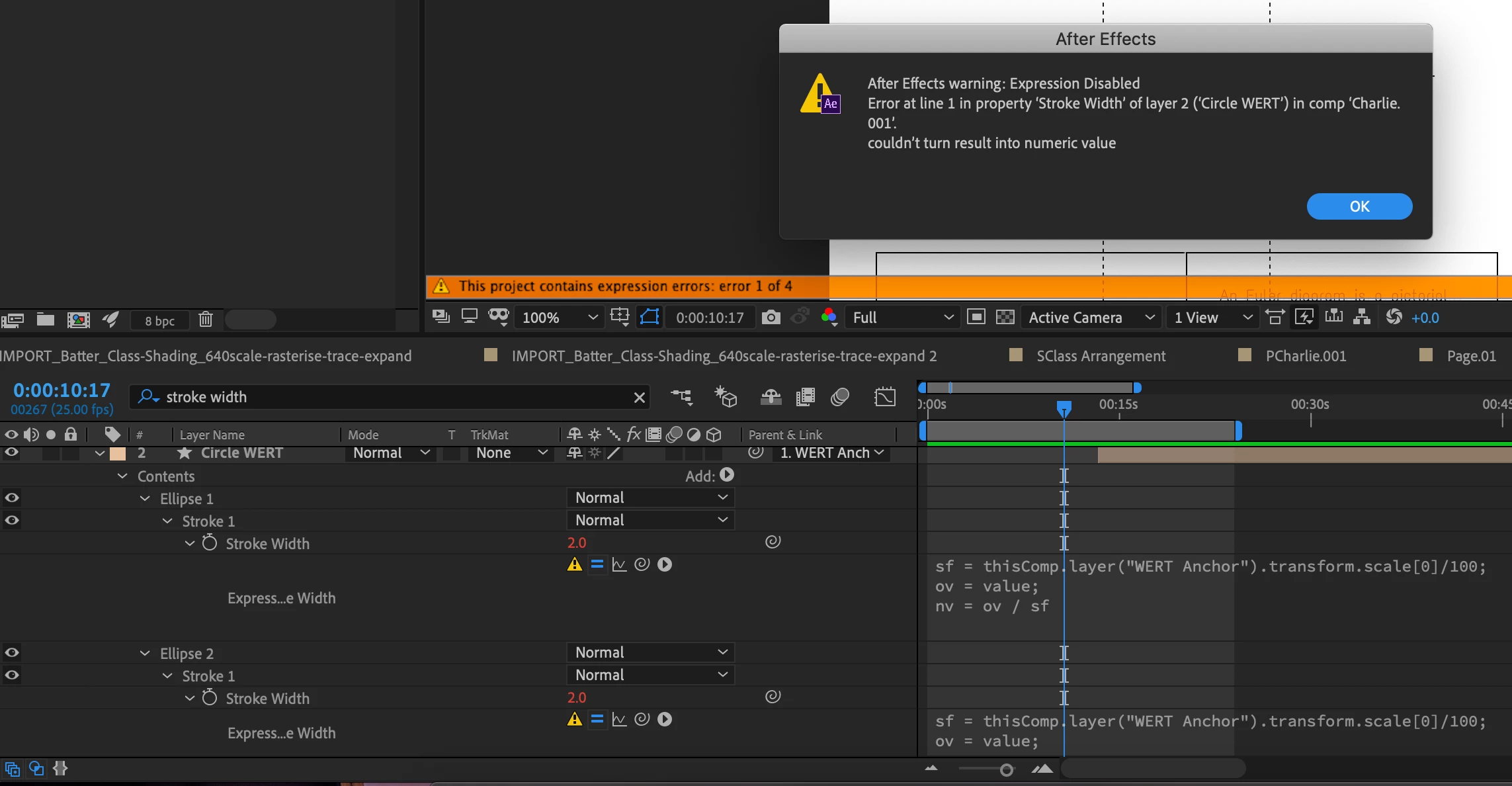
When you get the expression working for one stroke you can copy expression only, type Stroke in the timeline search to show all stroke properties on the layer and then select them all and paste. It will take about 2 seconds and you could have a couple hundred stroked layers tied to the scale of their parent layer and show no errors if there was no parent. The expression is so good that I'm saving it as an animation preset. It's something that I will use once in a while.
Here you go: https://www.dropbox.com/s/w4rn60hlf1je8kj/stroke%20tied%20to%20parent.ffx?dl=0
All you have to do is type Stroke in the timeline search field to reveal all stroke width properties in all shape layers, drag a selection around all of them and then apply the animation preset. Then parent the shape layer to any null and the stroke will remain the same relative size no matter what the scale of the parent layer is.
I think I'll work on one that ties stroke width to distance from the camera. That will also be useful for some designs.

 AdChoices