
Participant
June 5, 2013
Question

Playing multiple videos

  • June 5, 2013
  • 1 reply
  • 635 views

Hello,

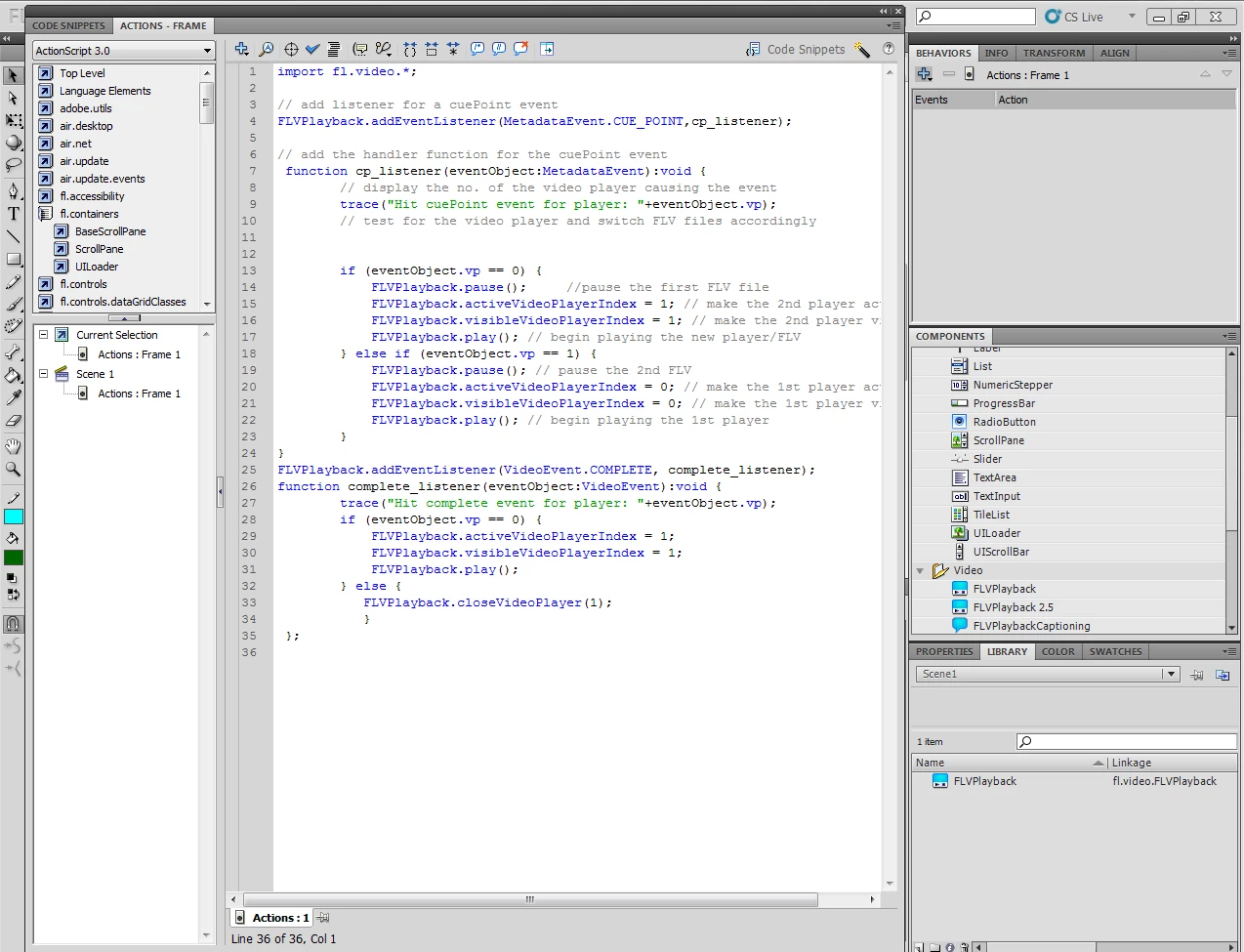
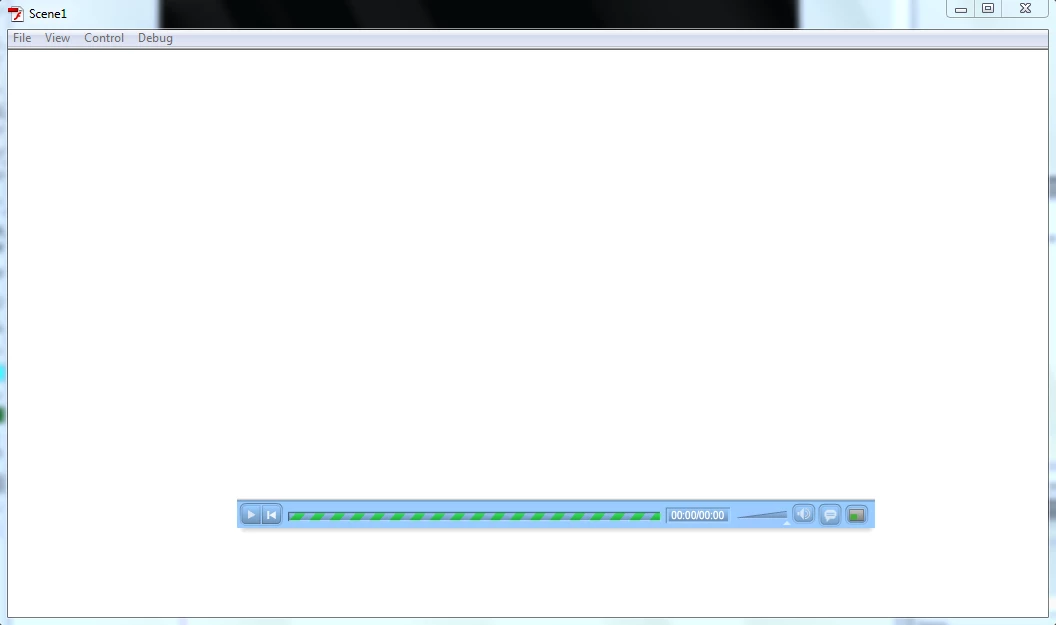
I'm new to Flash Professional and Actionscripts trying to figure out how I can play two videos in a way that will make the 1st stop at a certian point then the 2nd comes to the screan and starts playing then go back to the 1st video where I stopped ( not from the beginning again) here is the script I got off the internet and was working on it for a while I got rid of all the errors I had but now it doesn't give me an error instead when I try playing it, it doesn't play the videos and gives me the screen in the 3rd pic down.

Here are the videos I'm using:
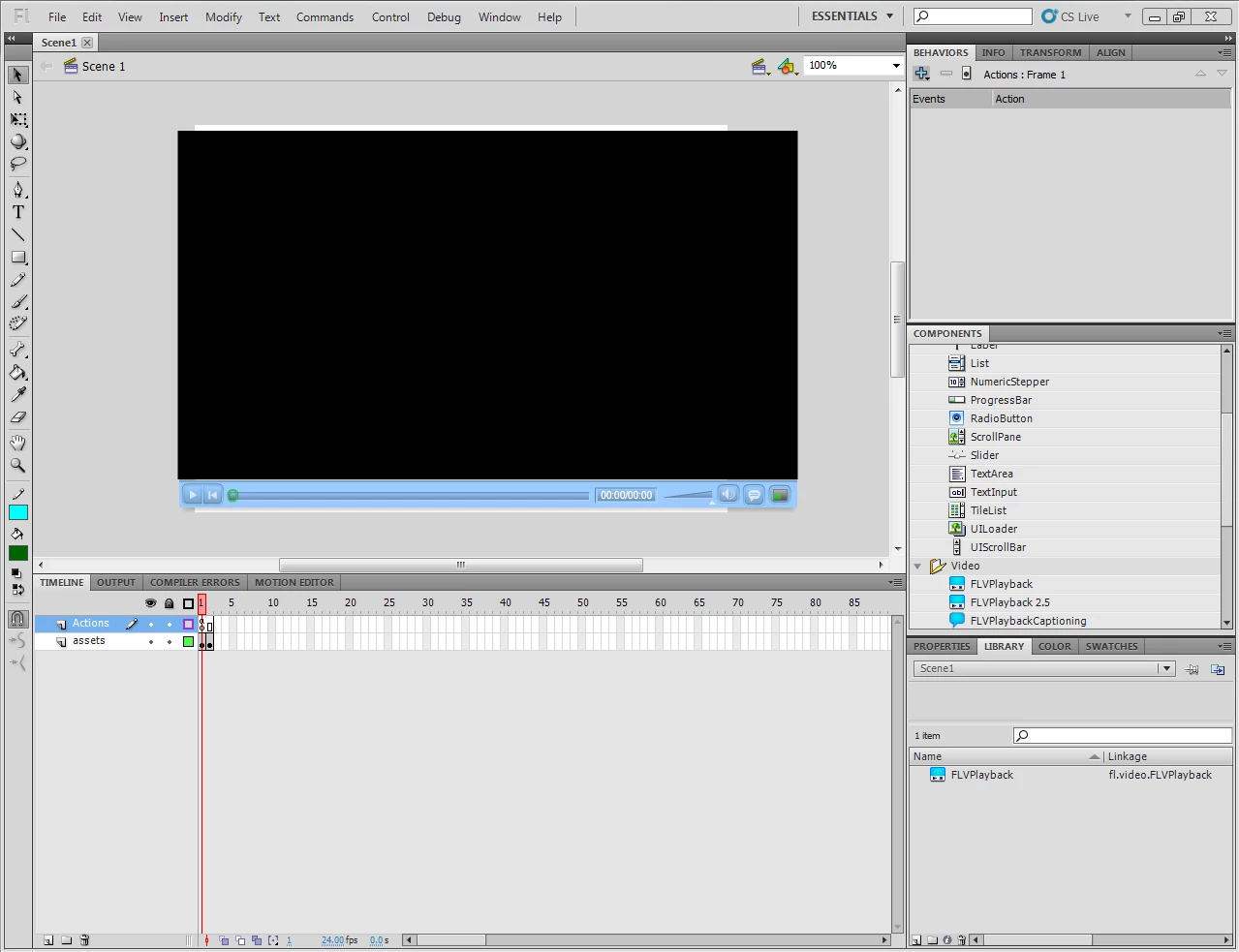
The script I'm working on:
the screen it shows me when I click Ctrl+Enter:
Thank you guys in advance for the help

This topic has been closed for replies.

1 reply

faboAuthor
Participant
June 21, 2013

After working on it for a while I got one of the videos to open (the 1st one) and when I click enter it replays the 1st video again without going to the second.

I kind of commented out the lines that didn't make any difference when I commneted them to know what thier job is. 

Here is the edited code now:

import fl.video.*;

// import fl.video.MetadataEvent;

//player.addEventListener(MetadataEvent.CUE_POINT, cp_listener);

function cp_listener(eventObject:MetadataEvent):void{

// trace("Hit cuePoint event for player: "+eventObject.vp);

     if (eventObject.vp == 0) {

          player.pause();        // pause the first FLV file

          player1.activeVideoPlayerIndex = 1;    // make the 2nd player active

          player1.visibleVideoPlayerIndex = 1;   // make the 2nd player visible

          player1.play();    // begin playing the new FLV player

     }else if (eventObject.vp ==1){

          player1.pause();    // pause the 2nd FLV

          player.activeVideoPlayerIndex = 0; // make the 1st player active

          player.visibleVideoPlayerIndex = 0;  // make the 1st player visible

          player.play();   // begin playing the 1st player

      }
}

player1.addEvnetListener(VideoEvent.COMPLETE, complete_listener);

function complete_listener(eventObject:VideoEvent):void{

       // trace ("Hit complete event for player: "+eventObject.vp);

      if (eventObject.vp == 0){

          player1.activeVideoPlayerIndex = 1;

          player1.visibleVideoPlayerIndex = 1;

          player1.play();

      } else {

          player.closeVideoPlayer(1);

          }

}

Participating Frequently
July 1, 2013

Looks like you have the video components on different frames, put them both on the same frame but seperate layers and reduce the timeline to only one frame.

faboAuthor
Participant
July 9, 2013

Thank you I'll try that