
OxanaBayra
Participant
October 2, 2018
Answered

SVG export does not work

  • October 2, 2018
  • 2 replies
  • 1114 views

file -> export -> export image

Error text in English:

An error has occurred Javascript

In line 3 of the file "Export SVG1.jsfl"

Error: runScript: wrong argument number 1.
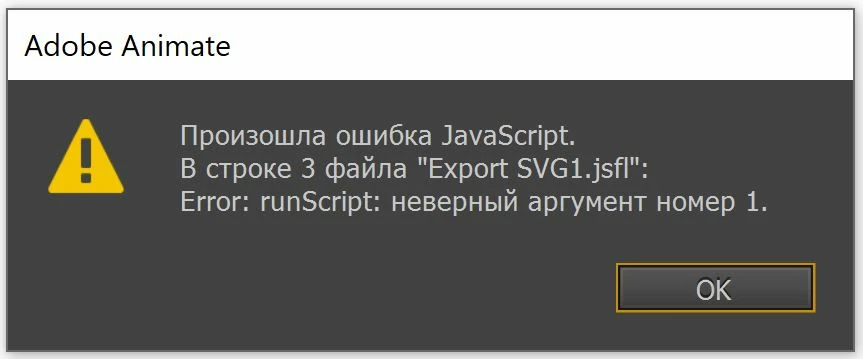
The file contains only one image, no code and animation.

Windows 10 64X

This topic has been closed for replies.
Correct answer Colin Holgate

Sorry that nobody answered your question already.

There are a few things that can lead to SVG export errors. One example is if you have used unusual characters in the names of objects, or the file name. Another is to do with where your FLA is located.

Try a test where the FLA is on your desktop, and make sure symbols and the file name are simple Roman characters.

2 replies

OxanaBayra
Participant
September 14, 2019

I found an alternative working solution through the "publish" function, export to svg works

Colin Holgate
Colin HolgateCorrect answer
Inspiring
November 3, 2018

Sorry that nobody answered your question already.

There are a few things that can lead to SVG export errors. One example is if you have used unusual characters in the names of objects, or the file name. Another is to do with where your FLA is located.

Try a test where the FLA is on your desktop, and make sure symbols and the file name are simple Roman characters.