
Participant
November 28, 2021
Question

I'm having trouble getting shapes to snap to each other in Illustrator CS6

  • November 28, 2021
  • 3 replies
  • 388 views

So I'm trying to make a golden ratio template for myself and my canvas is in points (792 pt by 612 pt)

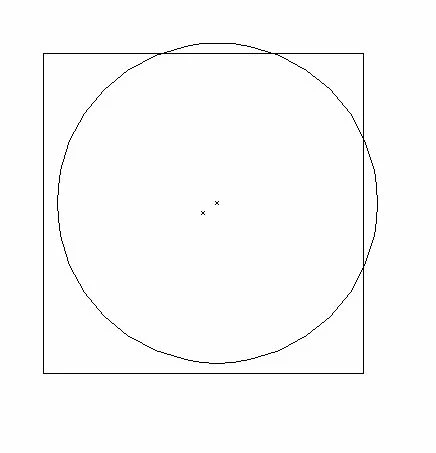
I'm starting off with a 10pt by 10pt square and circle, but no matter what I do, they won't snap to each other, so they look like this right now:
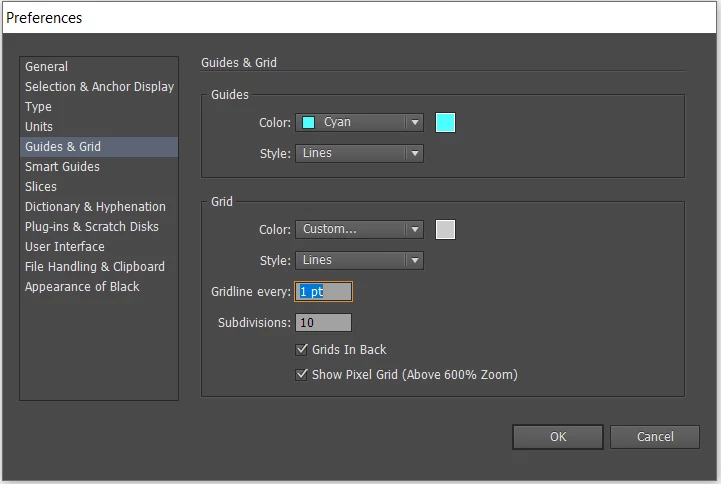
This is what the preferences for my Grids & Guides looks like as well as Smart Guides:
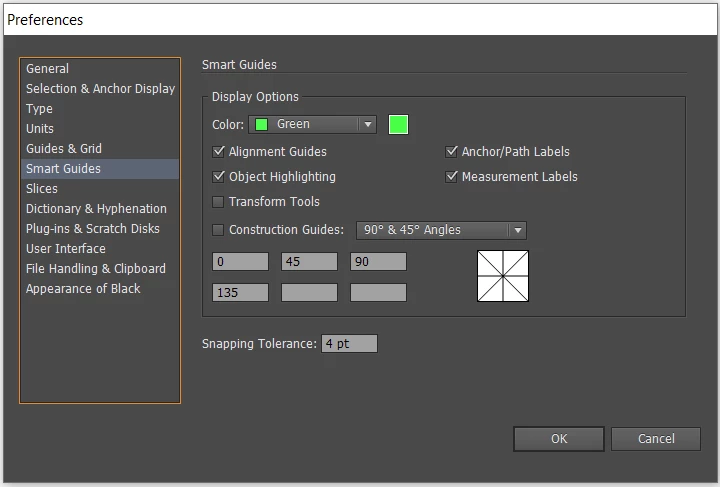
 

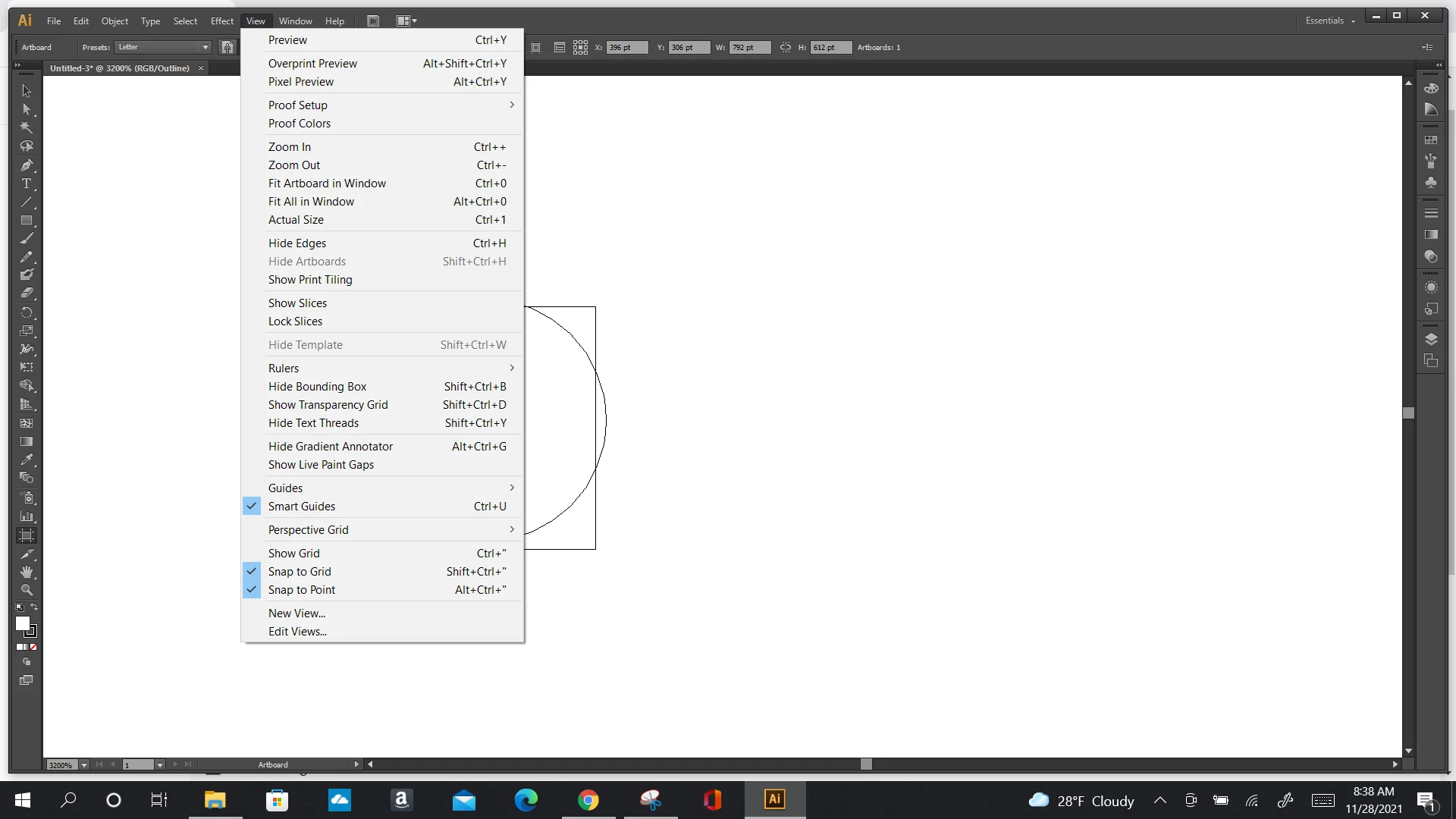
Smart Guides, Snap to Grid and Snap to point are all checked in the view tab, but the problem still persists.
Any suggestions as what I should do?


Thanks.


    This topic has been closed for replies.

    3 replies

    Met1
    Legend
    November 30, 2021

    Turn off all the various snaps and just use align.

    Ton Frederiks
    Community Expert
    Community Expert
    November 28, 2021

    Maybe your gridline every 1 pt with 10 subdivisions is a little too much (try 10pt with 10 divisions).

    And try not to activate too many snap to functions at the same time.

    Participant
    November 29, 2021

    I tried that, I'm still having problems. Especially when I try to scale.

    I'm trying to make a Golden Ratio Template for myself, and as you can see the bigger square and circle don't align.


    Lukas Engqvist
    Community Expert
    Community Expert
    November 29, 2021

    I would suggest turning off Snap to grid.

    You may want to create this kind of graphics with the X, Y, H & W  settings though the Control Panel. If one object is off then you will have problems with the other objects.

    Ged_Traynor
    Community Expert
    Community Expert
    November 28, 2021

    Moving thread to the Illustrator forum from Using the Community