Participant
May 8, 2019
Question

Illustrator graphs text moving when update data

  • May 8, 2019
  • 2 replies
  • 443 views

Hello,

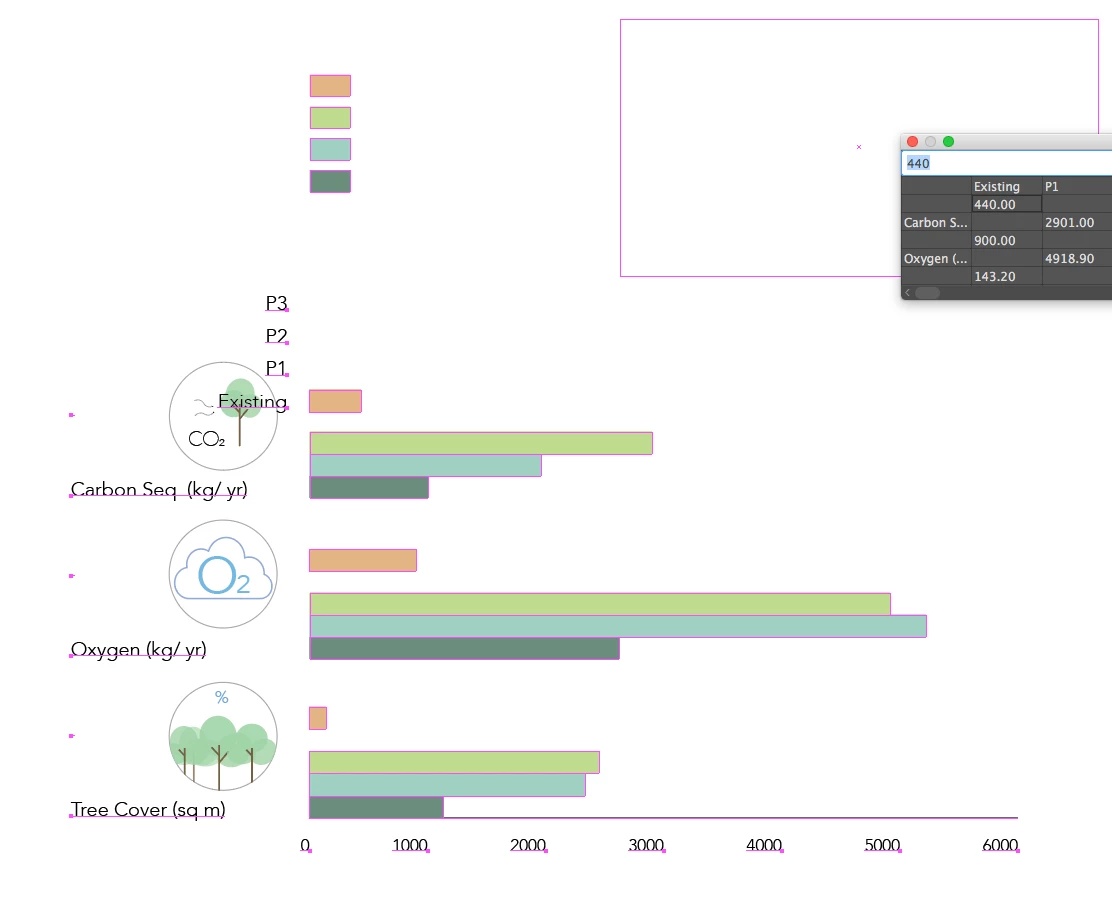
I have finished the graphics/ layout of my graph and am happy with it. However, whenever I update the data the text moves! So annoying. Is there anything I can do, or suggestions?

Screenshots below.

Thanks!
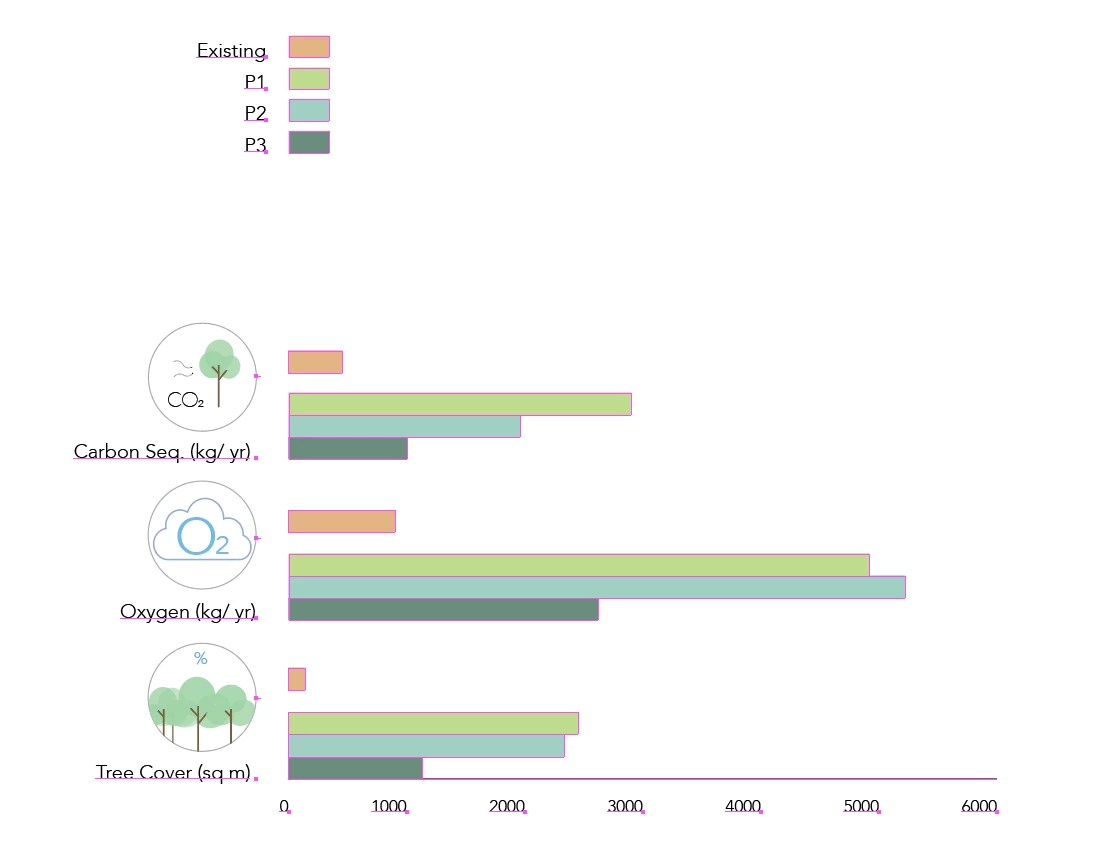
** ignore that white rectangle in right corner- not part of graph.

This topic has been closed for replies.

2 replies

barbara_a7746676
Community Expert
Community Expert
May 8, 2019

A lot of people wait until the graph data is final before tweaking the layout. Some people expand the graph after it is final -- that causes it to lose connection to the data, but allows all of the elements to be completely editable.

If you need to show a layout to your employer or a client before the data is final, you might want to make a copy of the graph before doing manual changes so that you'll have the original available.

Bill Silbert
Community Expert
Community Expert
May 8, 2019

After originally plotting the graph did you move the placement of the chart's key? If so then the behavior you are seeing is expected. It only allows for limited adjustment before it will no longer adjust "cleanly"after a data change. It should be also pointed out that this is a very old feature of Illustrator which has not been updated since it came out in the 1990s. Obviously, it still does the job of creating graphs but it does not allow for the use of most of Illustrator's later features such as effects.