Furbzeyyy
Known Participant
March 9, 2019
Question

Paste & Match/Extract text style and size from third party images to reuse?

  • March 9, 2019
  • 2 replies
  • 1798 views

Hi all,

Rights:

I have been given rights to access and edit/create the companies new logo.1.

Target/Query

1. Generic: Paste & Match/Extract text style and size from third party images to reuse?

2. Specific:  How to extract the text style and font from the 'Fitness4life' text on the fitness4life logo found below, to be reused elsewhere in new logo design?

3. Is this a tool already available in Adobe illustrator or any adobe/product?

Media
Actual file name 'Furbzeyyy_businessmed_SA_logo_fitness4lifelogo.jpg'.

Actual file link   https://drive.google.com/open?id=1q2MiNnnzMagCOx6H2Lmj7PaqZ4oALhw2

Research/Revision/Attempts

Level:                                                                            Beginner
Searched and Watched all Adobe video tutorials:         Yes
Searched Adobe Forums (For relevant thread):            Yes
Searched and Watched all YouTube video tutorials:       Yes
Searched and watched internet sources:                       Yes

1. Closest sources, in order of relevance:

Paste & Match Text Style WITHIN Illustrator? (still an unresolved adobe illustrator 2019 CC thread as far as im aware, have posted as below)

http://www.onlineocr.net/

How to Copy Text From Images - YouTube

10 Free and Extremely Useful Illustrator Scripts - Vectips

wundes.com

Manual Attempts within Adobe Illustrator 2019 CC

1. Tried to find exact text in Font Style Encyclopedia

2. Tried to use Eyedropper tool to change color of text, that's it.
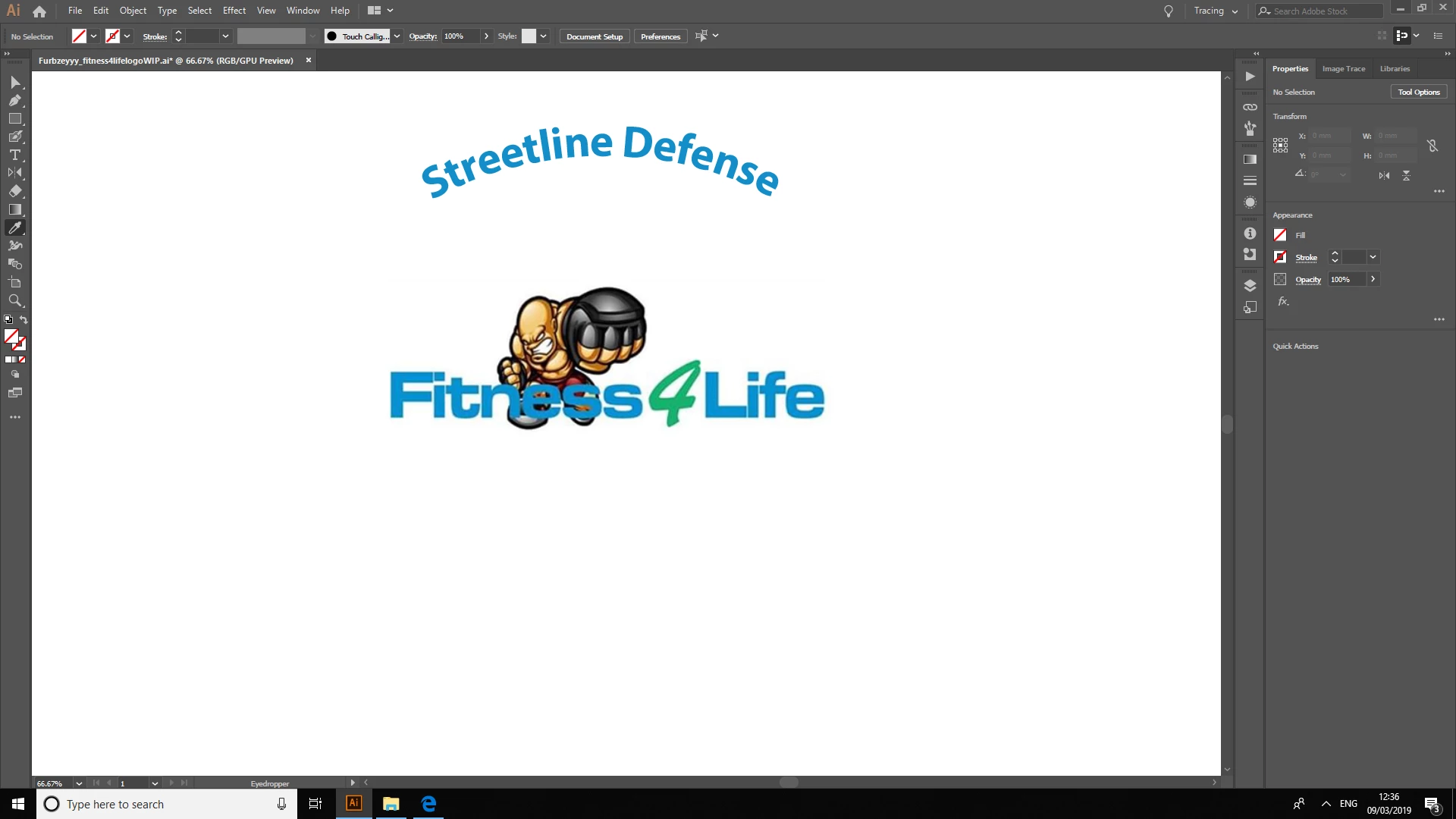
How?
Please show me how to achieve the above Target with pictures and annotations please?

Resolved/Unresolved
If Un/Resolved, will update thread, if required, will fill out feature request form

Mykill GSJRiegeldavescmTrevor.Dennis​  D Fossebrandbrilliance

11.  Re: Paste & Match Text Style WITHIN Illustrator?
   Matthew Furlong Level 1


Message was edited by: Matthew Furlong

Message was edited by: Matthew Furlong

This topic has been closed for replies.

2 replies

JETalmage
Inspiring
March 10, 2019

Your source file is just a JPEG image. That's just a raster image (a rectangular array of pixels). That means:

  • It contains no actual text. It contains no actual font information. It's just a "painting" of some text. (Note "could be" in Ray's reply.)
  • It has no inherent "actual size." A pixel is not a unit of linear measure; it's basically just a color value. So the "size" of the "text" is purely dependent upon how large or small the raster image is scaled when rendered (i.e., its effective resolution), which can be anything.

Therefore...

Regarding Font:

Determining the actual font used is, at best, an educated guessing game, whether done by eye or by some rules-driven artificial recognition algorithm.

Example: Suppose I launch FontLab, create a font based on the shapes I discern from your image, name it "JET UglyBlock Plain," and publish it by posting it on WhatADealFreeFonts.com. Then suppose someone else uses some online WhatIsThisFont service to "determine" the actual font used in your source image. Conceivably, my font could have as good a chance of being among the possible fonts "recognized" by the algorithm, even though it didn't even exist before the image was made.

Regarding Font Size:

Font size is the "em square," which is a relative measure, not an absolute measure. For "accurately" recreating the logo from a mere raster image, all you can do is compare the rendered size of the "text" portion of the image to the rendered size of the overall graphic; both of which are inherently inaccurate due to their being comprised of anti-aliased pixels.

Conclusion:

Such are the fallacies of using a mere raster image as a source for accurately creating a faithful reproduction of an already-established logo. With no real original source data to go on, it necessarily involves (hopefully skilled and experienced) judgement. There is no precisely accurate automagic for such things just because the file is "digital."

Practicality:

If the customer is determined that a precise recreation is all he will accept, he needs to either provide the actual original-creation source files. Failing that, he needs to be informed about the practical reality of the matter, as explained above.

Since this is not any kind of "household word" recognized identity graphic (and frankly, not one of particularly professional quality), assuming the raster image is all you are going to get as source material, you will have to eitther:

  • Research fonts which appear to be close-enough "matches" or...
  • Use typographic skill to manually draw the glyphs as vector-based paths.

A proper logo file would have contained vector outlines of the entire graphic, including the glyphs; not actual live font and text data. The font specification, if any, should have been provided in the original style guide provided with the graphic.

JET

Ray Yorkshire
Participating Frequently
March 10, 2019

Font could be

Square 721 Std Bold Extended