
2c Spot InDesign File PDF Export — Printer Says it's a 6c PDF
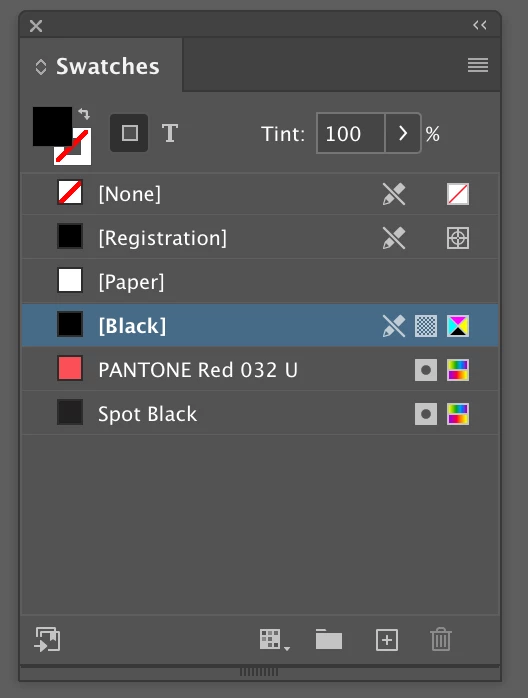
I have set up a file with placed illustrator vector logos. All the logos are set as either 1c (black) or 2c (PMS 032 and black). Each logo has been set to LAB, "Spot Color Options" in the Swatches panel have been set to "Use LAB values...", all unused colors deleted.
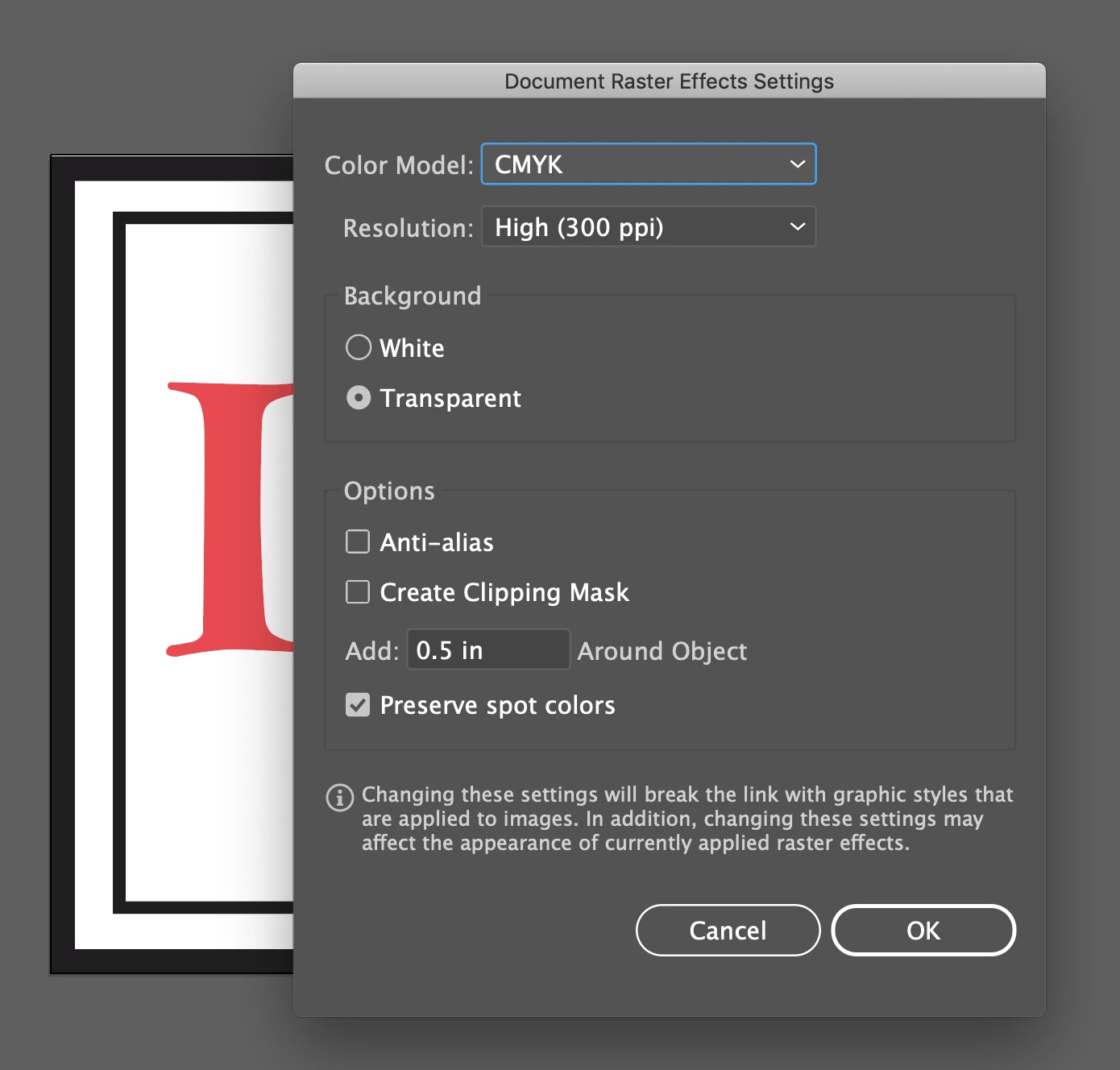
One open questions is the Document Raster Affects Settings for "Color Model." There are three options; CMYK, Grayscale, and Bitmap. What is the proper setting for files that only has spot colors (either 1c or 2c)?
"Preserve Spot Colors" is selected in each file.
When the logos are placed in InDesign, the only colors that appear are the two spot colors (I named the black in all the Ill files "Spot Black" to be certain).
On exporting a PDF for production, the printers is insisting that the PDF is a 6c file, not 2c.
In the Ink Manager in inDesign or Acrobat, there's no way to remove CMYK, or to supress CMYK output (that I can find). So, have I missed something either in Illustrator or InDesign that might be causing there to be 6c, or is the printer wrong? I assume there's a way to supress film output for unused process colors.
 AdChoices