

harrybarnettw
Inspiring
June 4, 2019
Question

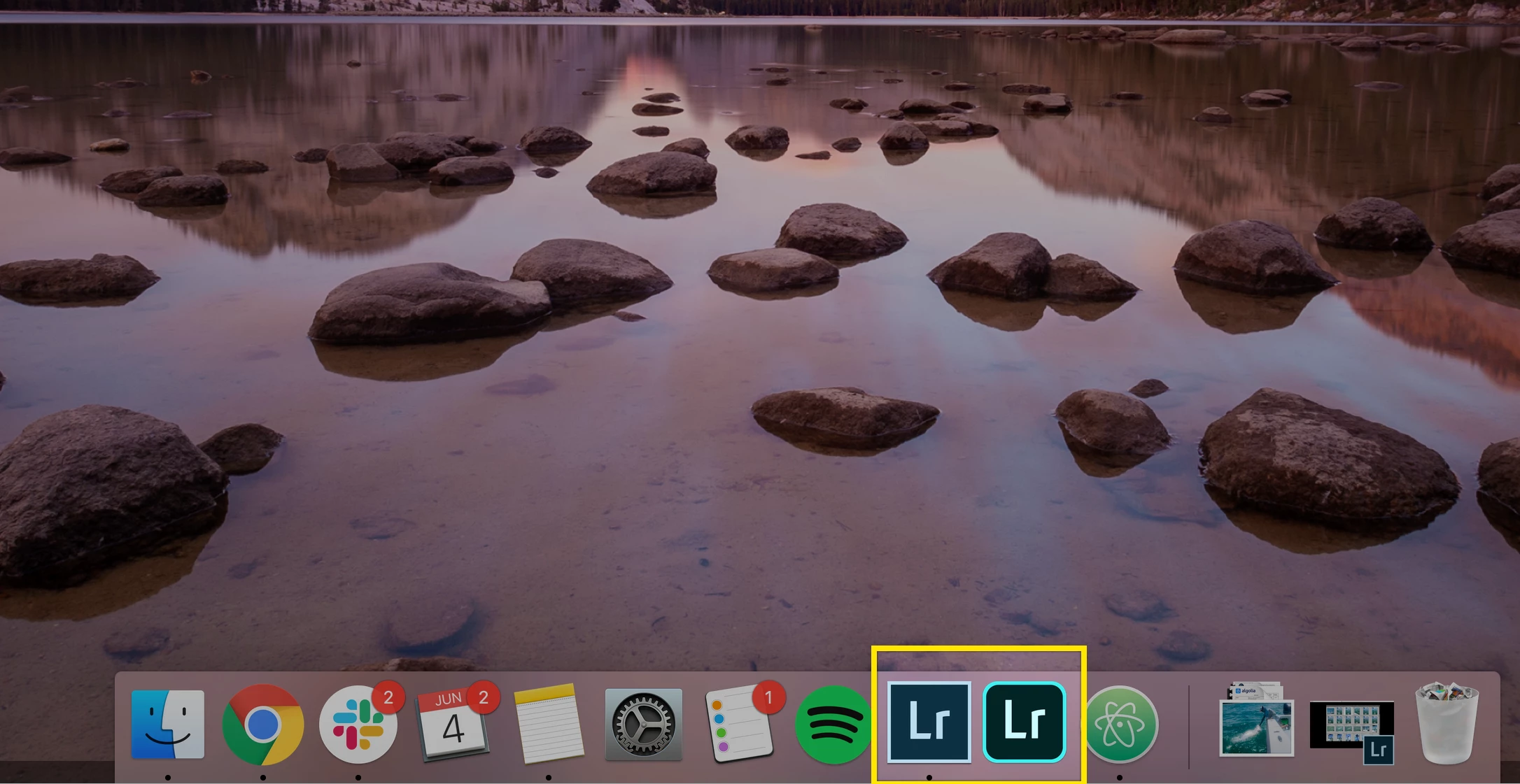
Can someone please explain the primary differences between these Lr apps?

  • June 4, 2019
  • 3 replies
  • 472 views

I work in software and it is absolutely beyond me why Lr has made working between Lr CC and Lightroom Classic so difficult. WHY?

Can someone please explain the differences between the apps in the attached image? Primarily, I use the Lr Classic as I find it more robust and user-friendly to catalog my images. With that said, Classic does not have Sensei technology/search that auto-tags people's faces using facial recognition.

So right now, I use Lr Classic to catalog and edit my images and Lr CC to search for people and other things using Sensei.

So, what are the main differences between these two apps? Should I be using both or one?
    This topic has been closed for replies.

    3 replies

    JP Hess
    Inspiring
    June 4, 2019

    In a nutshell, Lightroom Classic is the full-featured Lightroom  that allows you to manage your images on your computer, locally, and has a full-featured set of controls and file management assets. Lightroom CC (the cloud-based Lightroom) is primarily designed for people who are on the go and want access to their images on all devices instantly and have the capability to share those images quickly and easily with others. Lightroom CC does not have some of the capabilities that Lightroom Classic does, such as printing. However, for those who thrive on portability it seems to be the preferred Lightroom.

    Community Expert
    June 4, 2019

    Working "between" these apps can be expected to be a little difficult IMO, just the same as working "between" Bridge and LR Classic has always been expected to be a little problematic.

    That's because these alternative applications exist to answer different demands - to facilitate different desired workflows.

    Any transfer of work between, is therefore bound to be compromised to some degree, whatever efforts are made to deliver compatibility. Each has got some inherent strengths and characteristics that the other inherently lacks. To limit each to only make and use metadata that the other equally supports, would have been to hobble both.

    Akash Sharma
    Legend
    June 4, 2019

    Hi Harrybarnettw,

    Please take a look at the below descriptive articles that explains the basic difference between the two apps:

    Lightroom vs. Lightroom Classic | Adobe

    Lightroom CC vs. Lightroom Classic | What's the Difference? | Digital Trends

    Now to your query, Lightroom Classic's face tagging works a bit differently but you may achieve similar results: Use Intelligent facial recognition in Lightroom Classic

    Using a blend of both the apps is always beneficial as all the data is being synced to the cloud.

    Thanks,

    Akash

    harrybarnettw
    Inspiring
    June 4, 2019

    Yes, I understand the face tagging works differently between the two apps. This would not be an issue Classic and CC SYNCd when tagging, but they DON'T. Why would I spend over double the effort to tag people in Classic if it's not going to reflect in CC?