Inconsistencies in the way Lightroom displays a photo and exports it
Hi there! I'm having an issue with my Lightroom Classic CC rendering some photos really inaccurately. This is a photo from a bonfire at a recent wedding.
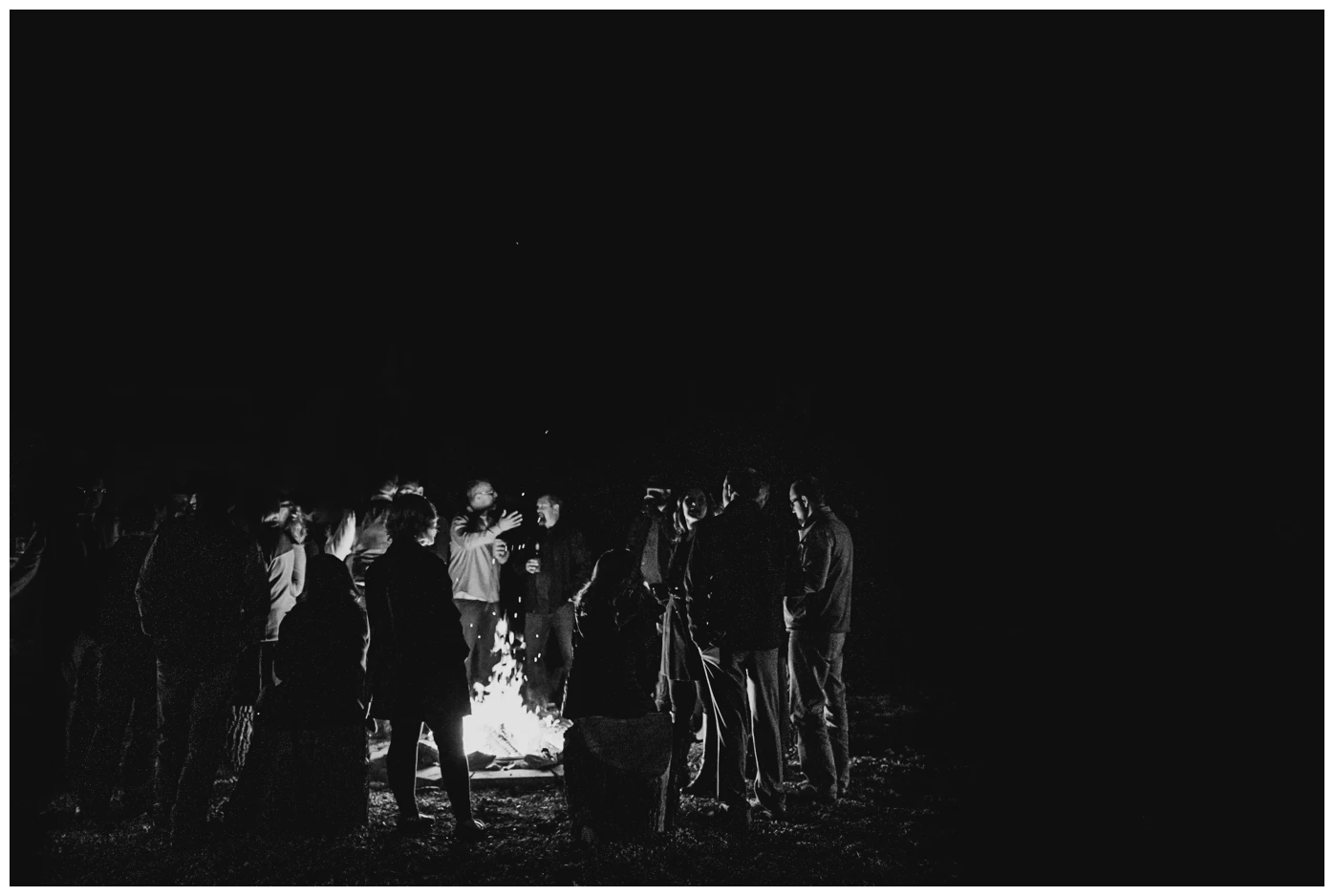
^ That is a screenshot of how the image displays in Lightroom, which is the way I want it to look.
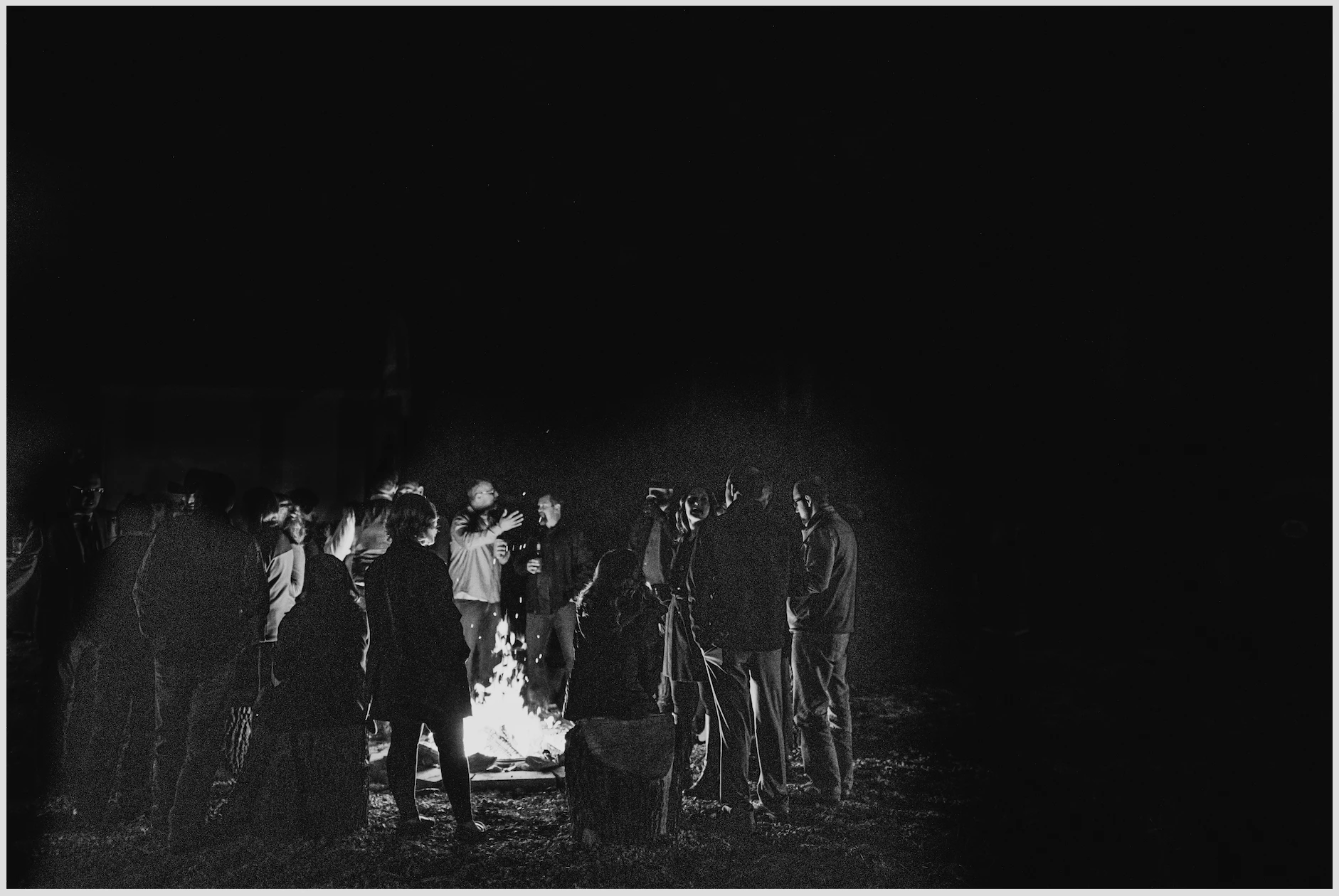
^ This is how the jpeg file appears once it's exported. It looks this way everywhere: Preview, Photoshop, Pass+ client gallery... If I pull the correct-looking photo from Lightroom directly into Photoshop, it looks like this too.
As a professional photographer, that’s a train wreck compared to the original and I’d never deliver it. The spots that I lowered highlights are suddenly really obvious, there is a ton of grain that has appeared all over the people. Why is this happening?! It does similar things when I export other darker photos that have been even a little bit brightened, making them really unbearably grainy, even though they look fine in Lightroom.
This is frustrating when I don't realize the discrepancy until I'm uploading them to the client gallery. And then trying to fix the problems is obviously difficult when Lightroom isn't showing me an accurate preview of how the photo will export. Is there a way to avoid this without going back through every photo *after* I export to make sure they’re fine? And then fixing and re-exporting and fixing again and exporting again until the exported one looks fine-ish?
Below are my export settings. It's not sharpening on export, and I get the same result regardless of if quality is at 80 or 100. That's why I believe the problem is rooted in the way Lightroom is displaying photos, and I'm not sure how to fix that.
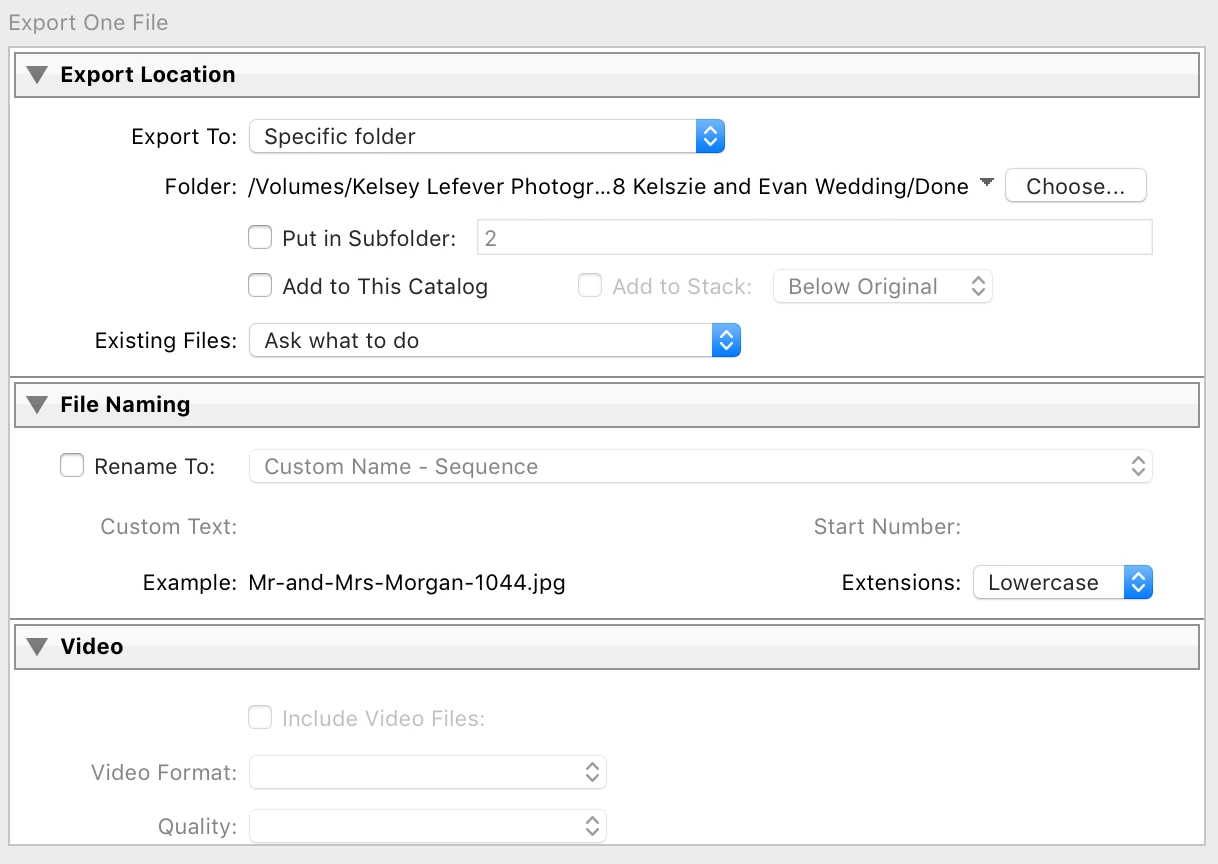
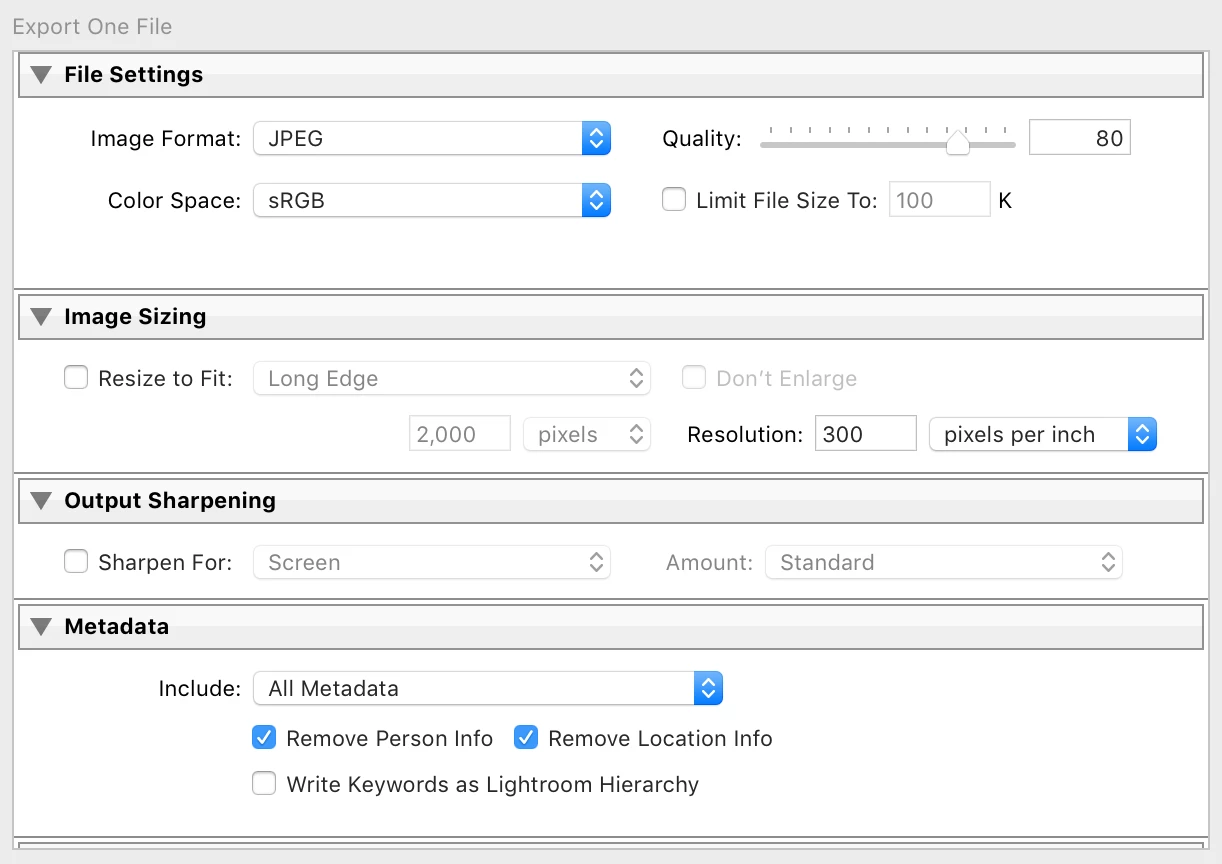
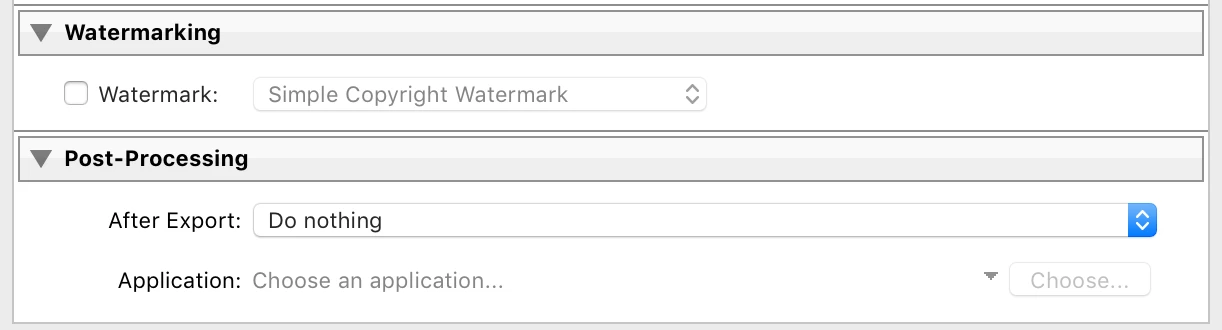
Edit to add I'm using a 2014 Macbook Pro High Sierra 10.13, Lightroom Classic CC 7.4.
 AdChoices