Participant
December 27, 2019
Answered

Layered PSD files which are saved in Lightroom are opening as flattened PSDs

  • December 27, 2019
  • 2 replies
  • 476 views

Layered PSD files which are saved in Lightroom are opening as flattened PSDs

I started cleaning up my Lightroom folders today as it's a good time before the new year begins and I opened up a layered PSD file which was saved in my library. To my shock, i noticed it was flattened so I opened up another few PSDs and they were all the same. I thought at first I did this by accident but there is no way i would. If I have saved as a PSD, it's because I had layers and smart objects etc which I needed to preserve.


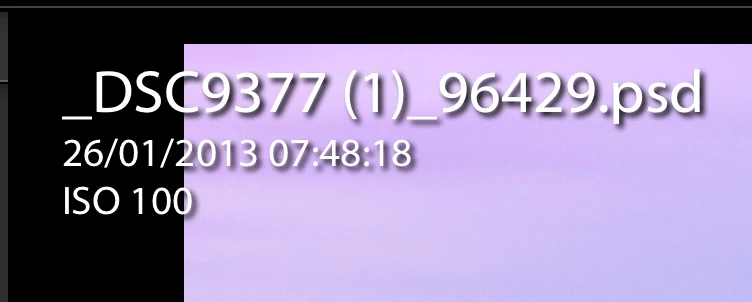
What is also peculiar is all the PSD files which have flattened have a numbered extension added as below. "_96429" for eg below. The numbers vary from file to file but all the files which have numbers added are flattened.


Can anyone please, let me know what the hell has happened here?!

Thanks!
 

This topic has been closed for replies.

2 replies

Community Expert
December 27, 2019

Right answer is in David's link. In short : "Edit original"

Participant
December 27, 2019

Hi guys, thanks for the reply!

That's what I have been doing. I'd right click on the image and always choosing 'Edit Original'.


I probably should add, some of the PSDs still have layers but the smart object which was the RAW file i imported from Lightroom by selecting 'open in photoshop as smart object' originally has been convered to a background layer and flattened.


See below for eg. The 'Background' layer is flattened. This would of preveiously been a RAW Smart Object which i took in from Lightoom. Now it's flattened?


Community Expert
December 27, 2019

That is not something that Lightroom could have done. It has no way to flatten the smart object layer as it has no construct for layers at all. All it can access is the flattened layer that is present as a preview in every psd and photoshop tiff file. Just tested this and I did not get a flattened smart object layer after saving it from Photoshop, and hitting edit as original again from Classic. Also the (1) you see in the filename is not something Lightroom ever does. This is more typical for Photoshop, preview or other apps.

GoldingD
GoldingDCorrect answer
Legend
December 27, 2019