
janhavelka
Known Participant
March 13, 2022
Question

Motion fog effect animation

  • March 13, 2022
  • 3 replies
  • 957 views

Hi All,

I'm wondering about how the animated fog effect depicted in the attached GIF was achieved.
Any tips or suggestions are welcome, I'm not even sure if this could be all done within PS or if its a cross-app combo process.

Thanks for your help and have a great day
ps. sending positive karma to anyone that can point the way
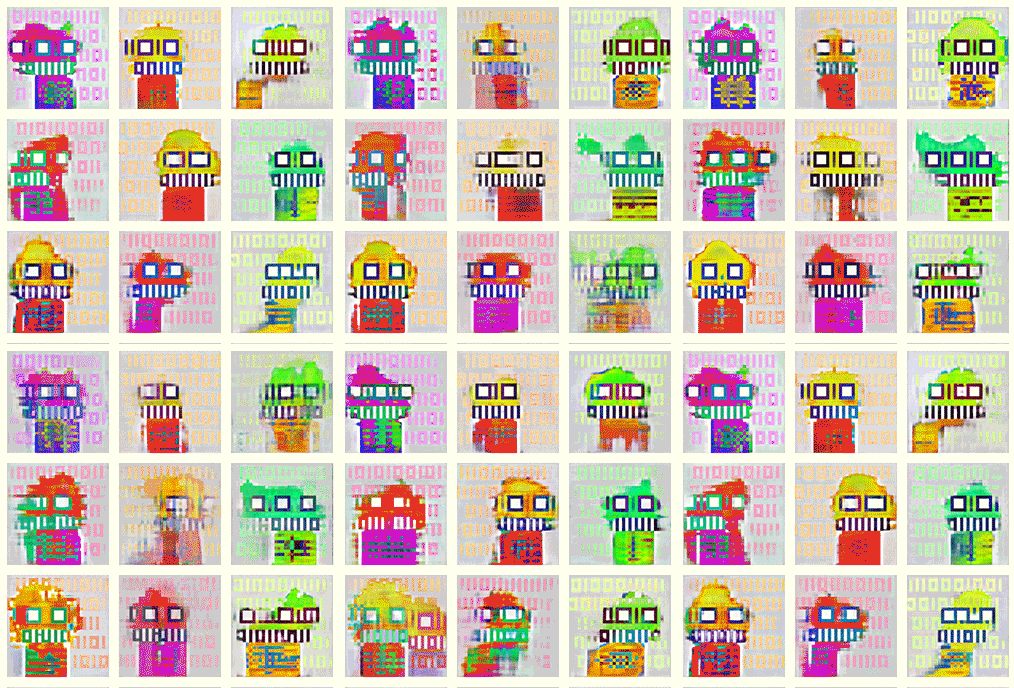
This topic has been closed for replies.

3 replies

c.pfaffenbichler
Community Expert
Community Expert
March 24, 2022

One could create some moving cloudy structures with timeline animation and use that as the basis of a Clipping Mask. 


mglush
Community Expert
Community Expert
March 22, 2022

I agree with S. Gans above that layers is the way to go, with the addition of layer masks. It looks like there are several layers for each square in the image. The way they melt into a new image looks like a Layer mask painted with a soft edge brush, frame by frame to give the feeling of movement and the illusion of the image morphing. 


Here is a link to a tutorial on how to create layer masks: https://helpx.adobe.com/photoshop/how-to/layer-mask.html

Let us know if that helps,

Michelle

S_Gans
Community Expert
Community Expert
March 21, 2022

This looks like a relatively simple Timeline Frame Animation (https://helpx.adobe.com/photoshop/using/creating-frame-animations.html)
If it was me, I'd use a number of layers, and use the Liquify filter to create variations on the color layer. Then play with transparency on the other layers.... frame by frame... using the layer eyeballs to hide and show layers as you go.
Tedious, but cool!

Adobe Community Expert / Adobe Certified Instructor