Participant
July 14, 2018
Question

photoshop 3d extrude into white object

  • July 14, 2018
  • 2 replies
  • 836 views

Hi

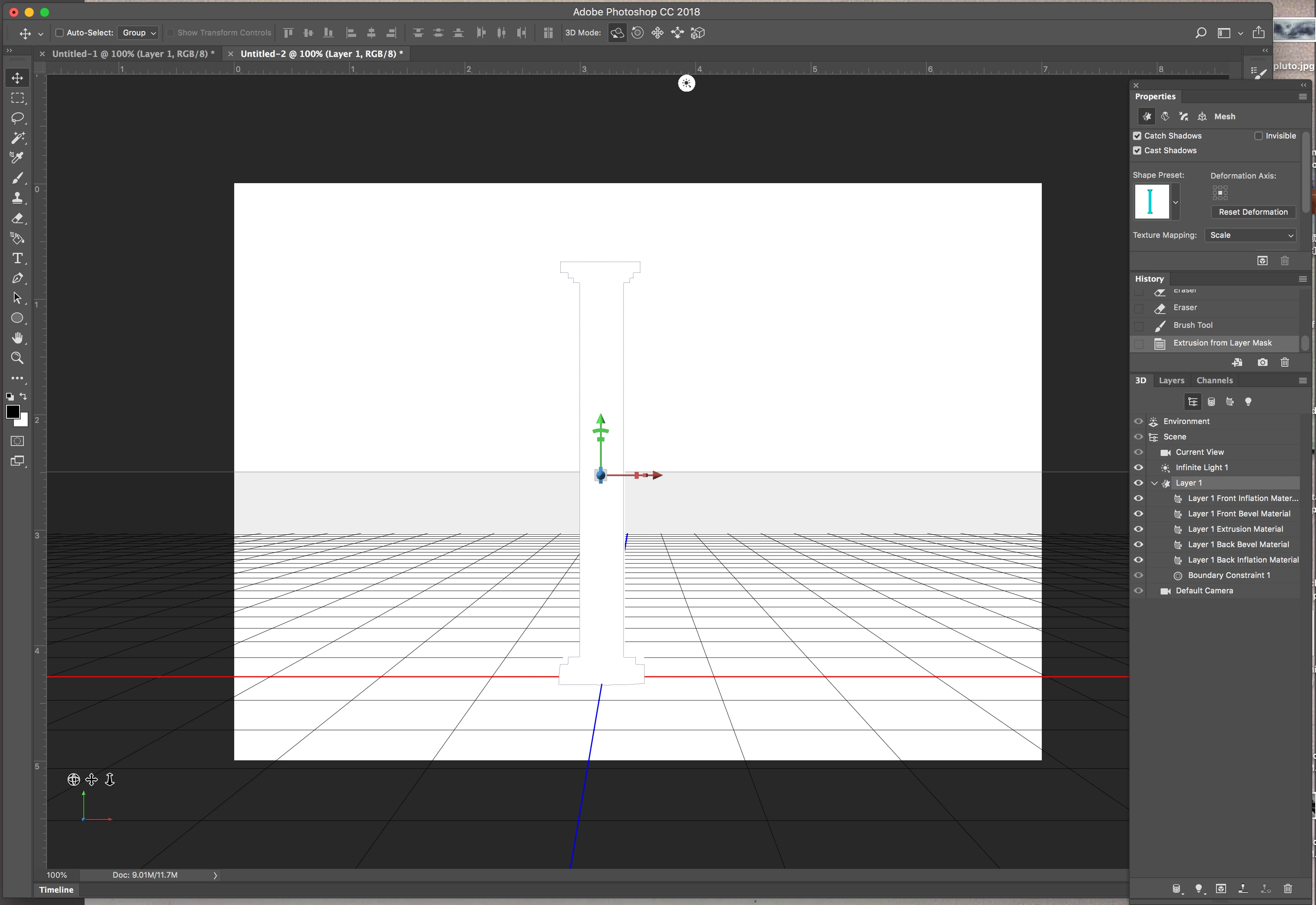
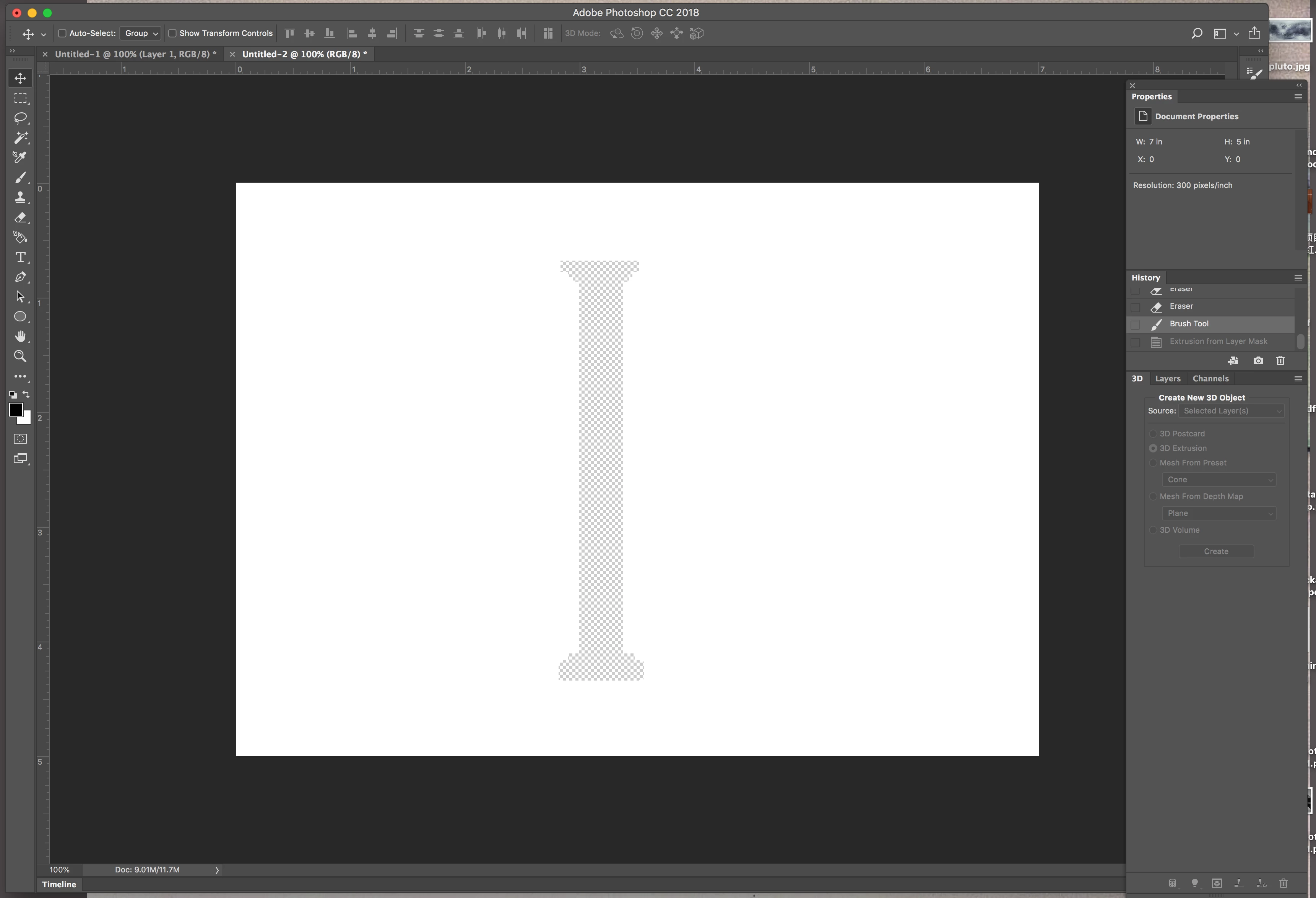
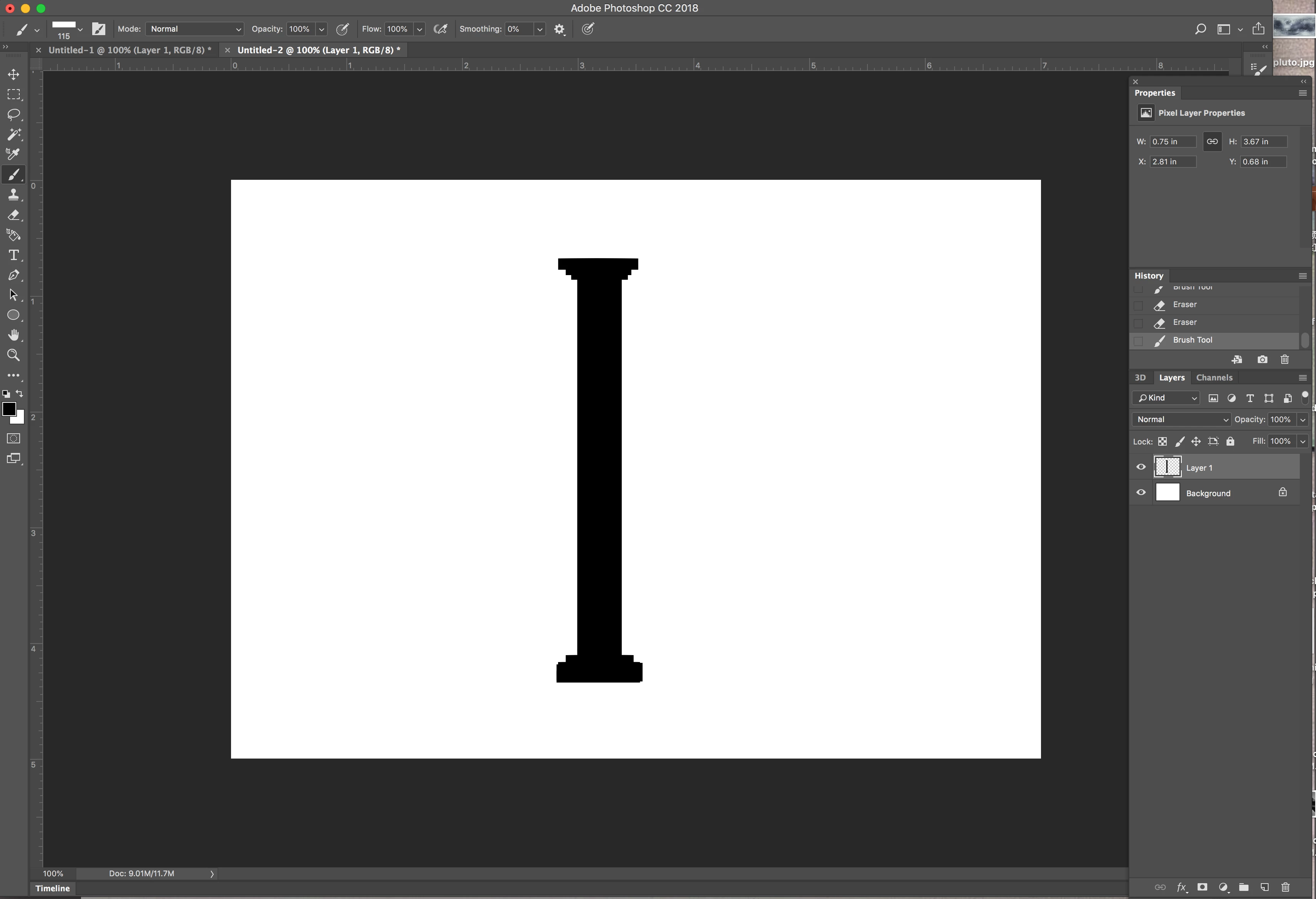
I recently start learning photoshop 3d and have been enjoying it. However, I am having the problem with the extrude option. I am trying to create a column. But when I hit extrude, it turns into this white 3d object with no texture on and is completely white, and when I "control z" it, it goes back to this. I couldn't find a way to fix it,

anyone has a suggestion?

This topic has been closed for replies.

2 replies

davescm
Community Expert
Community Expert
July 14, 2018

Hi

Something is not right.

Normally a 3D extrusion from a layer will apply a diffuse material based upon the source layer. In addition stepping back with Ctrl+Z should take you back to the previous unaltered state.

Try restarting Photoshop and create a new document. If this still happens, then reset Preferences by going to Preferences >General>Reset Preferences on Quit then close and restart Photoshop.

Dave

Dave

Mylenium
Legend
July 14, 2018

Seems perfectly normal. Not sure what you expect. You never used a "real" texture to begin with and in that case realyl only a blank geometry is created. Feel free to manually add whatever detail textures you need by editing the materials.

Mylenium