Photoshop CC(2017) freezing on startup
Hi everyone,
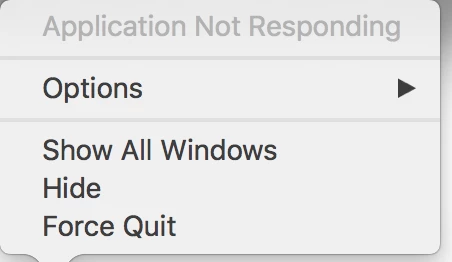
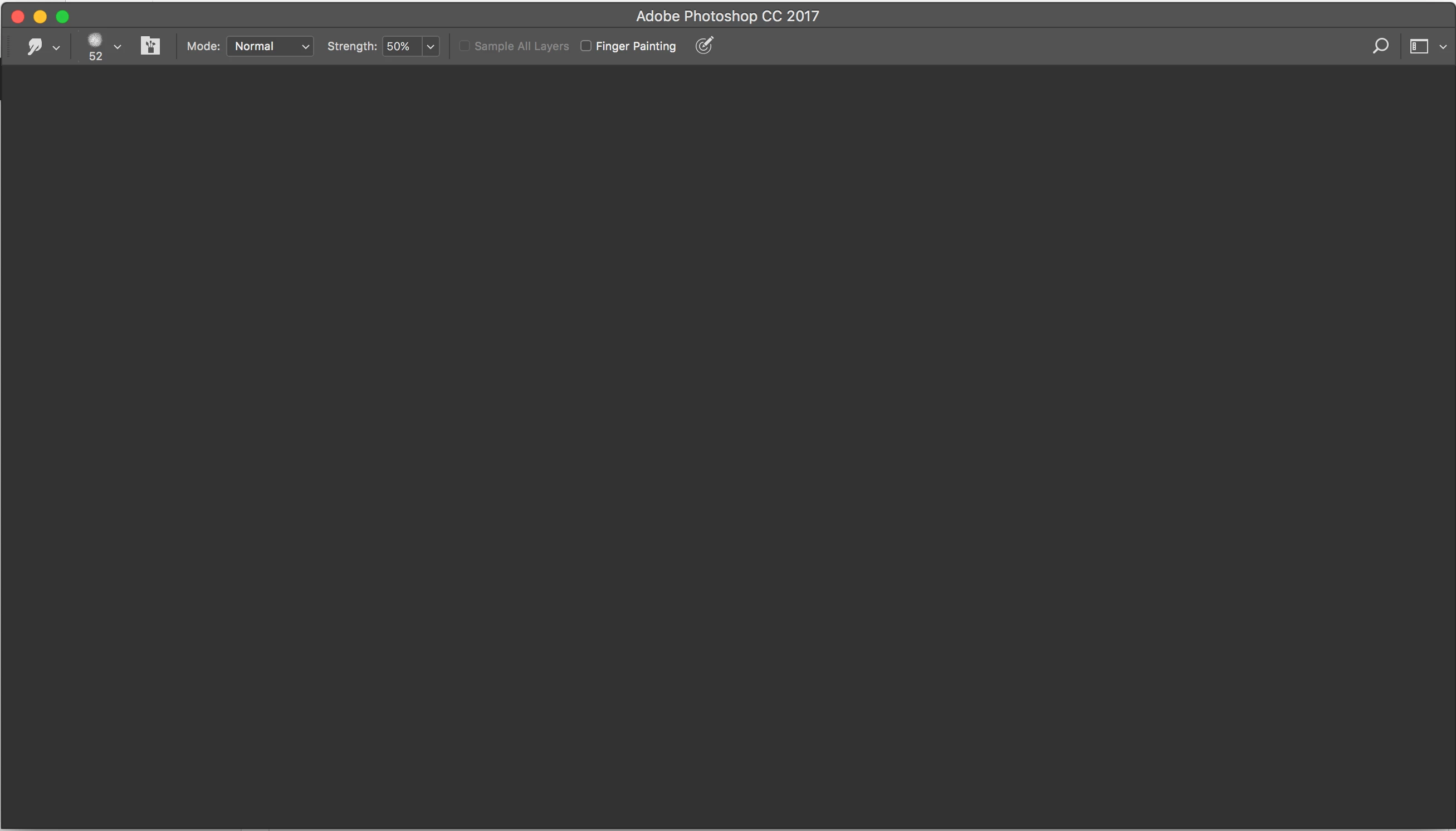
I've been having a problem with photoshop that I can't figure out, hopefully someone here can give me a hand. I can't get photoshop to launch on my Macbook Pro. I'll get the loading screen, then the main workspace pops up, but no content loads, just a gray window and the loading cursor (pics below). When I right click the application it says that photoshop has stopped responding, and I have to force quit the application. Same thing happens if I relaunch. The only thing that helps is restarting my computer, but the next time I close and relaunch photoshop the same thing happens.
Up until now, this has been happening on my Macbook Air, so I figured that the problem was just too little processing power. I switched from Chrome to a lighter browser and I didn't have the problem anymore. However, I just upgraded to a Macbook Pro 15 in, which should be more than enough to handle chrome and photoshop at the same time, but it's still happening. I migrated everything over from my old to my new computer, so if it's a bad file, it could have been transferred with everything else. I've already tried removing chrome extensions, reinstalling photoshop/chrome, updating, creating a new photoshop preferences file, nothing has helped.
If anyone has any ideas why this is happening/how to fix it, I'd appreciate it!
Thanks,
Jessica
 AdChoices