hannahg54108983
Participant
July 19, 2017
Question

Restore a potentially corrupt file

  • July 19, 2017
  • 1 reply
  • 193 views

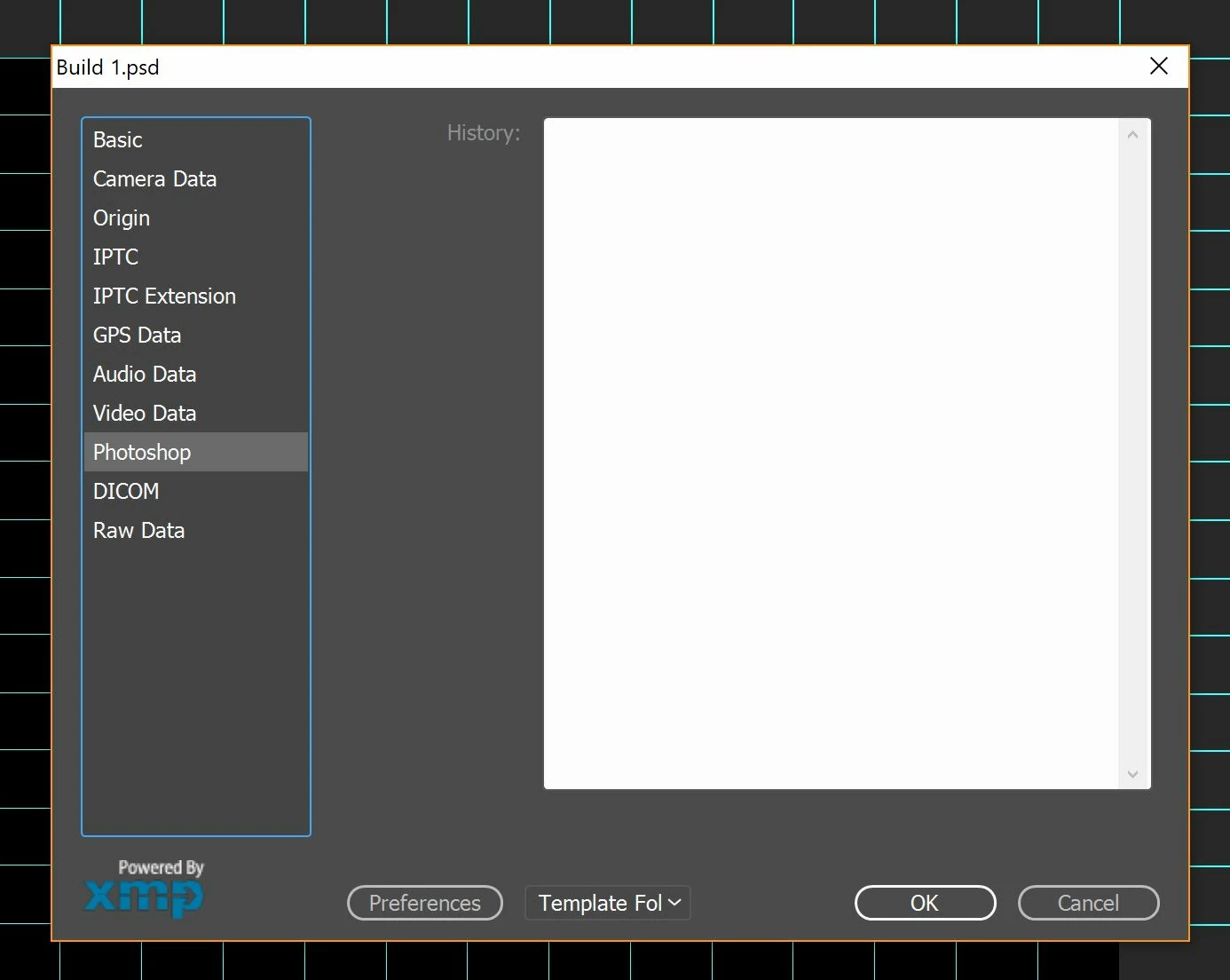
So i've been working on a piece for the last three days, when i open it and it just shows the background layer in black. When going onto the file info, all but the 'Raw Data' tab is blank. I've also looked into restoring previous versions, but it says there aren't any.
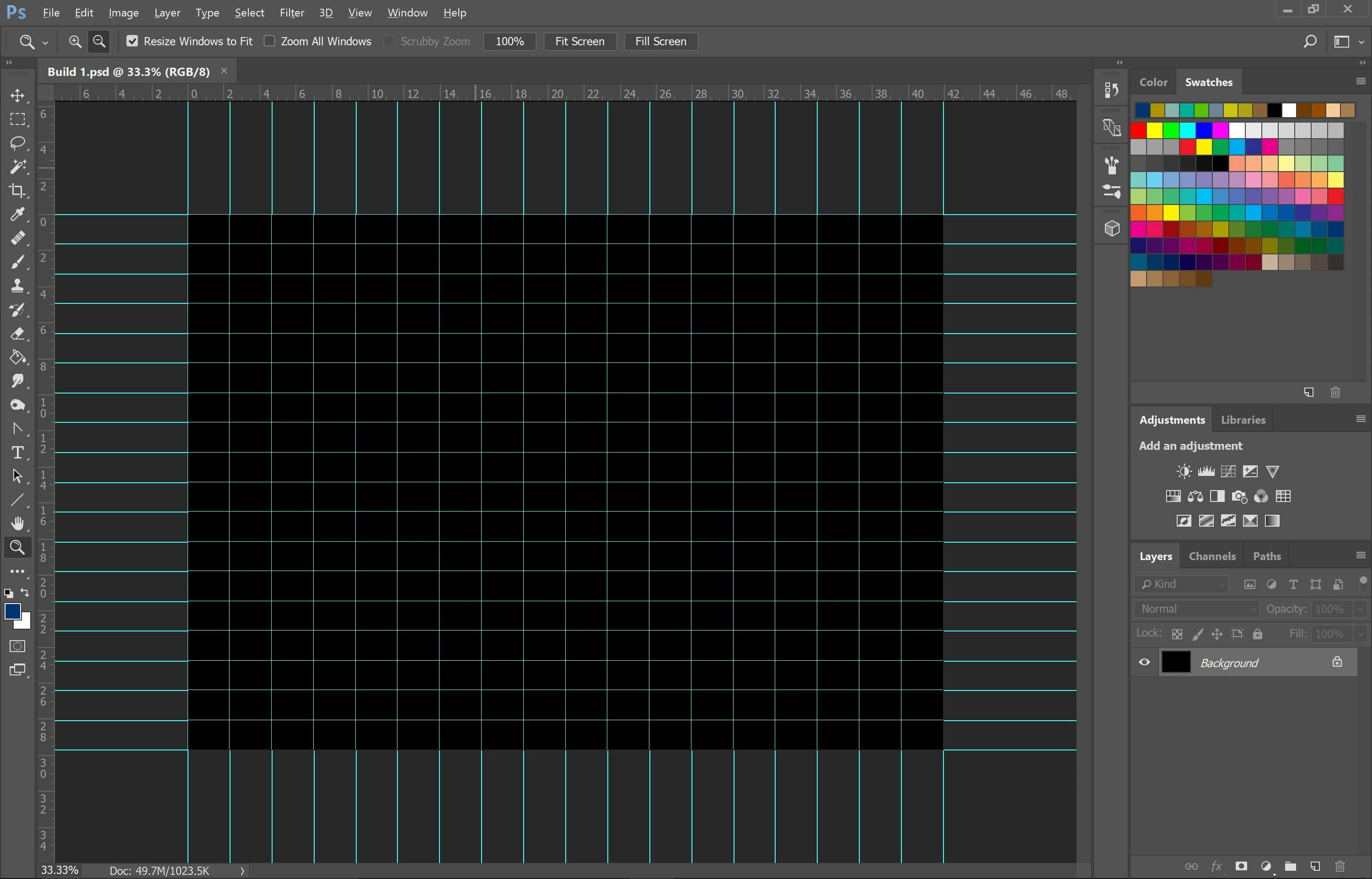
The JPG files i made from this as i was going were completely fine (so it's not a complete loss for me) but i would like the original file back so i can work on other aspects i had planned to add.

This topic has been closed for replies.

1 reply

JJMack
Community Expert
Community Expert
July 19, 2017

I think the only possible would be if you have enabled windows file history or Mac Time machine to keep version of your files. You could get a prior version of the file.  Using a disk scavenger may be able to fine the remains of a previous version if the file is on a disk that is not heavily utilized.

JJMack
hannahg54108983
Participant
July 19, 2017

... i'd hoped that wasn't the case... it's a shame cuz its definitely got something (i mean i'm pretty sure a file doesn't use up 121MB for just a single layer with a black background). I'll try a disk scavenger but i'll see how it goes.