
Inspiring
February 9, 2023
Answered
when I save file it creates new file with same name
- February 9, 2023
- 7 replies
- 1401 views
I'm using the latest 24.1.1 PS on a Macbook Pro running Ventura 3.1. For a week when working on a file (.psd or .jpg) I will save the file. (File>Save or CMD-S.) I save the file a number of times to make sure my work doesn't get lost. Now, if I save the file PS saves the file to the original disc UNDER THE SAME NAME, so that after five saves I have five different files under the same name. I click on any one of them in Bridge, but it's like they're not there. Can't open them.
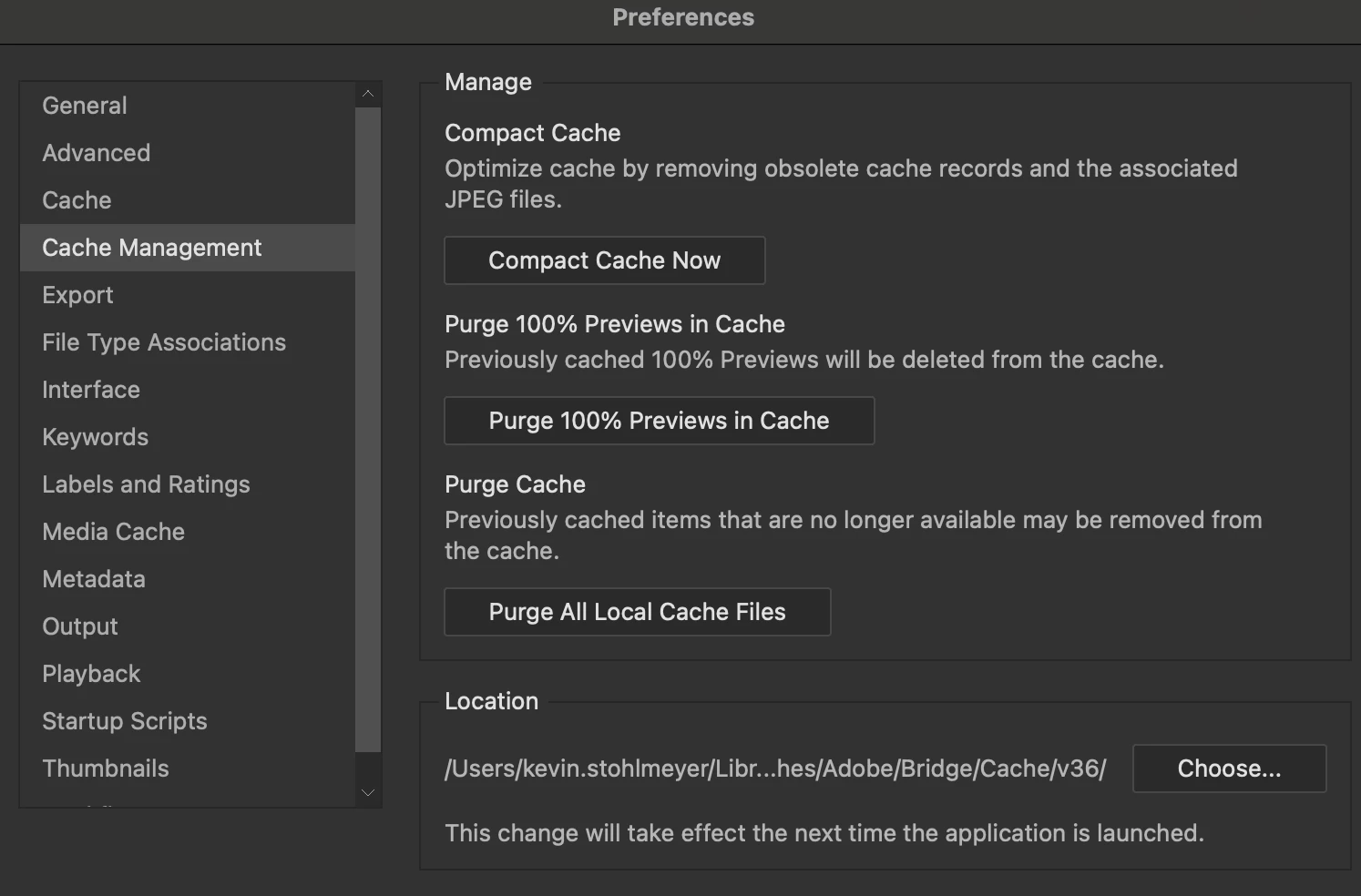
Anyone else experiencing this? I haven't changed settings, and checked all settings to see if there was one that addressed this, but can't find one. See attached. PS shouldn't save under the same name w/o a popup that says "Replace"?
Thanks.
 AdChoices