

Exported Video Looks Awful
I have been trying to solve this for a week now. I have an animated sequence that I have tried importing to Premiere either as a .mkv (movie) file (exported from Blender) or as an PNG image sequence directly into Premiere. Either way, when I export the video the sequence looks awful.
What's driving me up the wall is that I've already imported other sequences into the Premiere project that look fine when exported. That would seem to indicate that there is something about this particular sequence that is causing the problem. However, when I render it out of Blender, it looks fine and sharp. It even appears to be sharp when editing in Premiere, but then when exported looks awful.
You can see the issue here at 2:30. But then notice at 2:36, the image looks much sharper.
Same thing can be seen at 2:50, looks sharp. But then at 2:55, the quality drops again (different sequence).
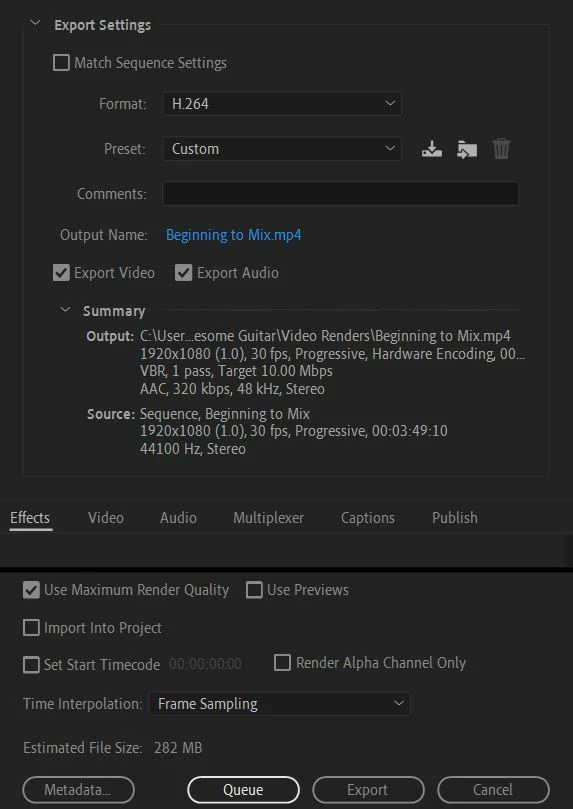
Any help is much appreciated!
Edit: One other detail: The animation is rendered at 30fps.

 AdChoices