

Question
Glyphs in Premiere Pro
Hello! How do I access the font character map or glyphs palette in Premiere Pro on a MAC computer?
I am using a font where the numbers are old style and descend below the baseline. This is what the numbers currently appear as:
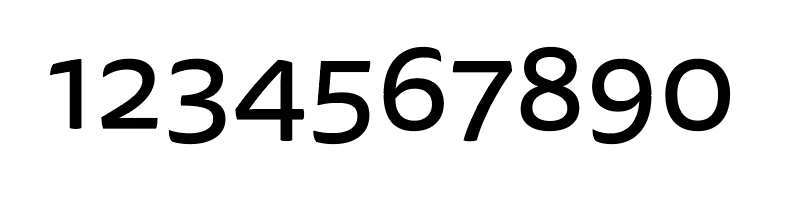
And this is what I'm hoping to achieve with the glyphs:
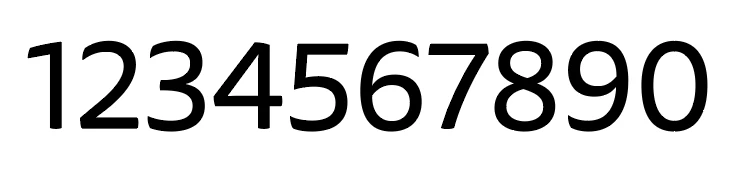
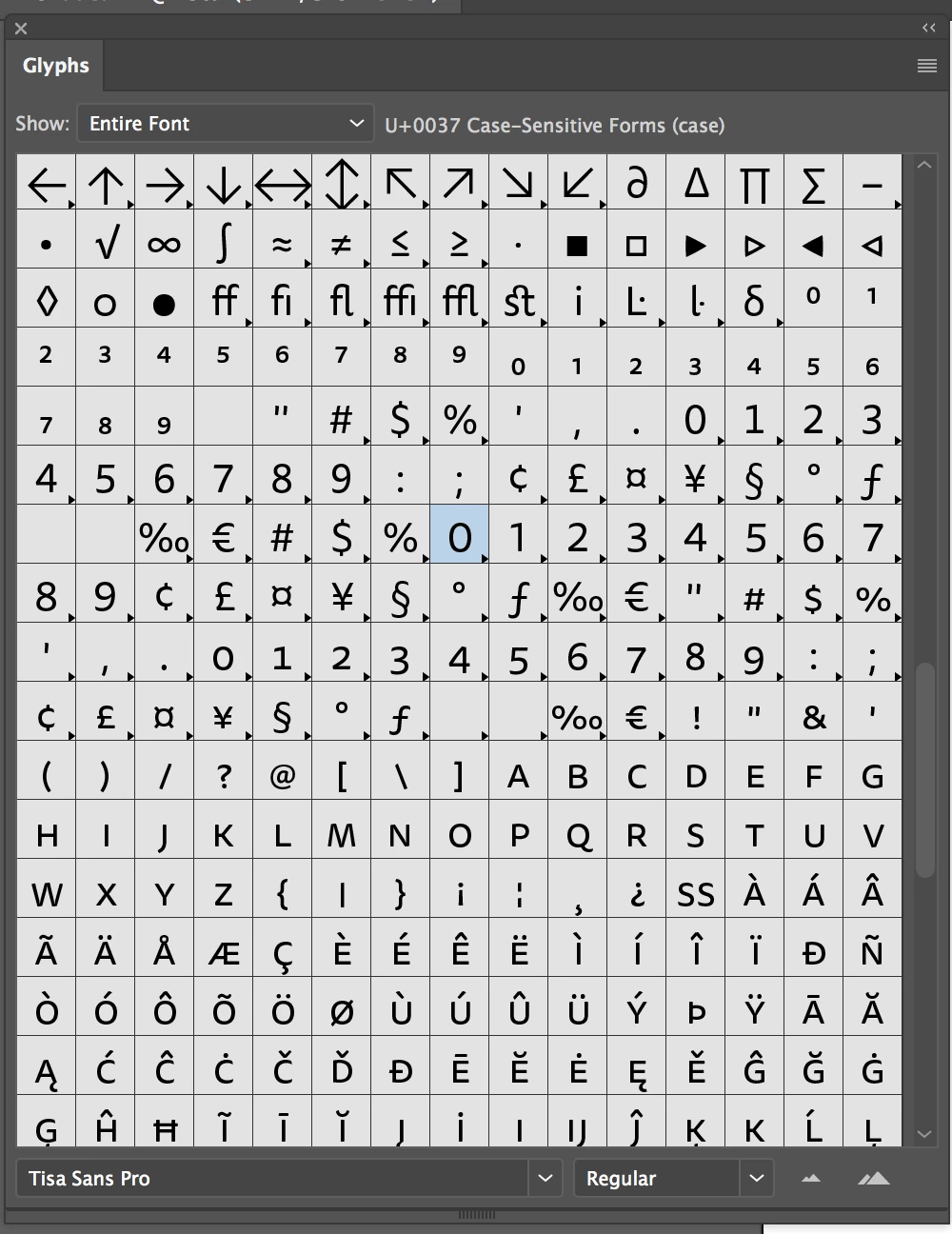
Illustration, InDesign, Photoshop—all have the option to access the glyphs panel but I can't easily find how to do this in Premiere Pro. Here's an example of the character map or glyphs panel in Illustrator. Does this exist in Premier Pro?
Thank You!
 AdChoices