Premiere Won't Launch - M1 Mac Mini
Hello,
I have been editing with a Mac Mini M1 computer with no issues. Sudeenly after a crash the application will not move past the launch screen and will not load anything. I know that plugins can stall launch, but the plugins don't even begin to load so I cannot see what is causing the error.
I have done the following:
Updated OS
Installed Older version of Premiere
Used Adobe Cleaner to fully uninstall
Checked activity Monitor for any leftover adobe software running (none)
Reinstalled after a restart and everything done
Removed all plug ins I previously installed
Please help!
I am running Monterey 12.6 OS
Chip: Apple M1
Total Number of Cores: 8 (4 performance and 4 efficiency)
Memory: 16 GB
Running dual monitors (I read someone else had issues with this but I went down to 1 monitor and the problem persisted)
I am on the newest version of Adobe Premiere as well.
Here is a screen shot of what I see when I try to launch Premiere:
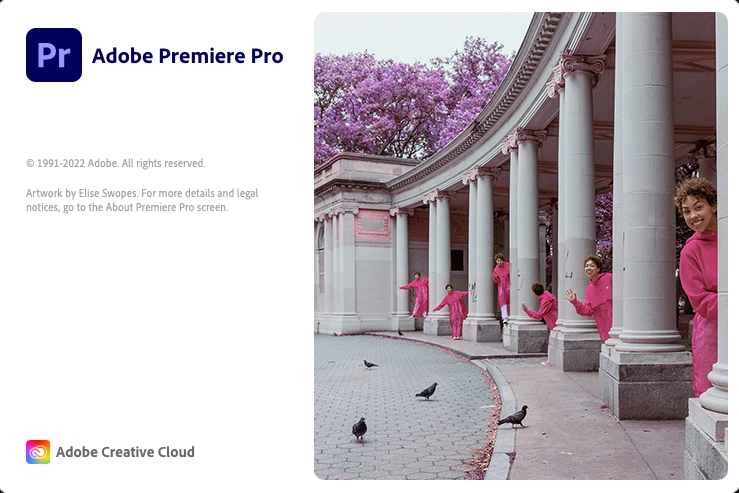
As you can see, I cannot even see what plug in, or what it is that is stalling the launch
Question 1:
Is there something I haven't tried which could fix this?
Question 2:
Is there another way to find and delete all Adobe plugins?
I have a .dmp crash report which wont load below. I can forward it upon request
Thank you in advance for your help
 AdChoices