Participant
January 19, 2019
Answered

Reverb Effects "Large Room" GONE....how to recreate?

  • January 19, 2019
  • 1 reply
  • 2745 views

Hello,

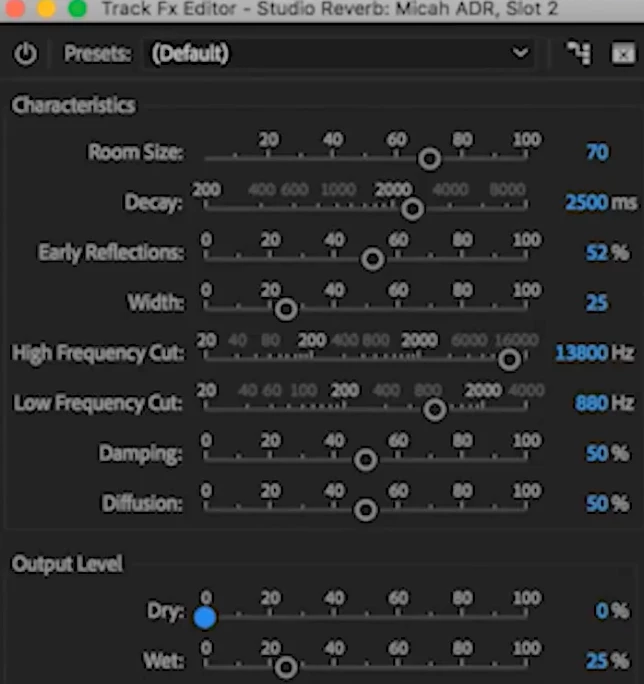
I recently upgraded to Premiere Pro CC 2018 and noticed the Reverb effect in was replace with Studio Reverb.

Now I've been using the Reverb effect with the "Large Room" preset and now I can not recreate it with Studio Reverb.

Can someone help me on how to recreate the effect? I'm not an audio engineer so I don't know what parameters to change.

I attached both parameters from PP 2015 and 2018 for reference.
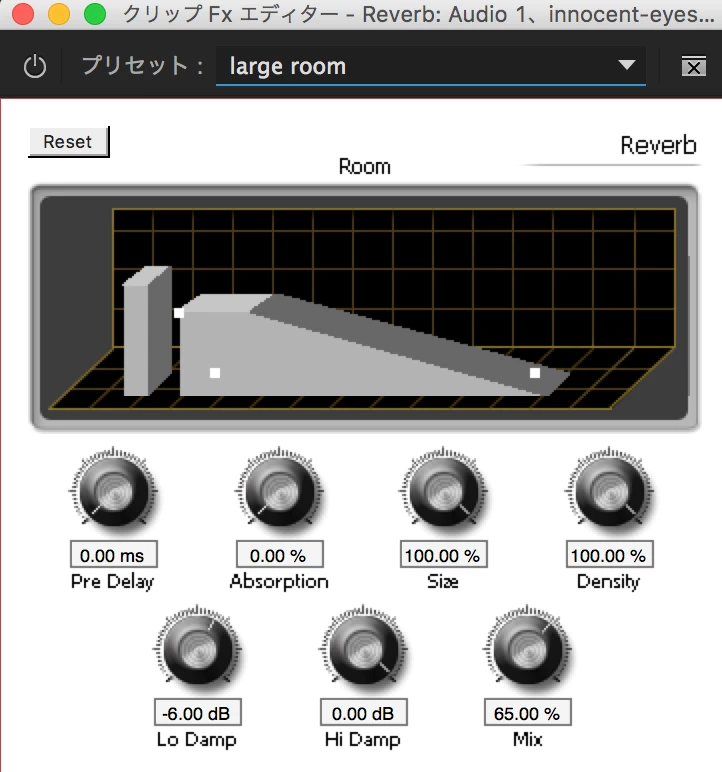
any kind of help would be appreciated.
    This topic has been closed for replies.
    Correct answer Meg The Dog

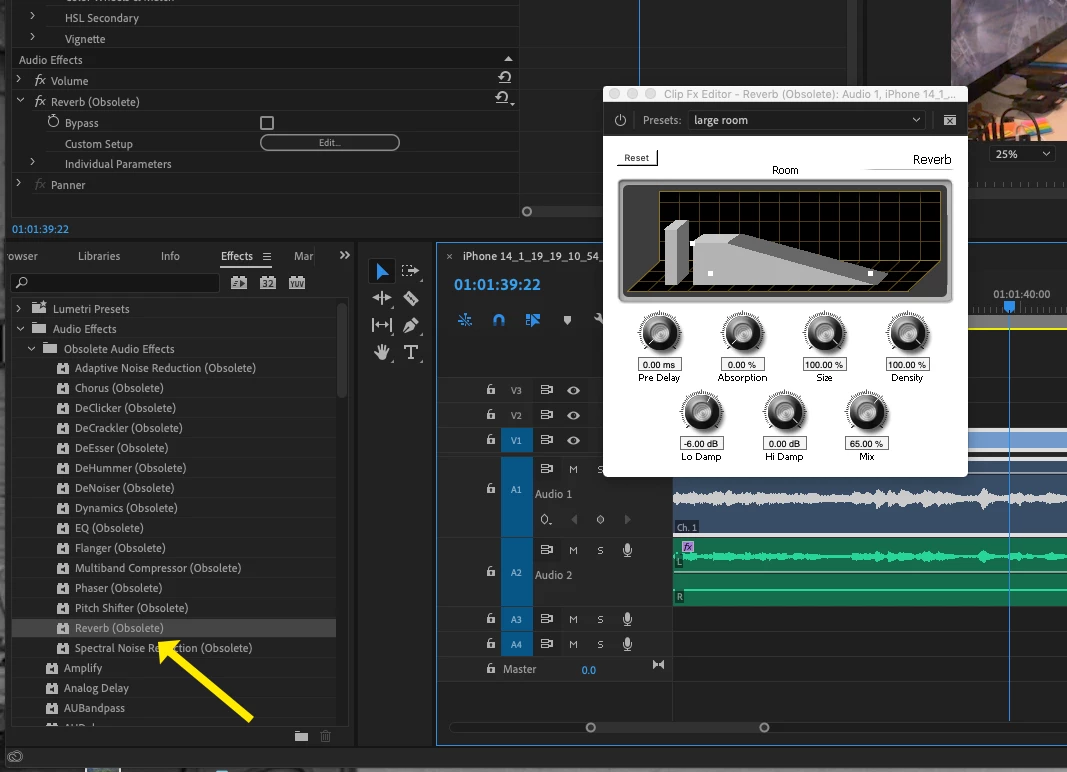
    That effect is still in Premiere (for the time being):

    Effects > Audio Effects > Obsolete Audio Effects > Reverb (Obsolete).

    When you apply it to a clip on the timeline you will get a dialog box asking if you would like to use a newer version of the effect, click on No.

    MtD

    1 reply

    Meg The DogCorrect answer
    Inspiring
    January 19, 2019

    That effect is still in Premiere (for the time being):

    Effects > Audio Effects > Obsolete Audio Effects > Reverb (Obsolete).

    When you apply it to a clip on the timeline you will get a dialog box asking if you would like to use a newer version of the effect, click on No.

    MtD