Participant
November 27, 2022
Question

Text moving when scaling up

  • November 27, 2022
  • 4 replies
  • 10348 views

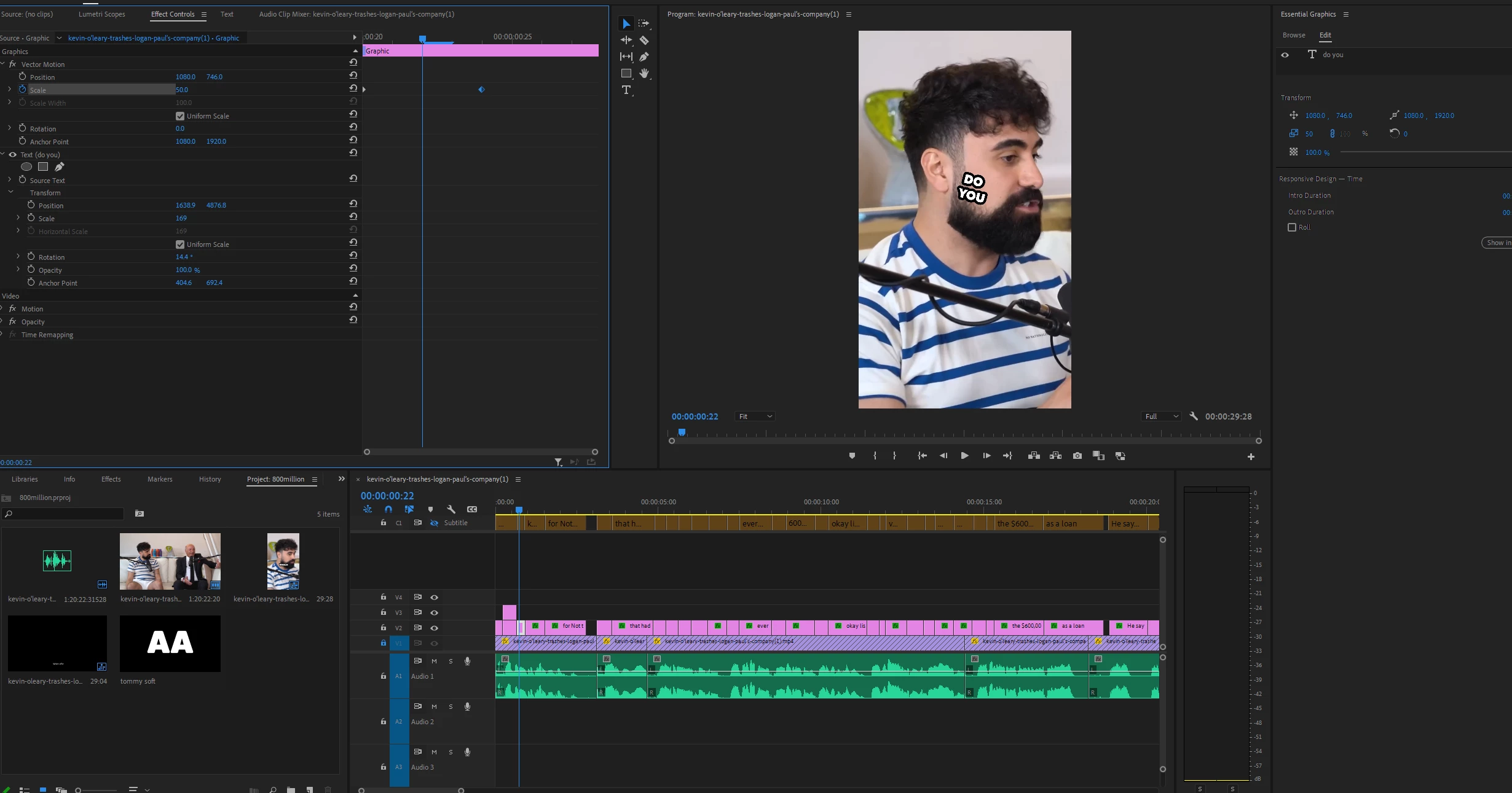
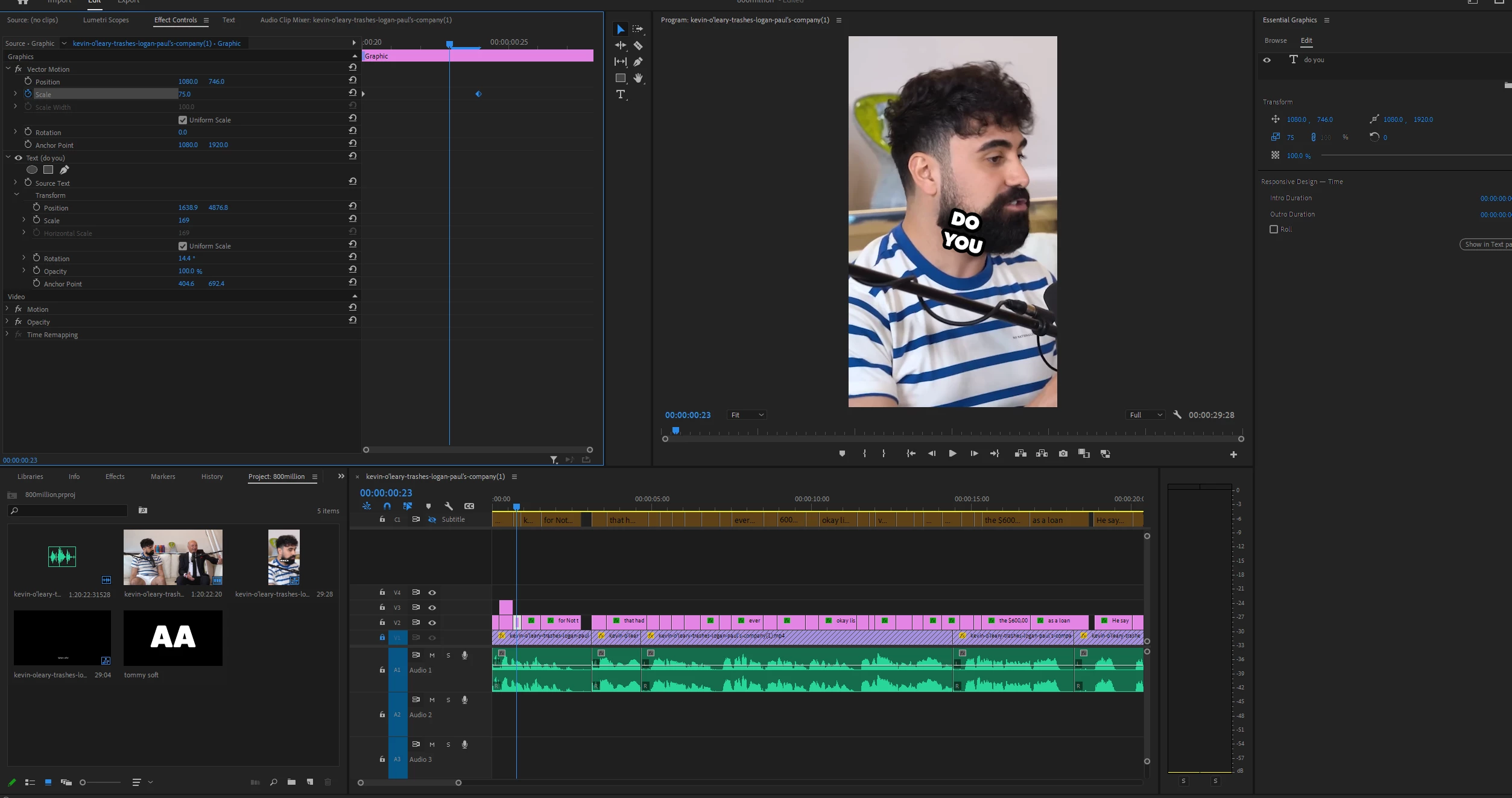
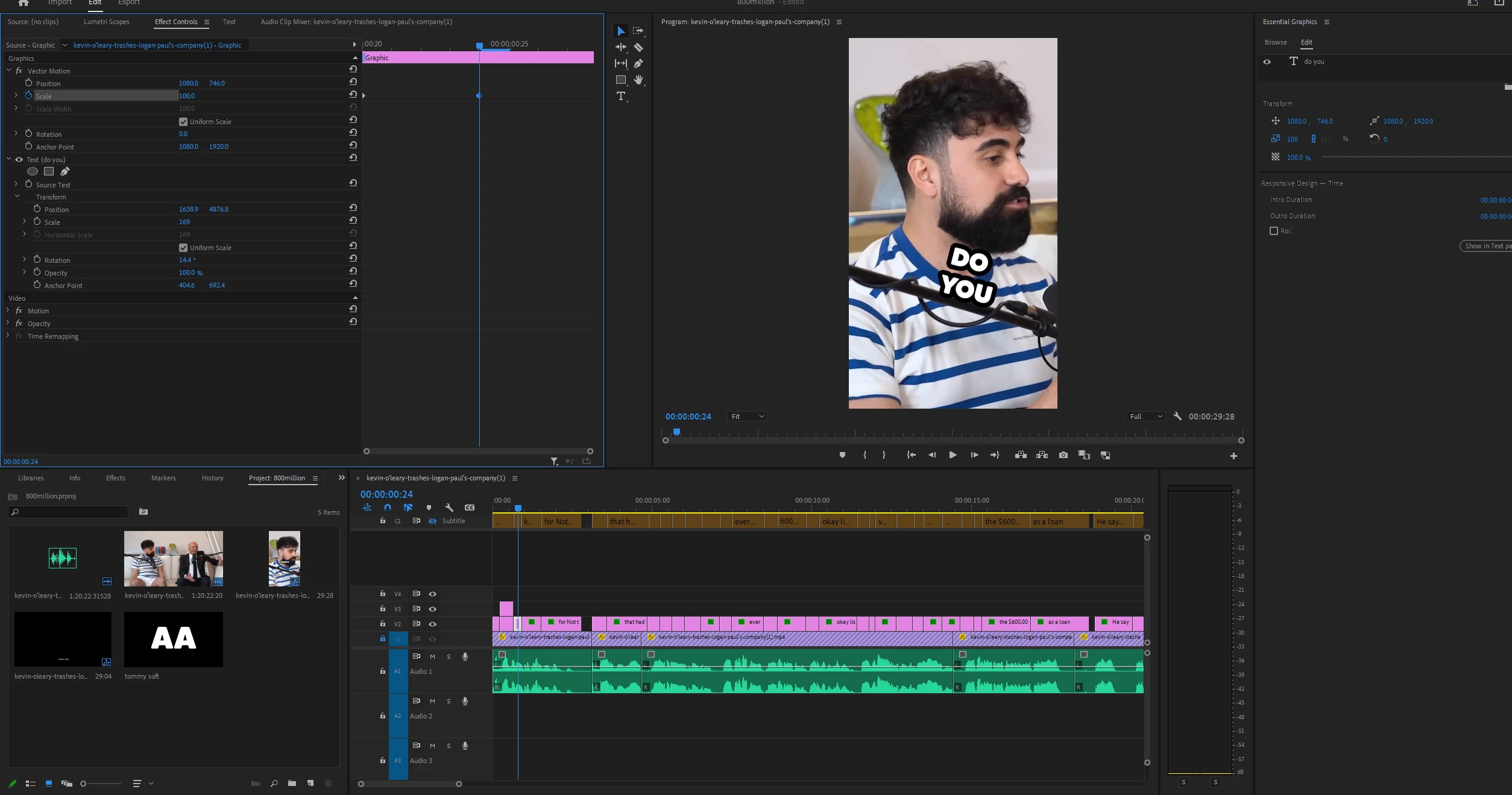
Hi i am trying to do a pop up effect with scale keyframes. when i position the text to a wanted location and make the scale keyframe. The pop up doesnt start from the center of the text but somewhere completely elsewhere. here are some screen grabs
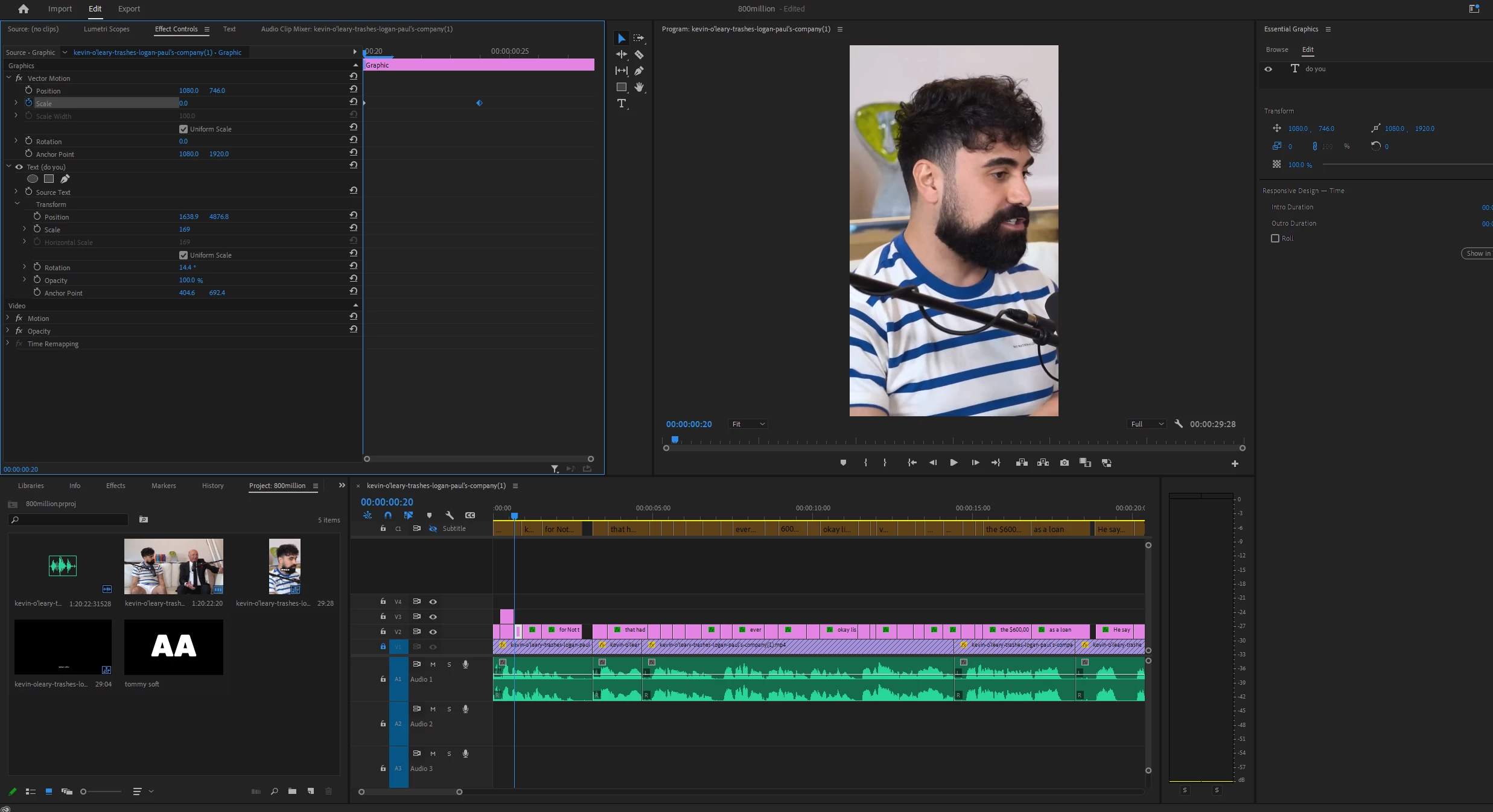
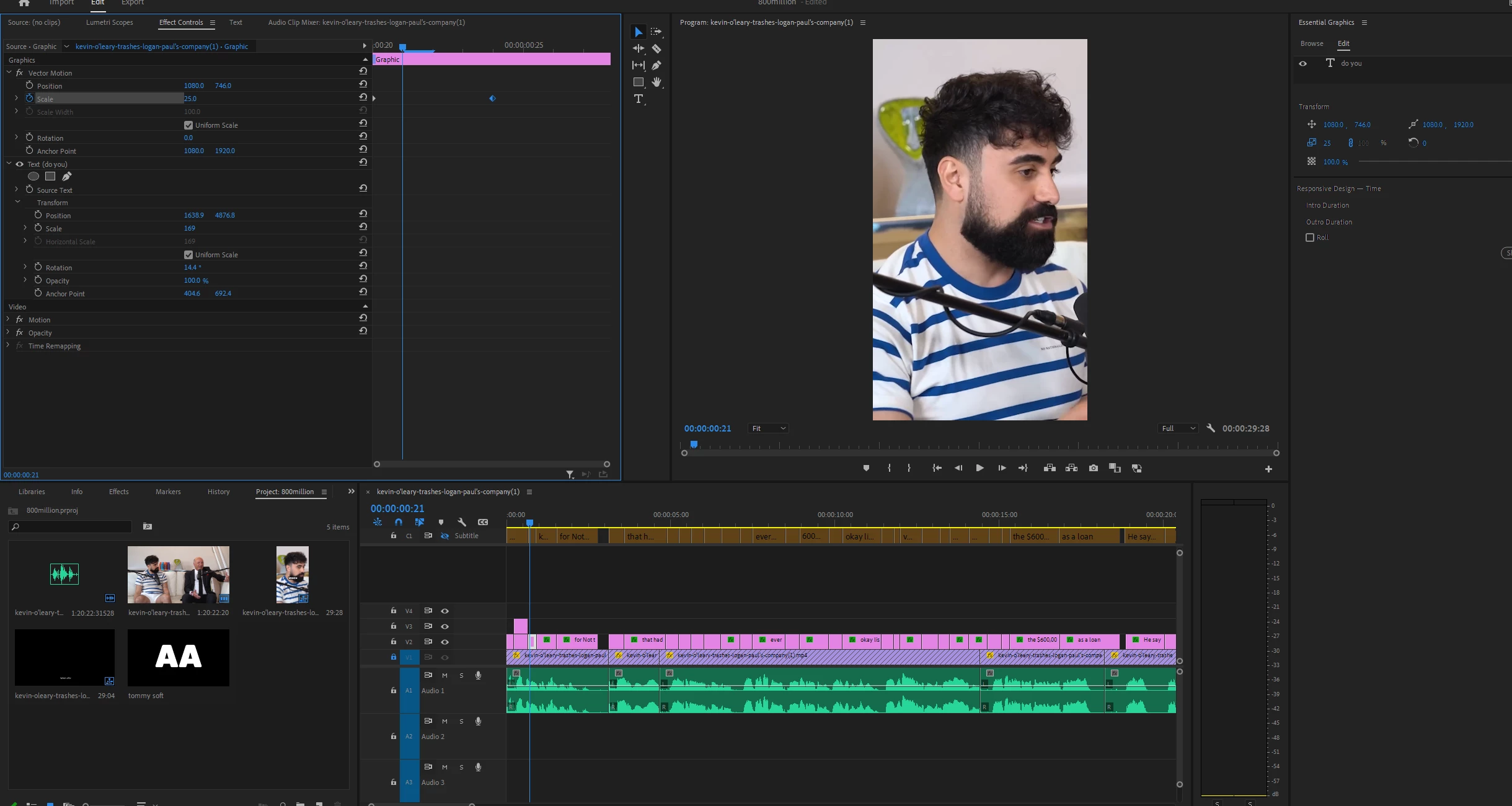
as you can see position number and anything else does not change but it still appears from far above and then comes down, when what i need is to grow bigger from the place it is at the last keyframe. 

    This topic has been closed for replies.

    4 replies

    Participant
    April 18, 2023

    Here is a solution I found by myself:

    PD I don't know much about premiere so I will explain in very broad terms.


    1. Click on the text box.

    2. Click on the scale box in the effects control

    3. You will see an outline around your text and a ball with a cross in the middle in the centre of this outline, drag the ball to the middle of the text box.


    ***This may be not the best or most efficient method but it worked for me 😄

    Participant
    September 25, 2024

    Thank you, bro. This is the only tip that worked for me. All other explanations are rubbish. PAWER OF DOOMERS!

    Participant
    March 22, 2023

    Hi? Did you ever come up with a fix? I'm currently having this same problem. Everyone says move the anchor point but it's already in the centre... 

    R Neil Haugen
    Legend
    March 22, 2023

    Are you following Ann's instructions?


    Neil

    Everyone's mileage always varies ...
    R Neil Haugen
    Legend
    November 28, 2022

    Any object scales from the anchor point. Apparently the anchor point is upper left corner or something, can't tell from your pics.


    Remove the animation because anchor points need to be set first.


    Then hover the cursor over the image until you see it change to a circle with crosshair in the middle.


    Click and drag to the center of your text box or text. Holding a modifier key down while doing this gets you auto guidelines to snap to. It's like the shift or alt keys, don't remember at the moment.


    Then animate the text.


    Neil

    Everyone's mileage always varies ...
    Participant
    November 28, 2022

    my anchor point is in the center of the text and still does not help.

    same thing happens. when its on 100 scale it is in the place i want it to bbe but when i make the pop up effect it grows from random places 

    R Neil Haugen
    Legend
    November 28, 2022

    First, question, did you dump the animation and start over when moving the anchor point? As if you simply moved the anchor point after setting any animation, you get weird crud.


    Second, your position points and anchor point numbers seem ... not what I'd expect somehow ... kinda puzzled here.


    Neil

    Everyone's mileage always varies ...
    kglad
    Community Expert
    Community Expert
    November 27, 2022

    < moved from using the community >