
Answered
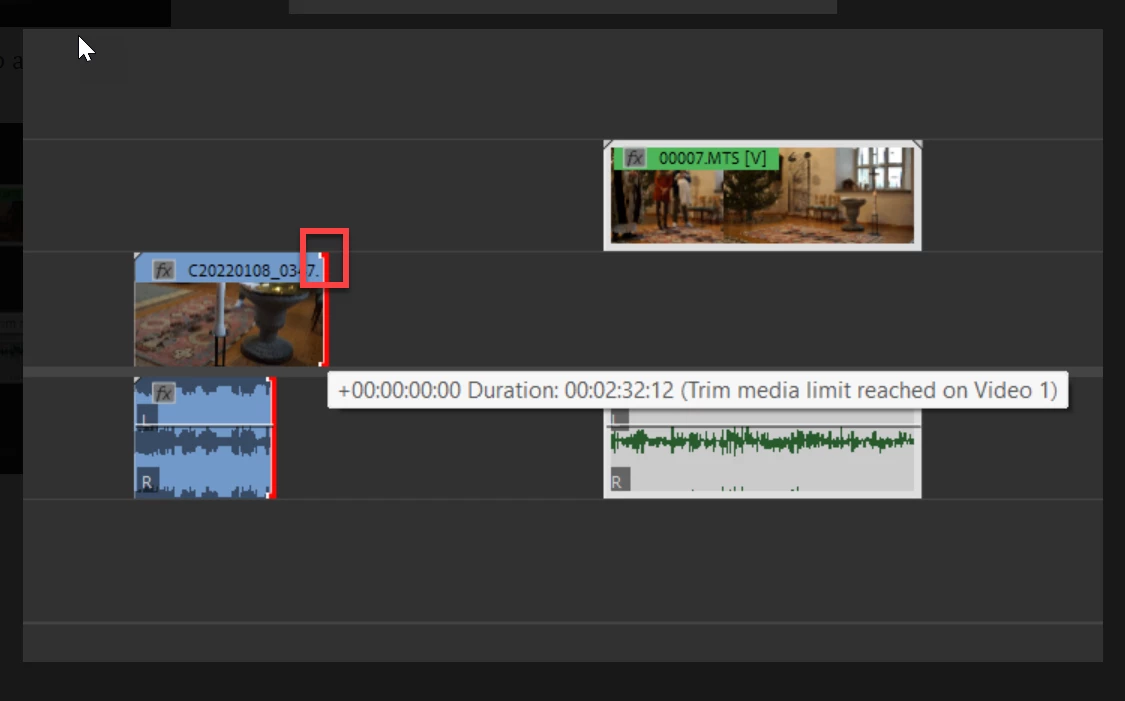
Trim Media Limit Reached on Video 1
HOW do I drag a new clip into the timeline without destroying the sequence and deleting another AUDIO clips that are already on the timeline (holding CTRL+ALT+SHIFT is not an option because it moves the whole timeline to the right)
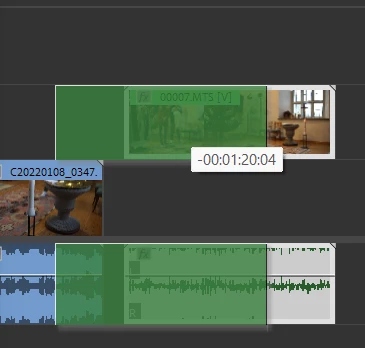
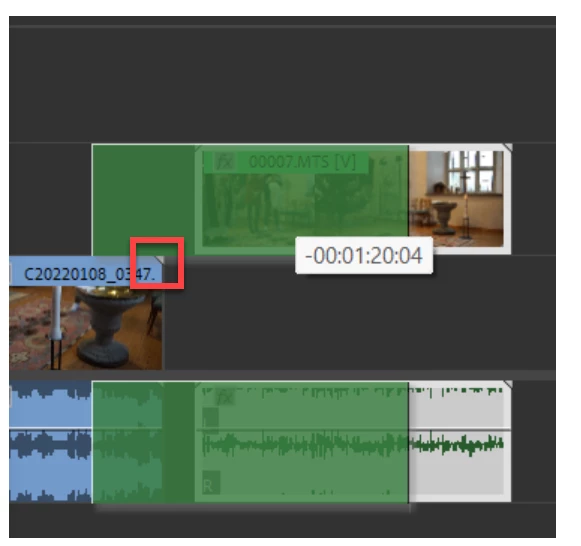
For example: When I move the GREEN clip over the BLUE clip and they are on a different video layers. It overwrites the audio of the blue clip and you cannot restore it afterwards.
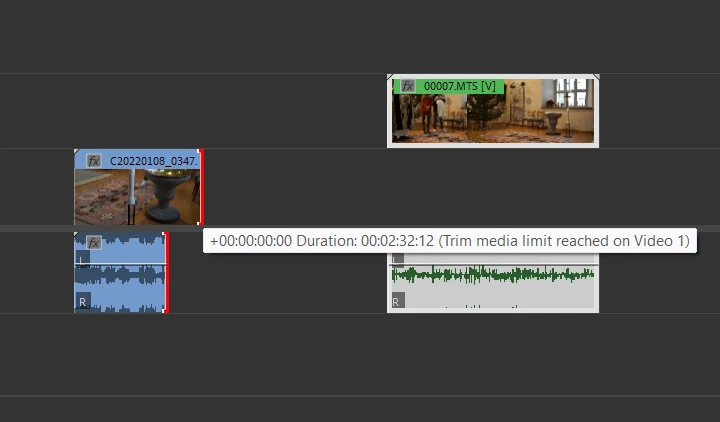
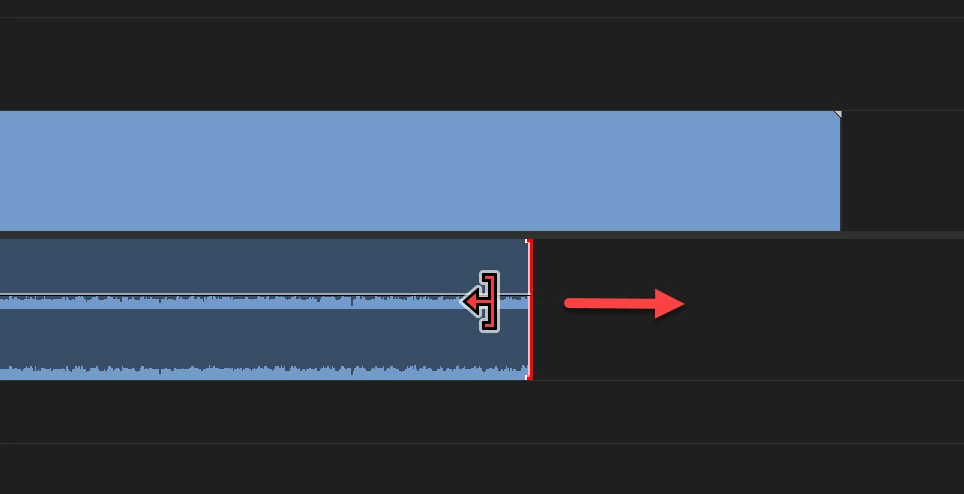
When I try to restore the blue clip and grab it from the red edge, I get "Trim media limit reached on Video 1"
 AdChoices