
uploading and syncing 96khz to video
I would like to sync my 96khz audio with my video footage (which has attached 48khz camera audio) in manner that both accurately syncs AND retains the 96khz audio at its original sample rate.
Here is the media I'm working with.
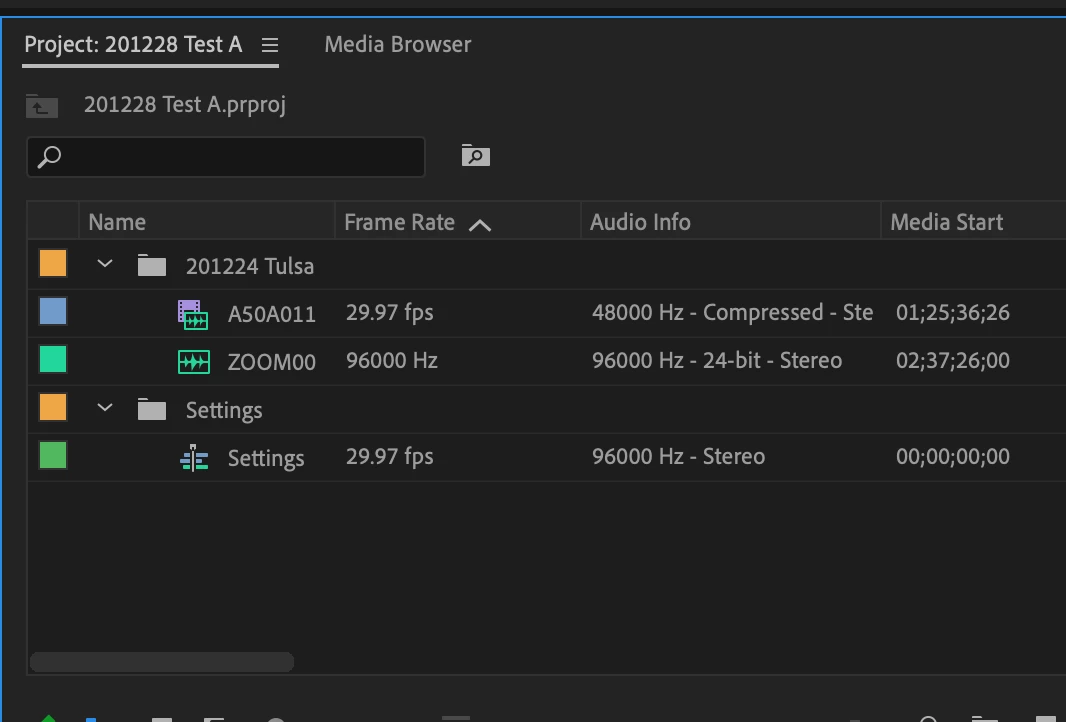
When I drag the video into the sequence first with its attatched audio, it automatically sets the sequence audio to 48khz, so when i then add the 96khz audio and sync it and delete the old audio, it downgrades my 96khz audio to 48khz.
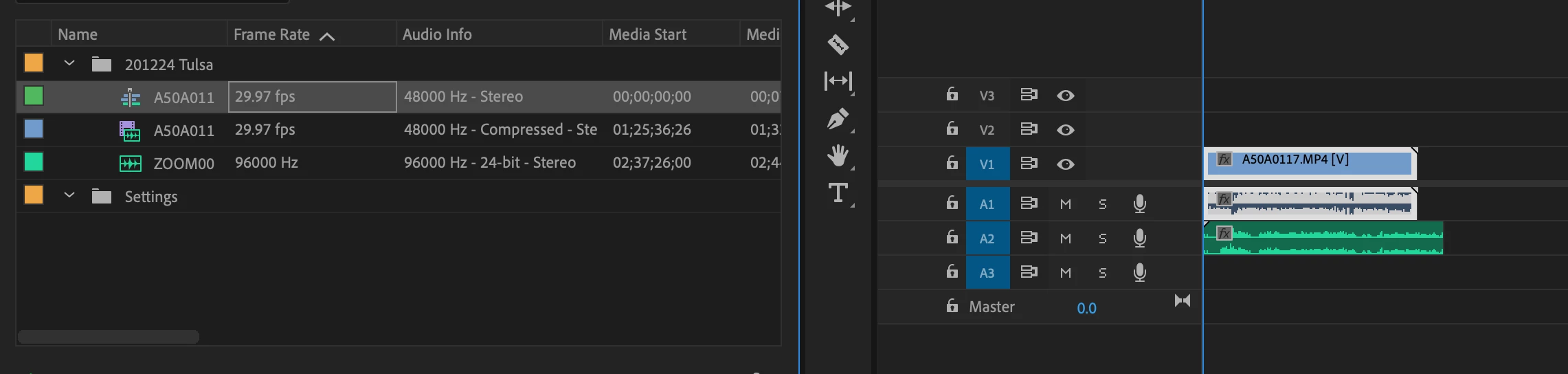
above: before syncing, and deleting original audio - below:after
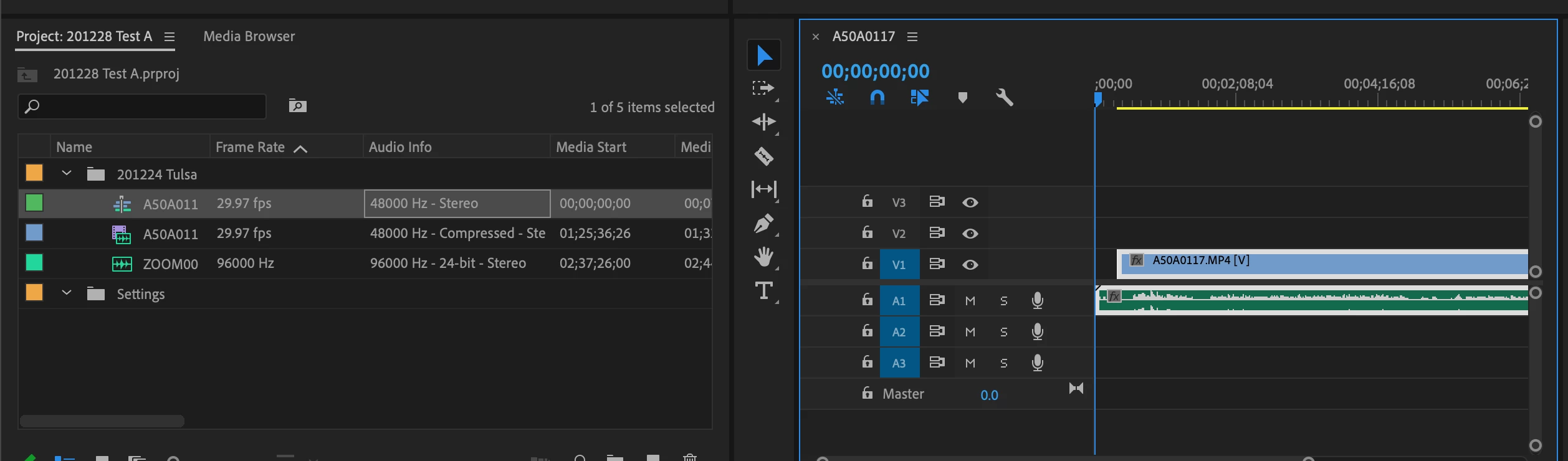
I have tried creating a settings sequence with the correct fps and sample rates (the "Settings") file, but when I drag the video into the sequence, the audio does not come with it (see image below), so there is no way to sync the 96khz audio to the original audio/video.
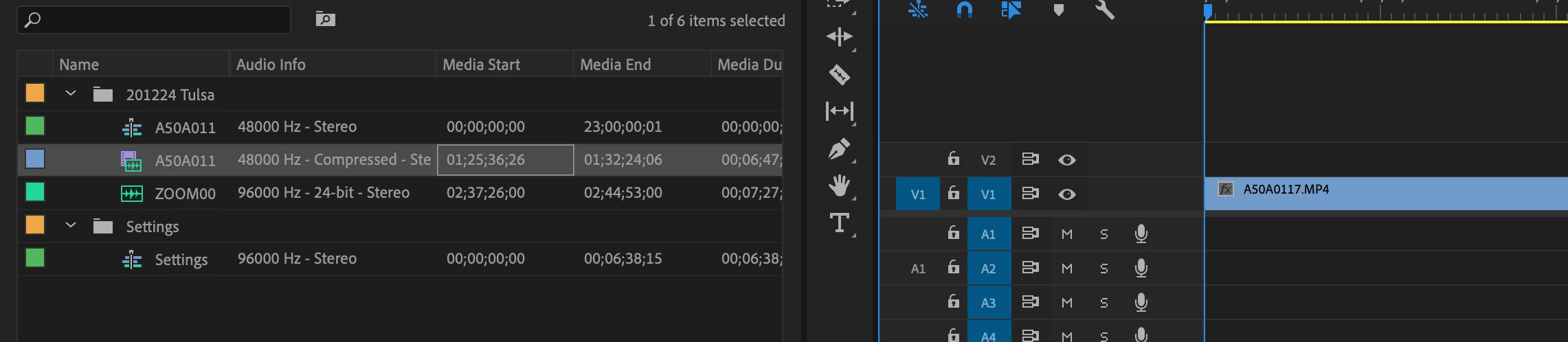
What I need is a simple way to add the video with its 48khz camera audio, then sync my 96khz audio to that audio so I can delete the camera audio and I'm left with synced 96khz audio attached to the video.
Please someone help!
 AdChoices