Hi,
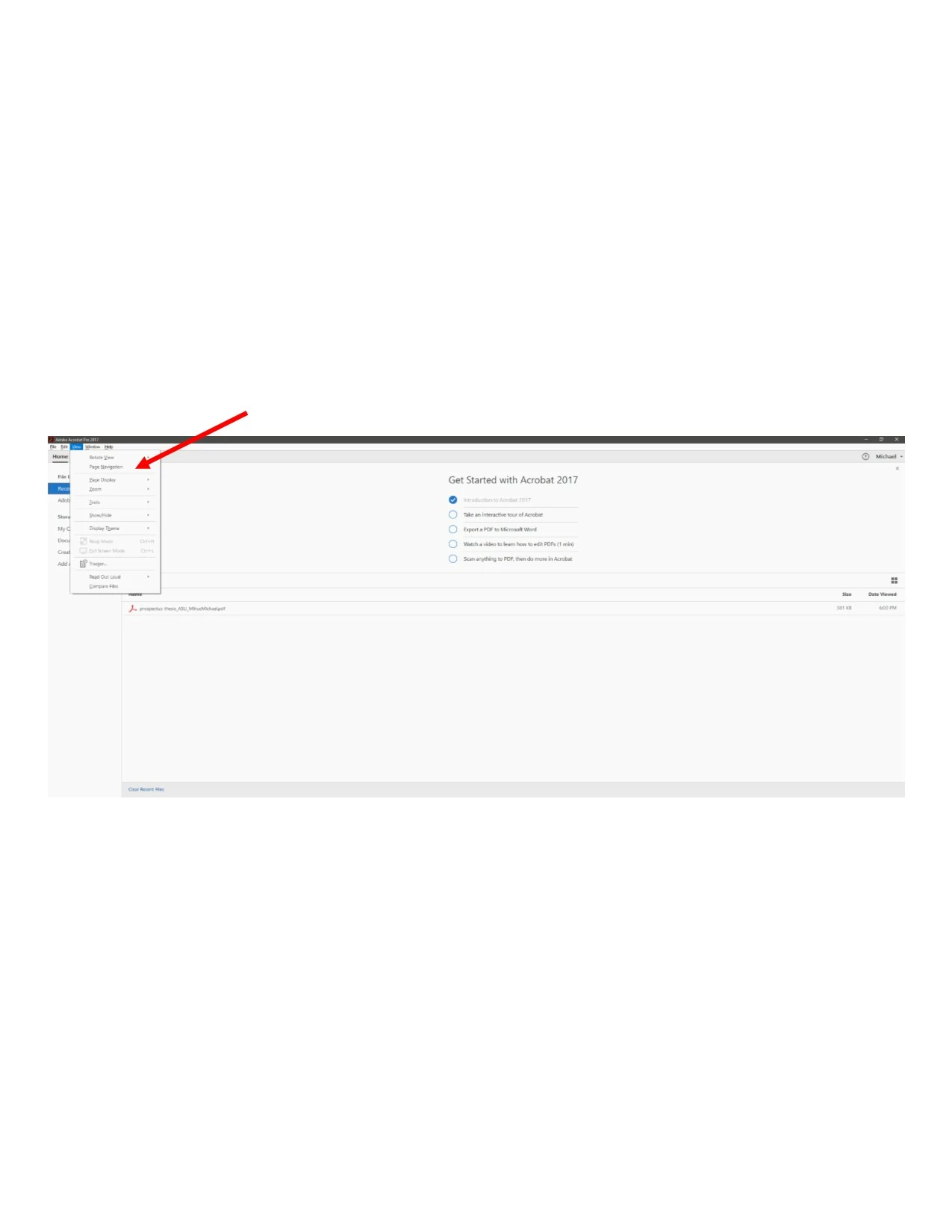
Snapshot is not suggesting if File menu is too large. Could you please share snapshot of the issue with other application windows open alongside with Acrobat/Reader , for example file explorer. This would help in comparing.
Acrobat DC Continuous, Acrobat 2017, Acrobat Reader DC Continuous, and Acrobat Reader 2017 supports dynamic dpi scaling. Could you please follow below mentioned steps and tell if this fixes your issue?
a. Ensure "Override high DPI scaling behavior. Scaling performed by" is unchecked.
Right-click on Acrobat Reader DC icon.
Choose Properties
Select Compatibility tab
Uncheck the box for "Override high DPI scaling behavior. Scaling performed by:"
b. Preference "Scale for screen resolution(restart required)" is set to 'Auto-Detect'.
Open Acrobat/Reader.
Go to Edit > Preferences > General
Select 'Auto-Detect' for preference 'Scale for screen resolution(restart required)'
Thanks,
Paramjeet Yadav
Acrobat Team

 AdChoices