
After Testing Adobe Pro "On-Line" My Adobe Acrobat Pro 2017 "Plug-in's" half stopped working.
My organization is considering a move from "single seat" Adobe Acrobat DC or Adobe Pro with prepretual licenses to their Cloud versions. So, I voluntereed to be the "guinea pig" to test the on-line Pro.
At the end of the trial, it asked me to purchase the subscription to continue. I tell it "NO" and continue on my way to other things. Later in the day, I needed to reorganize the order of a pdf file. I start my prepretual copy of 2017 Pro, load my document, click on my plug-in "Organize Pages" and low and behold , I get this message -
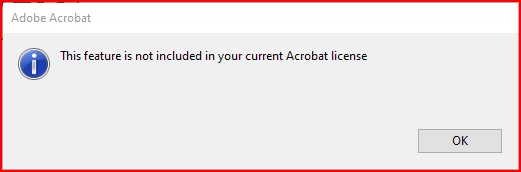
Now where the heck did that come from? What HAPPEN???? Needless to say, I wasn't thrilled at this.
I finally get calmed down enough to check each of my tools. Now mind you, these were functioning before my "test" evalualtion of on-line Adobe Pro.
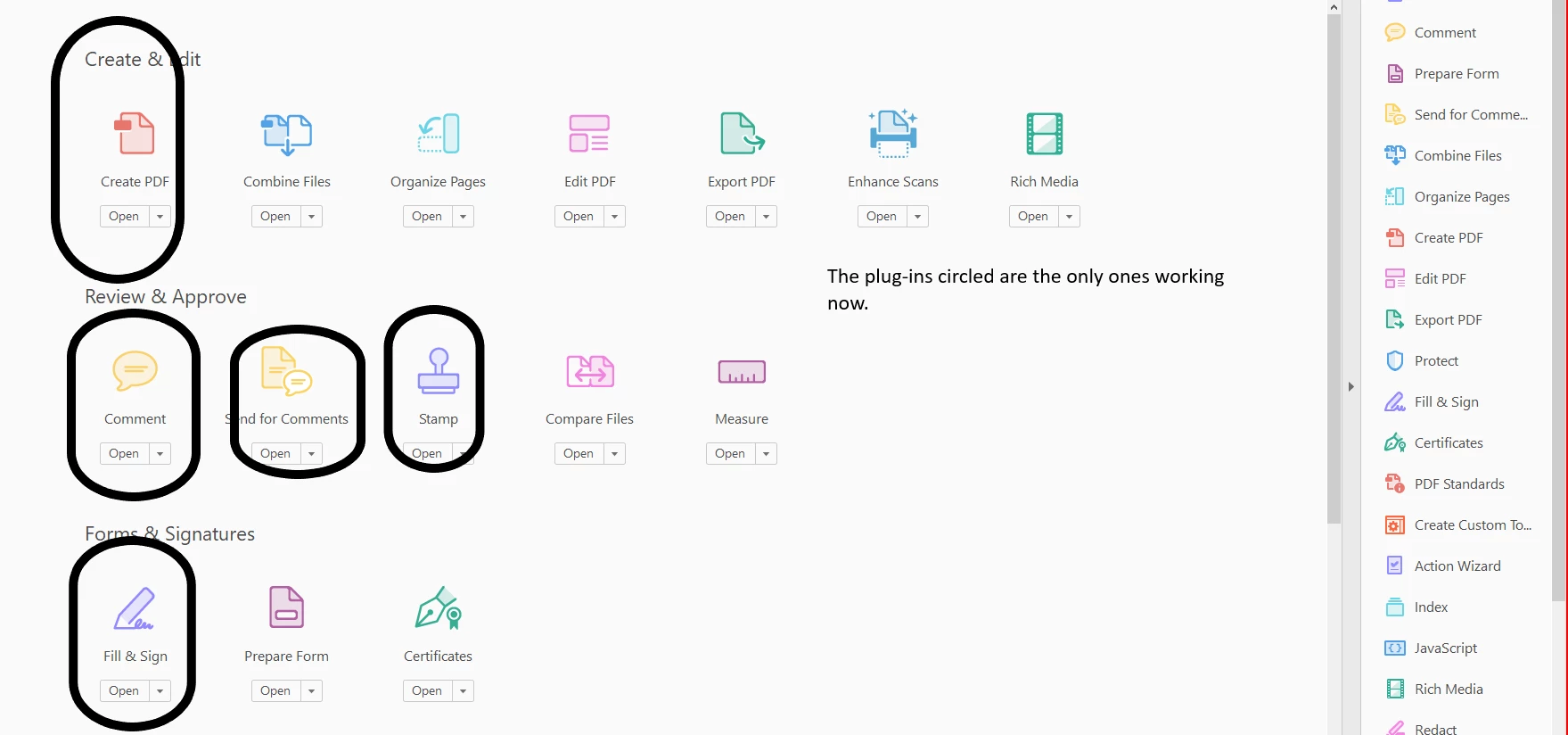
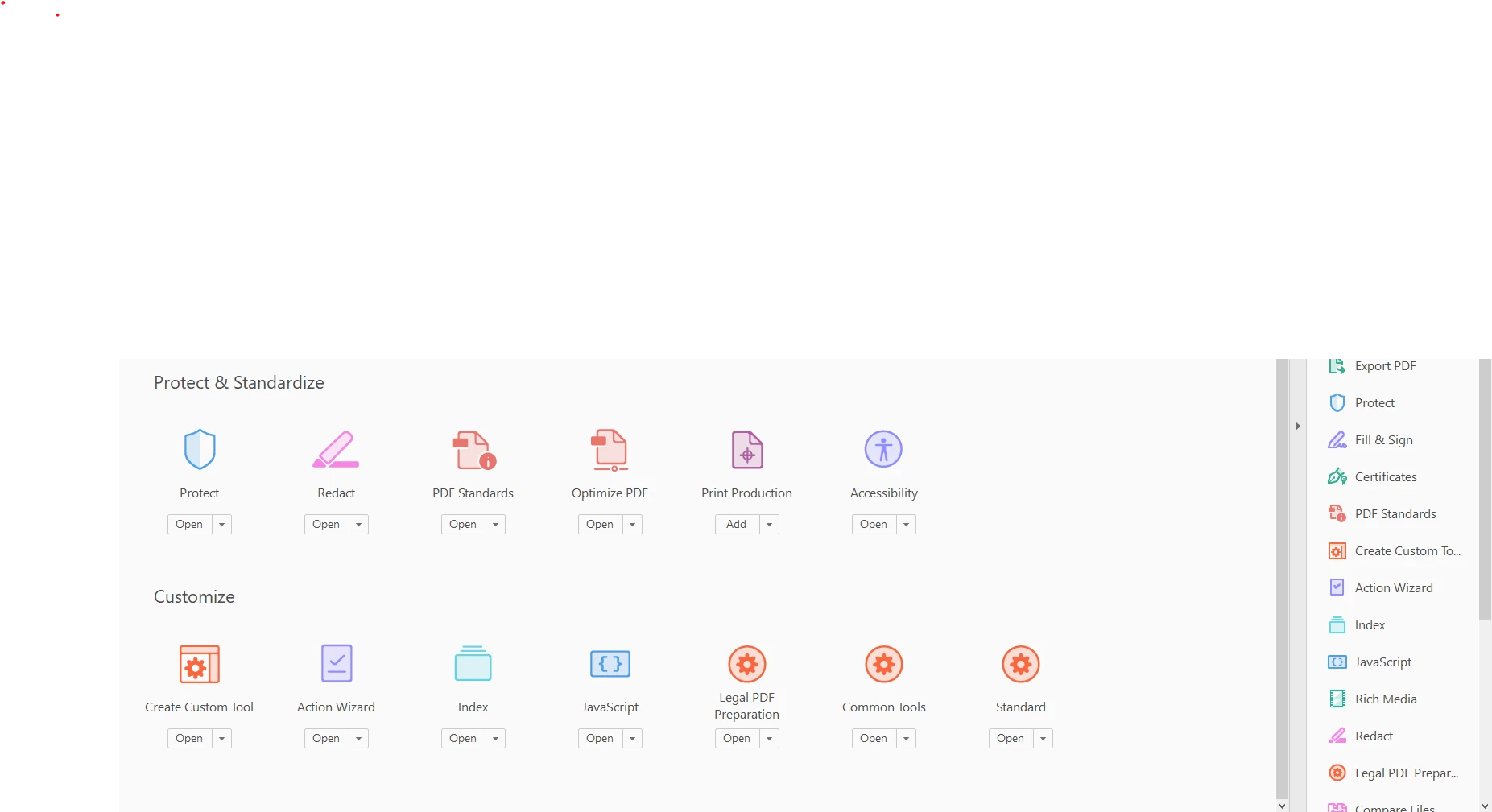
I had three customer apps - those don't work either but whic I click on the drop down box, I get this
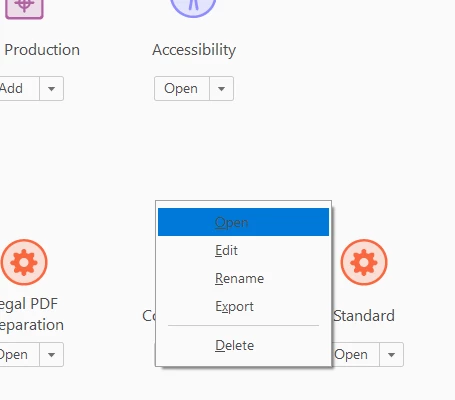
Supriseingly, I can edit it -
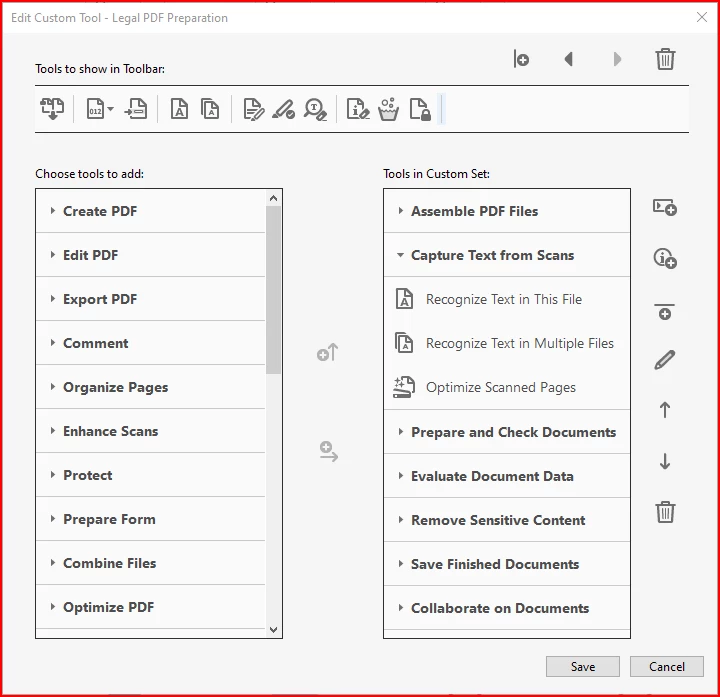
But none of the tools associated with Pro work.
or the Common tool -
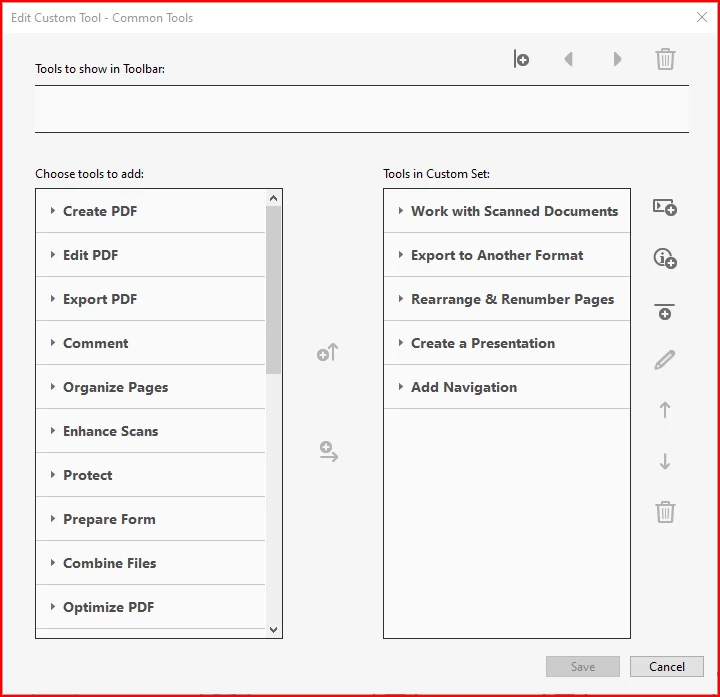
The Adobe "support" is meaningless and it seems like have Adobe Reader 2022 instead of
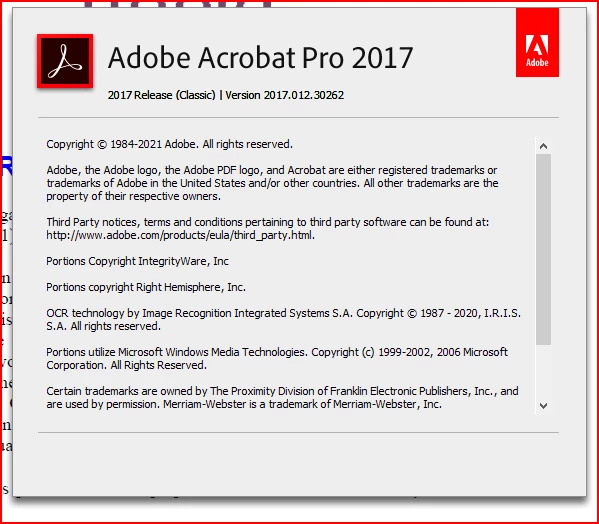
So Gang - Do you have any suggestions as to how I get my Pro 2017 tools back functioning?
 AdChoices