


Copy link to clipboard
Copied
I have a form and I need 8 drop down boxes with employee names. I set one box up with all names and copied it to the next cell but if I select a name in the first cell, all cells populate that name. How do I separate them without programming all names into each cell. (Very time consuming)
I tried a Java script but I don't know anything about them and it did not work. I put it in a mouse up under "run a java script"
- var items = ["Item 1", "Item 2", "Item 3"]; // etc.
- this.getField("Dropdown1").setItems(items);
- this.getField("Dropdown2").setItems(items);
- this.getField("Dropdown3").setItems(items); // etc.
Any help?





Copy link to clipboard
Copied
Give each field a unique name.
 20
Replies
20
20
Replies
20


Copy link to clipboard
Copied
I forgot to mention
Adobe Acrobat Pro DC 2018.011.20055
Copy link to clipboard
Copied
Give each field a unique name.
Copy link to clipboard
Copied
Ok, it works now but how do I keep it from selecting a value when I just roll the mouse over?
Copy link to clipboard
Copied
I just want it to select when I click on the cell. I have it set to mouse enter, run java script
Copy link to clipboard
Copied
You should only run that code once. It should not be associated with any action of the drop-down fields themselves.
Copy link to clipboard
Copied
How do I stop the value from changing when I just roll the mouse over the cell? If you can't tell, this is my first time.
Copy link to clipboard
Copied
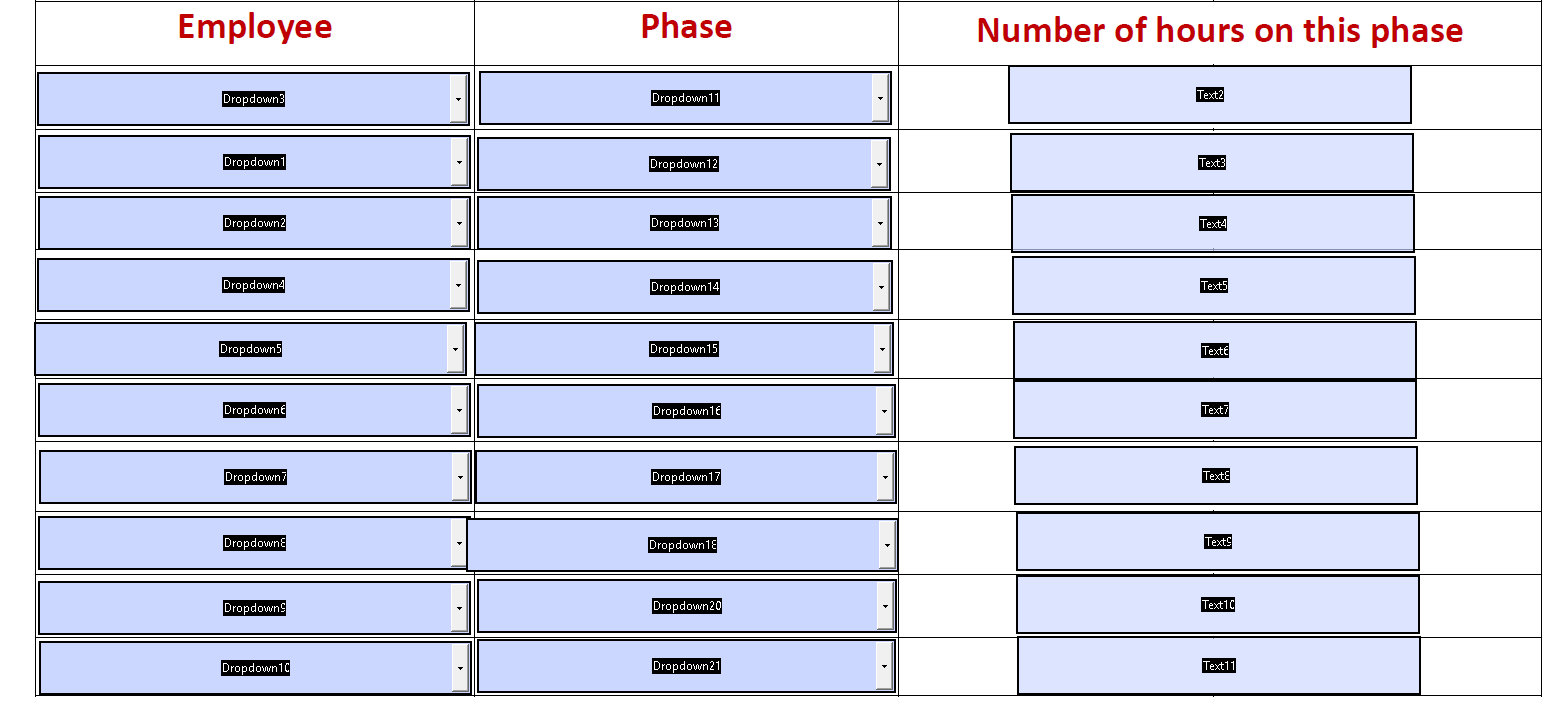

This is the Java Script in each cell.
var items=["","Larry Barker-317-695-1797", "Justin Burke-765-438-7577", "Weston Burke-317-695-9472", "Caleb Burkett-765-480-8283", "Daryl Cline-317-695-9947", "Nathaniel Cunningham-765-615-2550", "Kenneth Drury-765-656-4977", "Johnny Faulkner-317-450-4758", "Keith Gamble-317-316-2367", "Travis Hagan-765-480-1067", "Austin Janes-317-874-8191", "Chris Jeffries-317-503-8351", "Troy Kimbler-765-860-2206", "Tony Loser-765-744-8295", "Dylan Lucas-765-860-4219", "Noah Lucas-765-432-5842", "Victor Lucas-765-438-5284, Michael Lynch-317-385-1457", "Clee Maddox-317-385-2017", "Vincent McKinney-317-551-6221", "Curtis Nelson-317-995-6091", "Lloyd Nelson-765-438-8624", "Jeremy Rafter-765-336-9968", "Blake Ragan-317-695-3767", "James Sigler-765-438-9926", "Jimmy Smith Jr-765-865-7372", "Bradley Smith-765-432-8854", "Colin Stapleton-765-438-0905", "Ty Tilley-765-437-7116", "Robert Warman-317-379-6878", "Charles Williams Jr-317-832-5920"," Eric Winkler-765-265-9345", "Weston Wood-765-860-2216", "Tommy Thompson-765-425-7874", "Angel Rios-801-707-6307"];// etc.
this.getField("Dropdown3").setItems(items);
By adding the "" at the beginning of the script, it helps, but if I roll over populated cells with the mouse curser, it erases the value.
Make sense?
Copy link to clipboard
Copied
This is not how you should be using this code. You only need to run it once, from the JS Console, for example.
Copy link to clipboard
Copied
That works much better, thank you.
Now how can I use the mouse wee to scroll through options?
Copy link to clipboard
Copied
Not possible.
Copy link to clipboard
Copied
Ok. Thank you.
What is the best way to have a button to email and save the document? If it could automatically pick a filename it would be even better.
Copy link to clipboard
Copied
Also, the form does not save my choices when I save and email the form using a programmed button.?
Copy link to clipboard
Copied
You can create a button that executes the Submit Form command. To save the form automatically under a specific name would require installing a script on the local machine of each user.
Copy link to clipboard
Copied
I created that button and it does send an email but the selections from my drop down are not there. They are blank
Copy link to clipboard
Copied
What application are you using to open the form?
Copy link to clipboard
Copied
Adobe Reader. If I email it from the File, Send File, it works fine.
Copy link to clipboard
Copied
What version of Reader?
Copy link to clipboard
Copied
2019.012
Copy link to clipboard
Copied
Then it should work just fine. If it doesn't you probably still have some code that overwrites your selection.
You'll need to share your file with us for further help with this.
Copy link to clipboard
Copied
Did you place the code above under the field's Mouse Enter action, or any other action? If so, remove it.


Get ready! An upgraded Adobe Community experience is coming in January.
Learn more
 AdChoices