

How to change the default font for drop down lists (PDF interactive form)?
Hello,
this is a really annoying problem I'm facing, so hopefully someone can help me.
I've designed a from in InDesign, which includes a few drop down lists. Once I export it and edit the form in Adobe Acrobat Pro, the font under the appearance tab is set to some weird format, which you can see in the pic below.
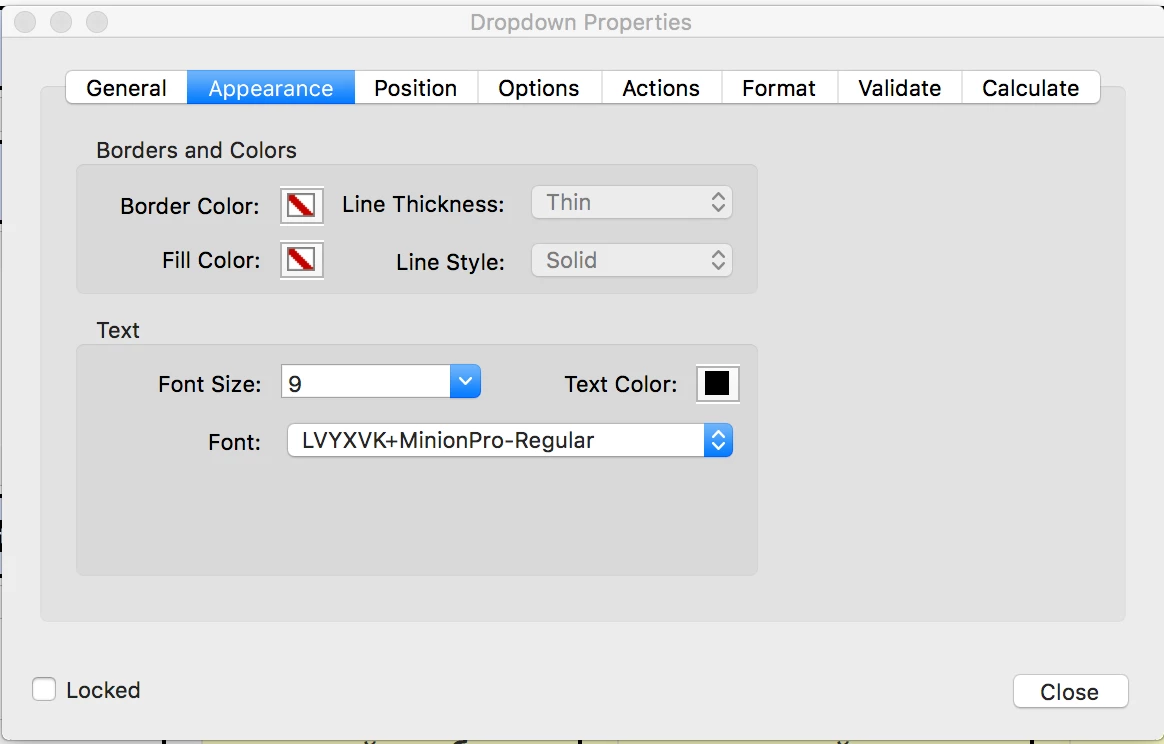
This isn't too much of a problem for myself, but once I send the form to my client, they say that the drop down list items are displayed as gibberish rectangle boxes which can't be read. This is a pain in the ass, because I need to edit the PDF form each time I export it for other reasons, so that means I need to change the font again for each and every drop down list every time. I'm just wondering if there is a way to change the font to Times New Roman or something so it stays like that forever? This actually might be an InDesign issue too.
Thanks


 AdChoices