Participant
June 24, 2021
Answered

How to remove blue background for list box.? Or how can I export the name that is chosen?

  • June 24, 2021
  • 2 replies
  • 5190 views

Hi everyone,

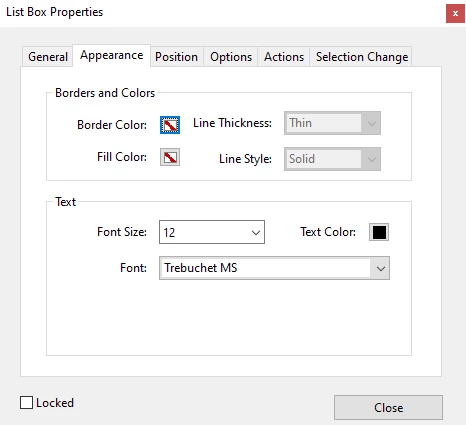
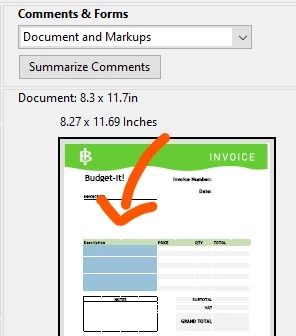
So I'm relatively new to the javascript game and I am creating an editable PDF. All works well, but everytime I try to print the pdf, the list boxes print WITH their blue background even if I set the appearance to no fill and no border. I have spent a couple of hours reading throughout the support community and could not find an answer.

My next solution is just to export the name of the item that has been chosen in the list, but alas the this.getField('fieldname') command has lost me as I can do most such as:
this.getField('fieldname').value

but cannot seem to figure out how to get the actual letters and not the export value (which is a number to be used for calculations).


I tried changing the list to a dropdown menu instead but my script stopped working when I did that (and yes I did update the names to match as well).


Anyone know how to sort out either of these problems?
This topic has been closed for replies.
Correct answer try67

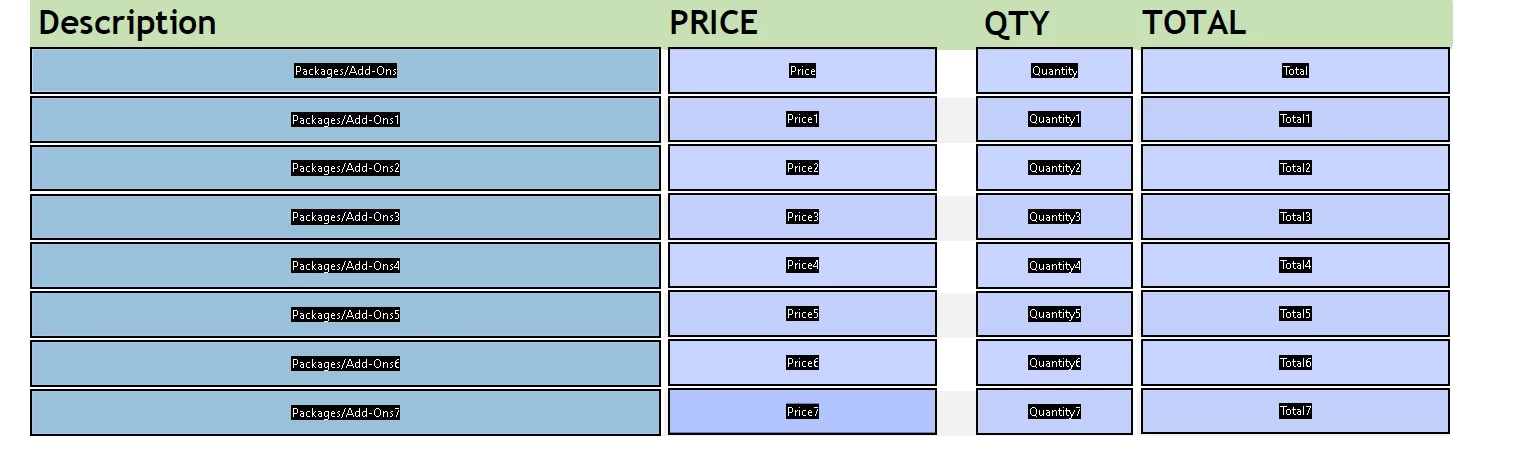
You have to change the underlying layout of the file and remove those colored boxes from it. You don't them since you have the fields highlighting that does the same, only without appearing on the printed copy.

2 replies

try67
Community Expert
try67Community ExpertCorrect answer
Community Expert
June 24, 2021

You have to change the underlying layout of the file and remove those colored boxes from it. You don't them since you have the fields highlighting that does the same, only without appearing on the printed copy.

Participant
June 24, 2021

Thanks, I decided to rehaul it and write a script that works for dropdown boxes. Also, this is unrelated but thanks for help. Literally every post I read before posting my own had your comment(s) on it that helped out a bunch.

Eric Dumas
Community Expert
Community Expert
June 24, 2021

It is colored because the nfields are interactive.

Participant
October 25, 2022

That response means nothing to the everyday user who is SO frustrated with this issue. 
I have created a form from scratch, with 186 "drop-down list boxes" each with only 3 choices, NONE with a colored background, the page is white, the border is NONE, and the background is selected to be white.
So WHY, when I do all or any selections and go to print, are ALL of the boxes background BLUE ???
I created the exact form in WORD and it's NOT blue anywhere !!!
I can't use the WORD form for all the Teachers because WORD will NOT allow me to LOCK out editing or changing anything AND allow text box input and the selection of those drop-downs.

Participant
October 25, 2022

I need the backgrounds of all those drop-downs list boxes to be WHITE with black text.
The background of all the regular "text-box" stays white once filled... WHY won't the List-box do the same.
I fully believe it is a DEFAULT of ADOBE's that is absolutely ridulous.