Making Rectangle Tool Persistent

Copy link to clipboard
Copied
Hello Everyone,
My employer just had us all re-install Acrobat and I've lost some functionality, namely, my ability to keep the rectangle tool selected. Now, each time I draw a rectangle, I have to re-select the tool.
I am on version 2023.003.20269 -- 64 bit.
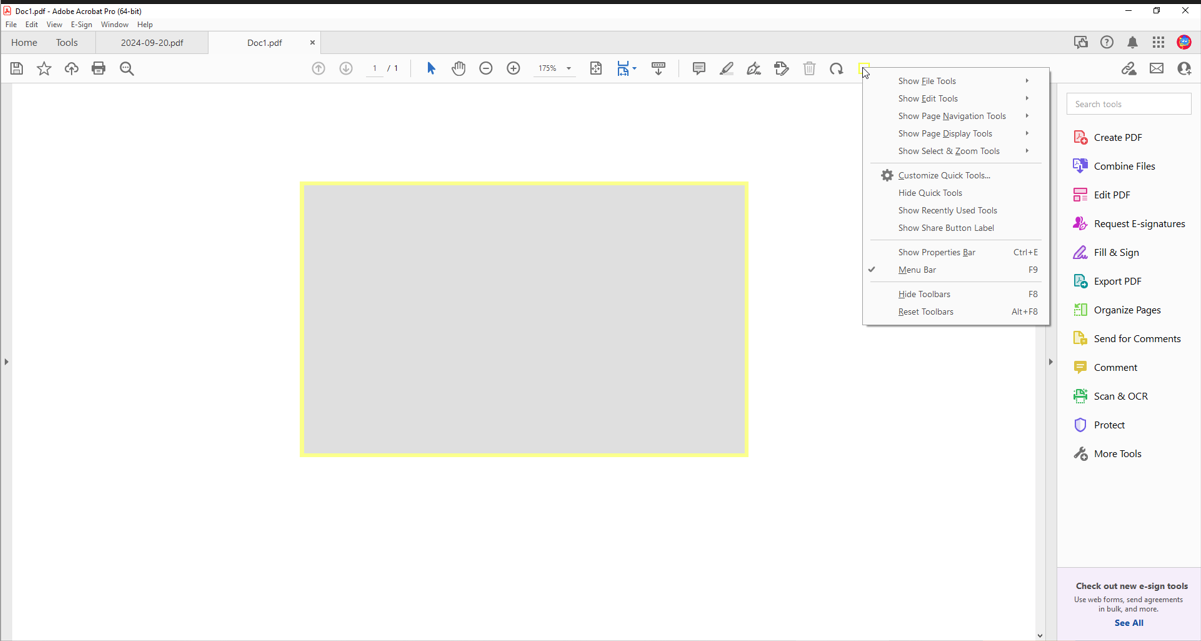
I have managed to get the rectangle tool a part of my toolbar, but when I right-click it, there's no option to keep it selected. I use the rectangle tool quite a bit for work, so having to re-select it each time is a real chore.
Any thoughts?
Thanks!
-Bob


 7
Replies
7
7
Replies
7




Copy link to clipboard
Copied
Open the Comments panel and then click the Thumbtack icon:

Copy link to clipboard
Copied
Copy link to clipboard
Copied
You're not looking in the right place. Post a full-window screenshot, please.
Copy link to clipboard
Copied
Copy link to clipboard
Copied
It's right there, in the toolbar just above the document in "Adobe 8.jpg":

You must first select one of the commenting tools, though, and then it will become enabled and you could click it. From then on it should remain selected, unless you click it again.
Copy link to clipboard
Copied
THANK YOU!
I added the Rectangle Tool to the toolbar, and if I select it with that, the thumbtack option is not there.
You're a lifesaver!

Copy link to clipboard
Copied
I am having the same issues. I bought a new computer 2 months ago, installed Adobe Acrobat 10.1.16 which is the same program I ran on my older computer. On my older computer if I selected the rectangle tool it was persistent - on my new computer it is not. I don't see any thumbtack tool available anywhere including in the comments panel - any help would be appreciated!


Get ready! An upgraded Adobe Community experience is coming in January.
Learn more
 AdChoices