Hello,
I've just upgraded my Adobe account to get the signature feature for the PDFs I send out. I've watched the tutorial and it explains that you need to select 'prepare form' as seen below:
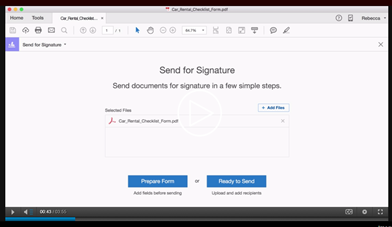
When I get this this screen the option to prepare form is not there. The only option I get is:
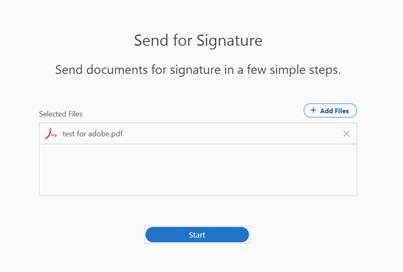
Start, followed by:
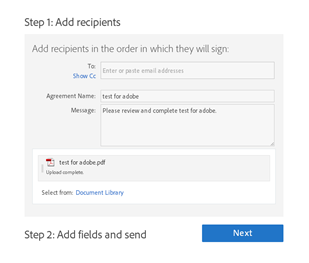
There are no options to prepare the PDF. How do I set up the account properly?
The new bundle I paid for said I would get full signature privileges but it appears that I might now have to pay for Acrobat Reading DC, is this the case? It seems weird because I already have Acrobat Reader DC installed on my desktop and have been using it for years - I assume this is what I've already been paying for over many years.
I also can't click into my plan to try and see what plan I am on:

If anyone can help me out that would be much appreciated, thanks.
Emilie






 1
Reply
1
Reply


 AdChoices