
Question
Text Box Rotates when I Edit Document
I'm editing name tag documents on Acrobat and when I go to Edit Form, it says "Converting scanned page to editable text and images" like normal but then when it finishes doing so, all my text fill boxes are bizarrely rotated 90 degrees for the page. It also messes up some logos I have on the page. It happens for every document I have, and I have 30 to do so any help would be greatly appreciated. It seems that there's no way to simply rotate the text boxes back as well (the page rotation workaround doesn't work for me). Does anyone know why this rotation occurs?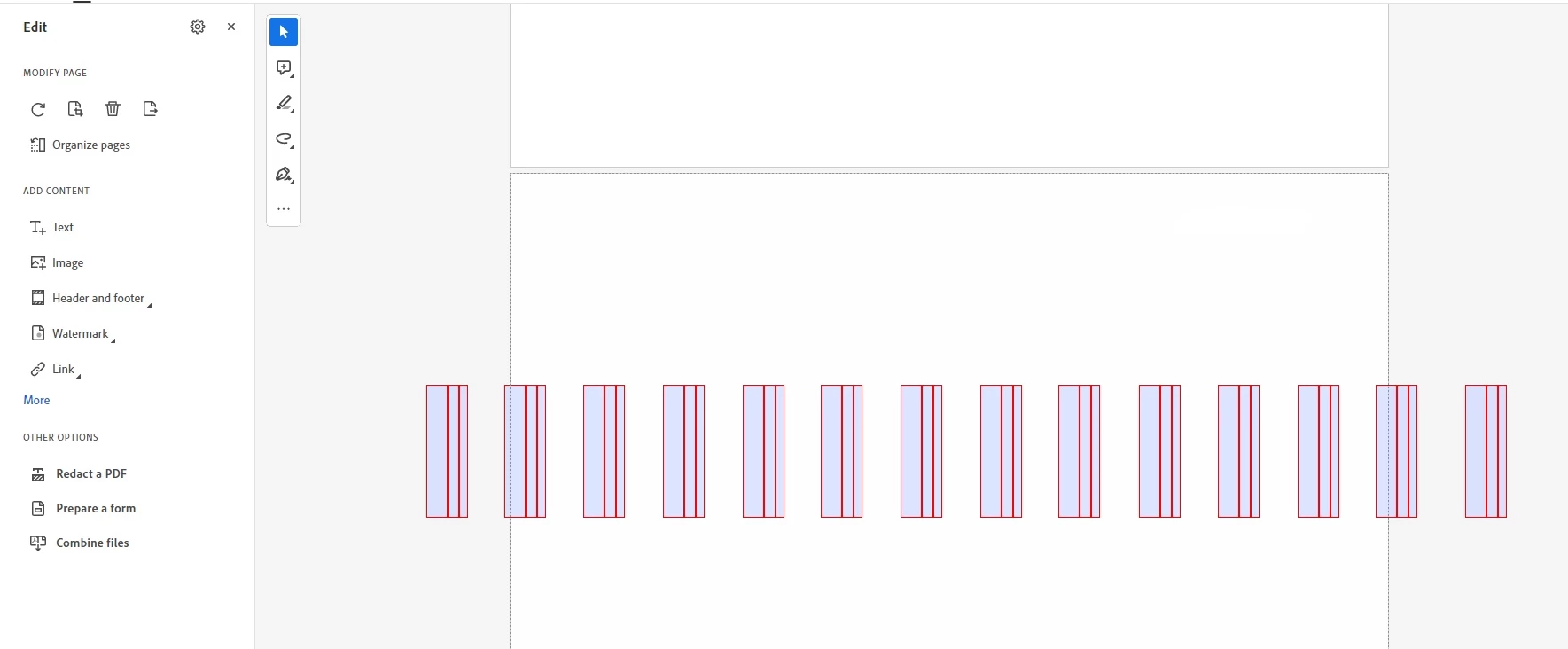
 AdChoices