
Participant
April 4, 2023
Pregunta

UI not working AcrobatPro Ver 2023.001.20093 64bit Win10

  • April 4, 2023
  • 1 respuesta
  • 927 visualizaciones

All of a sudden AcrobatPro started behaving strange.
Internal Error dialog appeared.

UI menu items disappeared.
Same for any pdf files opened or reopened

Tried to "Repair Installation" via Help Menu
Checked for Updates
Restarted after each attempt
Un-Installed & Reinstalled

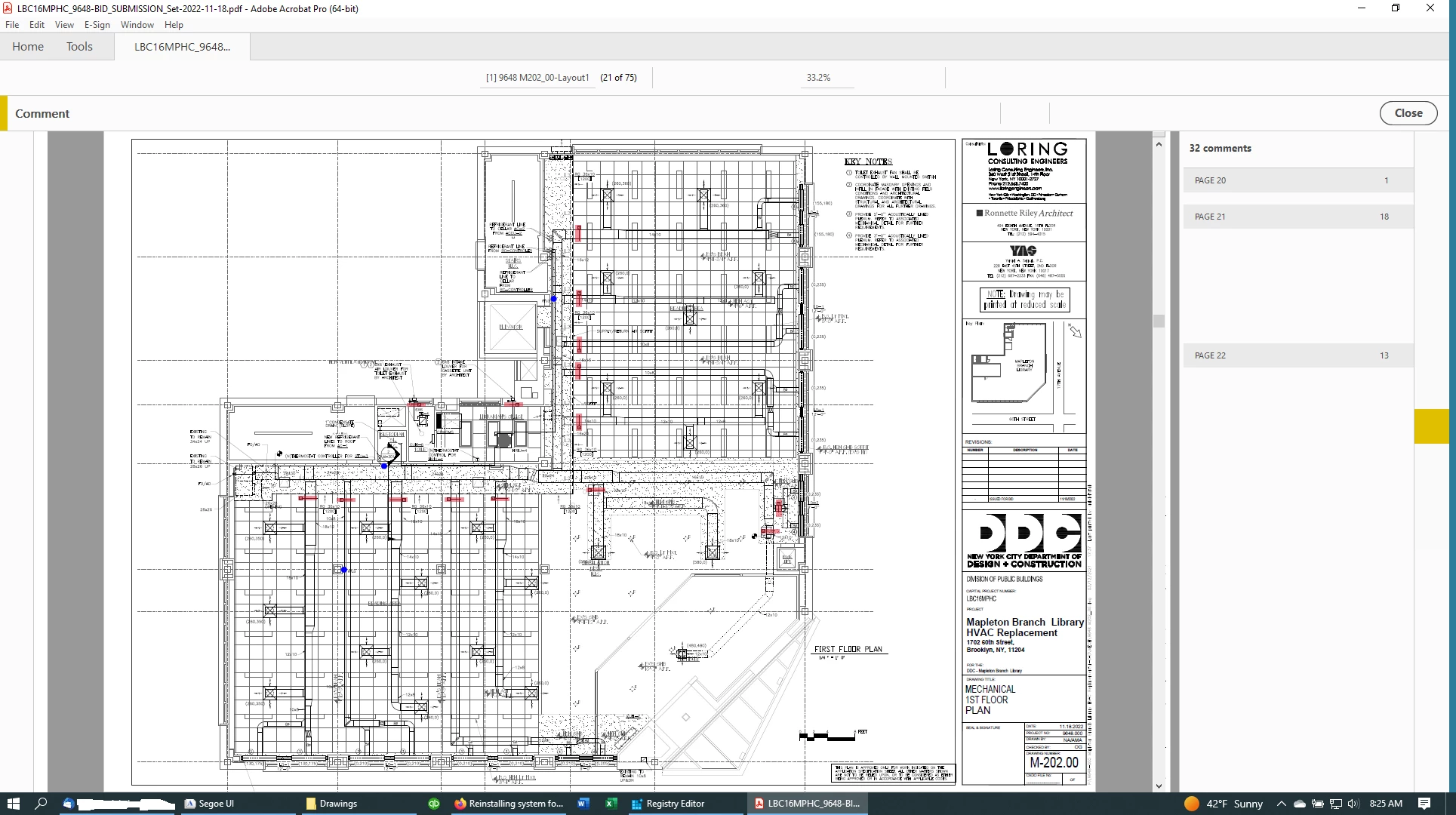
see attached screen shot
Este tema ha sido cerrado para respuestas.

1 respuesta

Amal.
Community Manager
Community Manager
April 5, 2023

Hi @defaultxjjjasc8sc8h 


Hope you are doing well and sorry to hear that.


Would you mind collecting the logs as requested below so that we can isolate the issue for the fix


1. AccessEnum Tool
a. Download the Tool https://learn.microsoft.com/en-us/sysinternals/downloads/accessenum
b. Run AccessEnumTool
c. Go to Options
d. Click on “File display options”


e. Select “Display files with permission that differ from parent”
f. Click OK
g. Choose folder “C:\Users\<username>\AppData\Local\Adobe” in dialog box and press enter.
h. Save the result (Adobe_Local.txt)
i. Choose folder “C:\Users\<username>\AppData\LocalLow\Adobe” in dialog box and press enter.
j. Save the result (Adobe_LocalLow.txt)
k. Choose folder “C:\Users\<username>\AppData\Roaming\Adobe” in dialog box and press enter.
l. Save the result. (Adobe_Roaming.txt)
2. ProcessMonitor tool
a. Download from here https://learn.microsoft.com/en-us/sysinternals/downloads/procmon
b. Run ProcessMonitor (Procmon.exe)
c. Start capture on ProcessMonitor.
d. Perform the workflow where error occurs.
e. Stop capture on ProcessMonitor
f. Save the logs (Adobe_ProcMon.pml)
3. Copy these folder into Adobe_AppData :-
a. C:\Users\<username>\AppData\Local\Adobe
b. C:\Users\<username>\AppData\LocalLow\Adobe
c. C:\Users\<username>\AppData\Roaming\Adobe
4. Compress the folder Adobe_AppData to Adobe_AppData.zip
Send us :-
1. Adobe_AppData.zip
2. Adobe_Local.txt
3. Adobe_LocalLow.txt
4. Adobe_Roaming.txt
5. Adobe_ProcMon.pml


Please share the logs via any cloud storage. Just upload the log file to the cloud, generate the link, and share that link with us for further investigation.

Regards
Amal

Participant
April 5, 2023

Hi,

I have also the same issue (appear today) : 

All of a sudden AcrobatPro started behaving strange.
Internal Error dialog appeared.

UI menu items disappeared.
Same for any pdf files opened or reopened

Tried to "Repair Installation" via Help Menu
Checked for Updates
Restarted after each attempt
Un-Installed & Reinstalled

 AcrobatPro Ver 2023.001.20064 64bit Win10 Pro

Participant
April 12, 2023

I'm experiencing the same issue. Internal errors and no UI. Started happening randomly about a week ago.