Exit
  • Global community
    • Language:
      • Deutsch
      • English
      • Español
      • Français
      • Português
  • 日本語コミュニティ
  • 한국 커뮤니티
0

hay un problema con la pagina del instalador de adobe acrobat

New Here ,
May 13, 2021 May 13, 2021

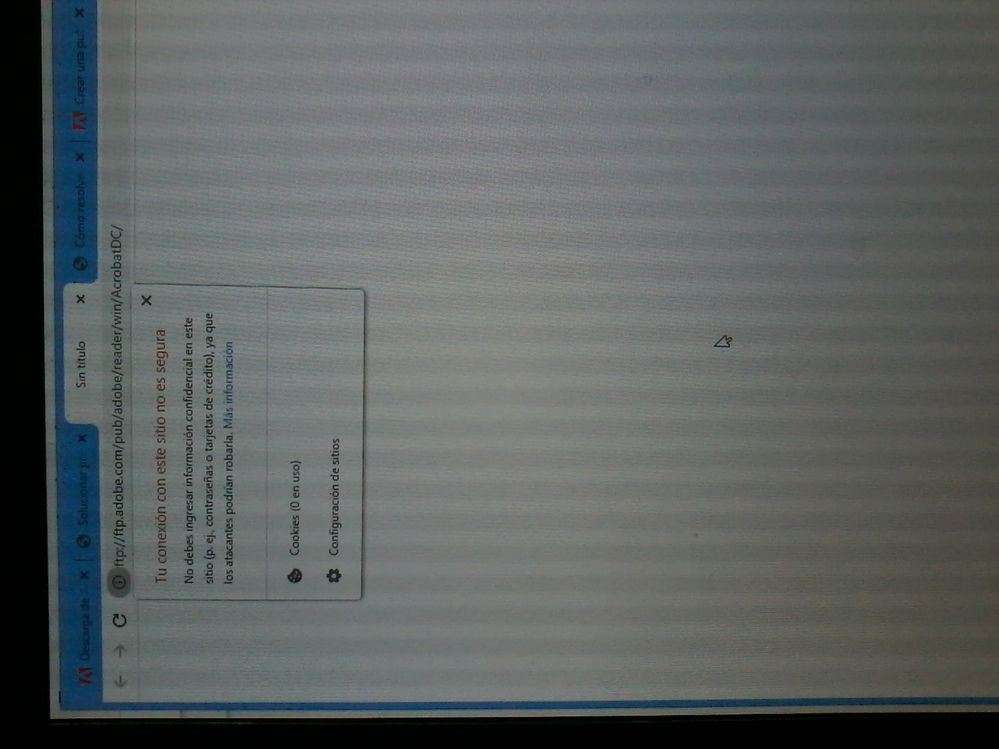
cuado abro la pagina del instaldor de adobe acrobat sale en blanco y cuando veo la conexion de la pagina me dice que deba cambiarse a https ¿que hago?

aquia hay una imagen de que hablo

IMG_20210513_214935.jpg

TOPICS
Download and install
1.3K
Translate
Report
Community guidelines
Be kind and respectful, give credit to the original source of content, and search for duplicates before posting. Learn more
community guidelines
Adobe Employee ,
May 13, 2021 May 13, 2021

Hi Gerrald


Hope you are doing well and sorry for the trouble. Are you trying to download Adobe Acrobat Reader DC application?


If yes, please try using the link - https://get.adobe.com/reader/enterprise/ and see if that  helps.


Let us know if you experience any trouble and need more help or if you are referring to something else.


Regards

Amal

Translate
Report
Community guidelines
Be kind and respectful, give credit to the original source of content, and search for duplicates before posting. Learn more
community guidelines
New Here ,
May 14, 2021 May 14, 2021

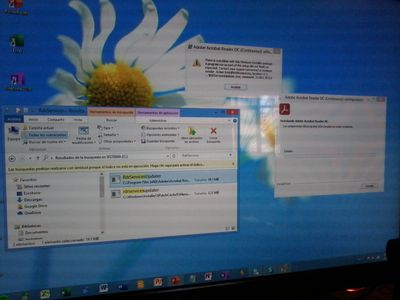
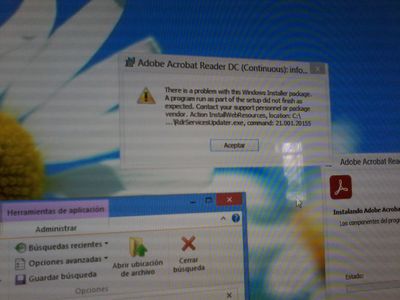
hola, sucedio un problema con la instalacion con la instalacion, dice por un programa llamado "RdrServicesUpdater.exe", ¿que tengo que hacer?

las fotos

IMG_20210514_120355.jpgIMG_20210514_120400.jpg

Translate
Report
Community guidelines
Be kind and respectful, give credit to the original source of content, and search for duplicates before posting. Learn more
community guidelines
Adobe Employee ,
May 18, 2021 May 18, 2021
LATEST

Hi there


Thank you for sharing the screenshots. Please check out the steps provided in the help page https://helpx.adobe.com/acrobat/kb/error-1722--there-is-a-problem-with-this-windows-installer-packa.... and see if that works for you.


Regards

Amal

Translate
Report
Community guidelines
Be kind and respectful, give credit to the original source of content, and search for duplicates before posting. Learn more
community guidelines