


- Home
- Acrobat SDK
- Discussions
- Re: Acrobat Pro DC Classic Installation Failed for...
- Re: Acrobat Pro DC Classic Installation Failed for...
Acrobat Pro DC Classic Installation Failed for Mac

Copy link to clipboard
Copied
Hi I tried to install the acrobat Pro DC Classic w/ serial number into my Mac OS X 10.10.5. Everytime at the last section, it showed "Installation Failed...." But the software has already been installed inside. Software is working but Only thing is when I click on "check for update" it will show screen "Update Failed... error 301"
Before I install this new version, I have completely uninstalled my previous version of Acrobat Pro 9 and Acrobat Ready. I tried so many ways and it came out the same.
Please help.
thanks
Chee


 4
Replies
4
4
Replies
4


Copy link to clipboard
Copied
update by downloading the files directly and then applying them: http://www.adobe.com/downloads/updates/
[moved from Downloading, Installing, Setting Up to Installing, Updating, & Subscribing to Acrobat]
Copy link to clipboard
Copied
Hi I did download the update file and try to install it but it still failed to update. It asked me to choose the application to update but still fail for me to click on the file.
I uninstalled the original version and reinstalled and try again for the update. It still failed. Screen below shown.
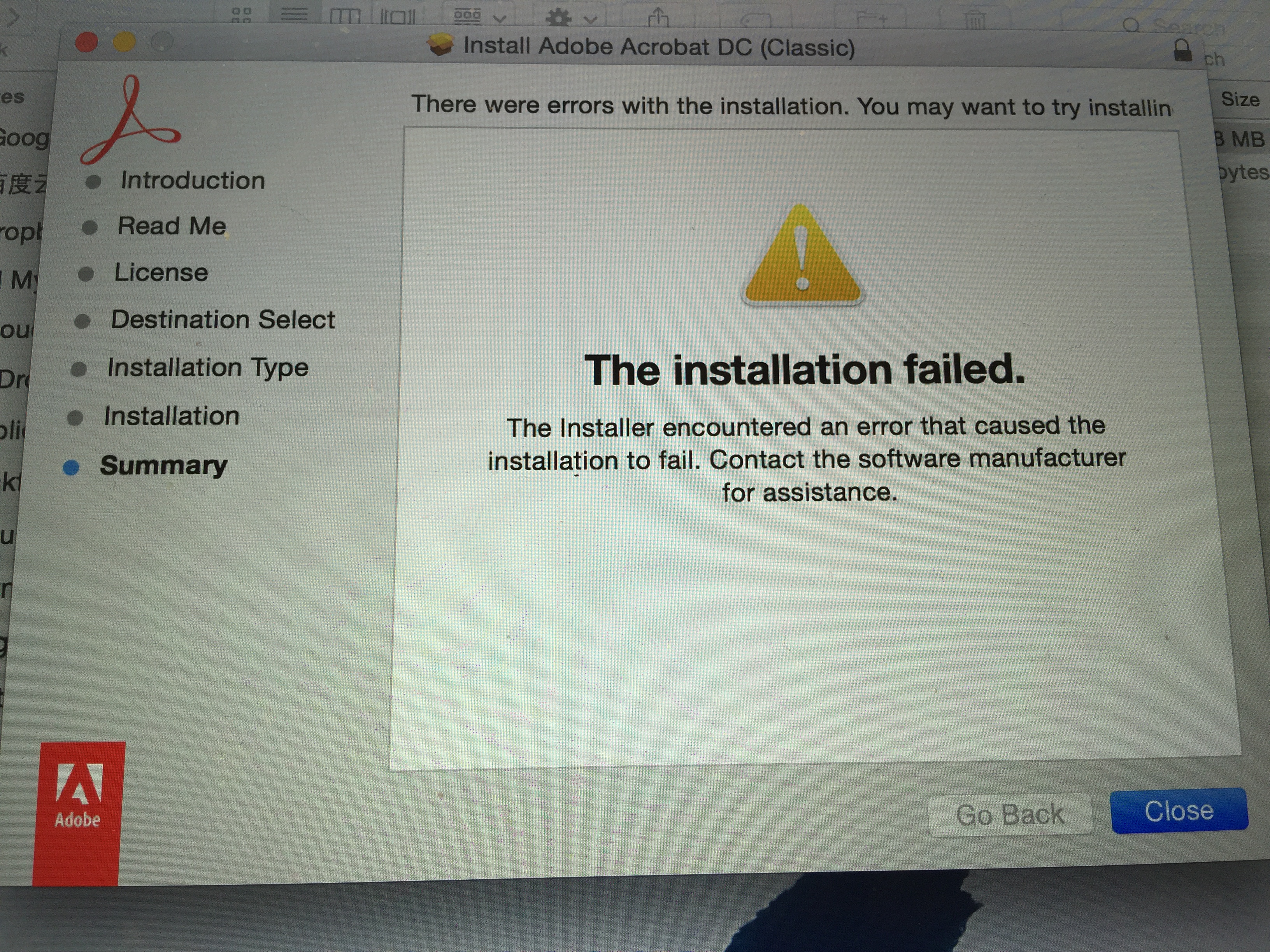
But the application was still show up in my mac book. Still not able to update the version or error still show.
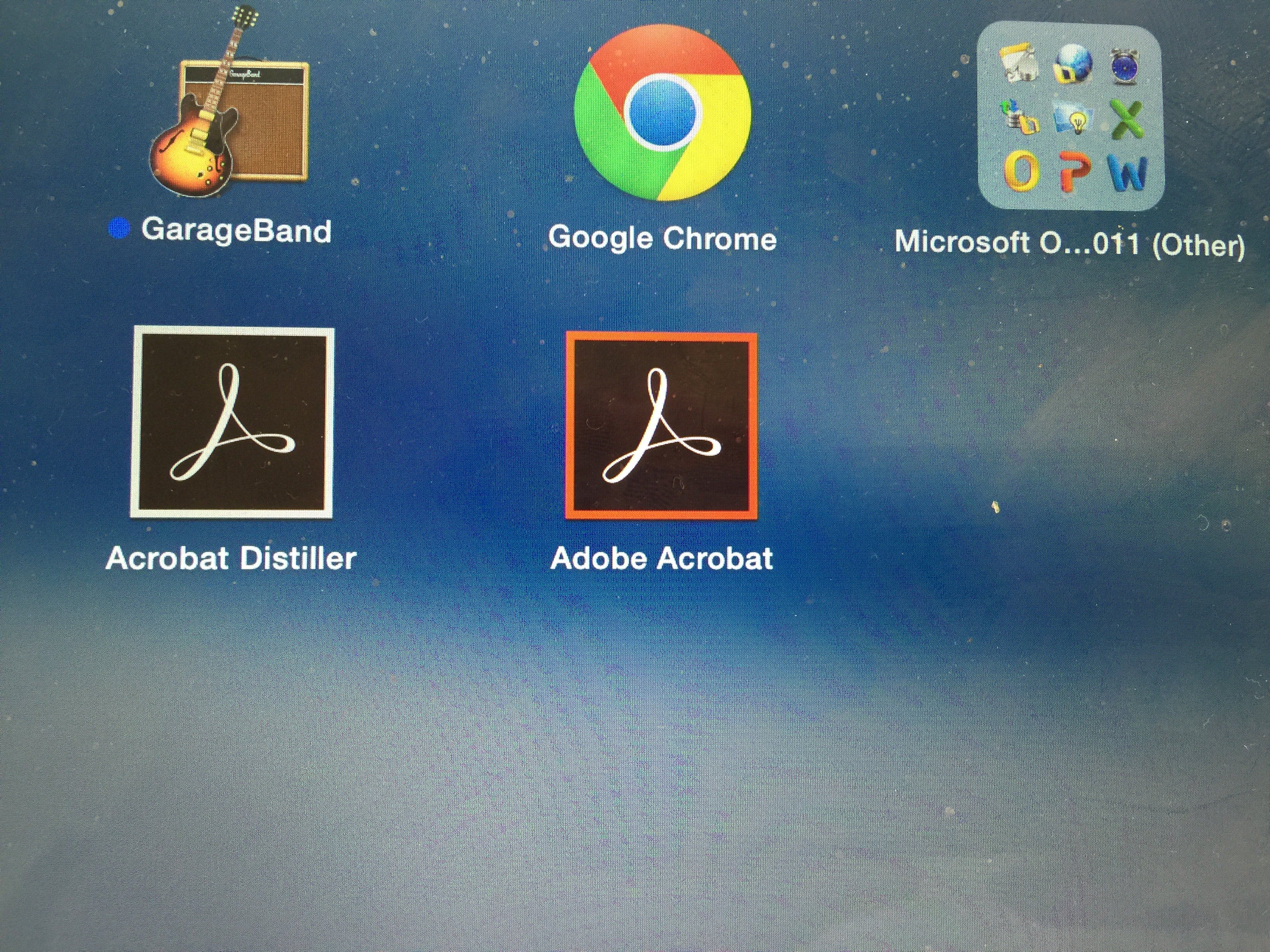
Please help
Thanks
Copy link to clipboard
Copied
Hi I spent hours to try to get it right and it still shows the same issue. Failed installation.
Even though the installation has failed. But the software in installed in my computer and I can use it. However, the check for update doesn't work and always show error 301.
I follow your instruction to download the update file and perform the update. When it prompt to choose the software to update. I can't even click on the Adobe app to update and it failed again.
This is very annoying and please let me know what can I do to straighten this out.
thanks

Copy link to clipboard
Copied
Hi Cheel,
I have EXACTLY the same problem. Your screen grabs look just like my Mac screen. The app does work, as much as I can tell but that "Installation Failed" message is disturbing.
I'll keep my eye out for any solutions that are offered up.
jbadham1939

Get ready! An upgraded Adobe Community experience is coming in January.
Learn more
 AdChoices