Exit
  • Global community
    • Language:
      • Deutsch
      • English
      • Español
      • Français
      • Português
  • 日本語コミュニティ
  • 한국 커뮤니티
0

Links within a pdf not working

New Here ,
Apr 23, 2018 Apr 23, 2018

I have a pdf which I have added links to which is not working on my clients computer.

They work fine on the all the computers here (Macs).

I've tried adding them through indesign and through Acrobat but with the same results.

We are also have this same issues with a separate client and PDF.

There are a few posts about this but I cannot not find any fixes?

TOPICS
PDF forms
2.5K
Translate
Report
Community guidelines
Be kind and respectful, give credit to the original source of content, and search for duplicates before posting. Learn more
community guidelines
Community Expert ,
Apr 23, 2018 Apr 23, 2018

What kind of links? What are they supposed to do when clicked?

Also, what application is your client using to open the file?

Translate
Report
Community guidelines
Be kind and respectful, give credit to the original source of content, and search for duplicates before posting. Learn more
community guidelines
New Here ,
Apr 23, 2018 Apr 23, 2018

Adobe Acrobat (newest version).

There are two types of link.

1. Web address

2. Email address

Translate
Report
Community guidelines
Be kind and respectful, give credit to the original source of content, and search for duplicates before posting. Learn more
community guidelines
Community Expert ,
Apr 23, 2018 Apr 23, 2018

Are you sure? Ask them for a screenshot. Sometimes people think they use one thing when in fact they use another.

Translate
Report
Community guidelines
Be kind and respectful, give credit to the original source of content, and search for duplicates before posting. Learn more
community guidelines
New Here ,
Apr 23, 2018 Apr 23, 2018

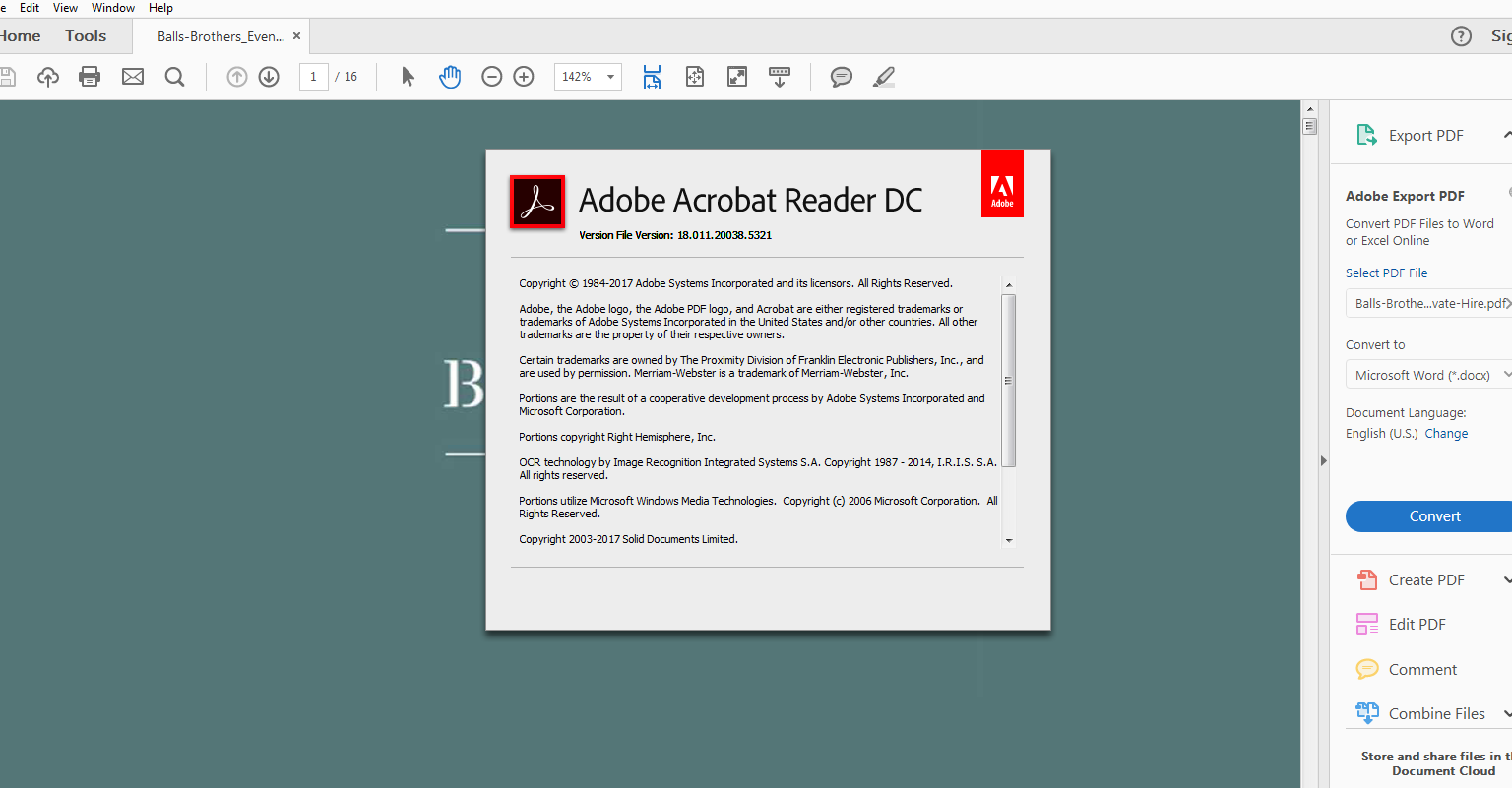
From my client...

I’ve done a screen recording to show the links still aren’t working! Please download the wetransfer here - https://wetransfer.com/downloads/45336f7c27ea2738507dc326de7f5eed20180417085115/b7eec1ff8bc7449cbd99...

+ Acrobat version.

Acrobat Reader Version.PNG

Translate
Report
Community guidelines
Be kind and respectful, give credit to the original source of content, and search for duplicates before posting. Learn more
community guidelines
Community Expert ,
Apr 23, 2018 Apr 23, 2018
LATEST

1. It's not Acrobat, it's Acrobat Reader.

2. The video doesn't actually show which application they're using.

3. If they are using Reader tell them to go to Edit (or the Reader menu if they're on a Mac) - Preferences - General and tick the "Make links from URLs" box.

Translate
Report
Community guidelines
Be kind and respectful, give credit to the original source of content, and search for duplicates before posting. Learn more
community guidelines