


- Home
- Acrobat
- Discussions
- Replace multiple even or odd pages to an specify p...
- Replace multiple even or odd pages to an specify p...
Replace multiple even or odd pages to an specify page

Copy link to clipboard
Copied
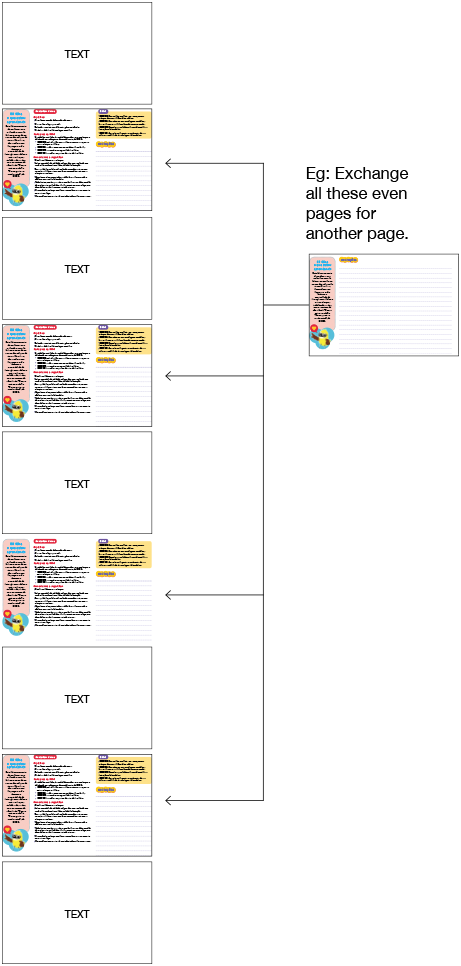
I need to replace all even pages with another. Is there any way to do this automatically?


 7
Replies
7
7
Replies
7




Copy link to clipboard
Copied
Probably possible with a script, but you need to better explain what you want to achieve, exactly.
Copy link to clipboard
Copied
Explaining better about I need. Can you hep me, please?
Copy link to clipboard
Copied
OK, now I understand. This can be done using a script.
Let's say the path of the file you want to insert is C:\Temp\NewFile.pdf
You can then run this code from the JS Console to do it:
for (var p=1; p<this.numPages; p+=2) {
this.replacePages(p, "/C/Temp/NewFile.pdf");
}
Copy link to clipboard
Copied
HI. Doesn't work 
I ran through the action wizard. It looks like ok, but does not swap pages by the requested file ...
What did I do wrong?
My computer is one IMAC /Acrobat X 10.1.16.
It makes any difference in java acrobat?
Copy link to clipboard
Copied
Press Cmd+J and check if there are error messages in the JS Console. My guess is the file-path you entered is not correct.
The paths on a Mac are different than those on Windows, which is what I'm familiar with.
To find out the correct path of your file open it in Acrobat, then execute this command from that JS Console by pasting it in and then pressing Cmd+Enter:
this.path
It will print out the path you need to use in the code.
Copy link to clipboard
Copied
Hello!
Would you like to made this script for us?
Copy link to clipboard
Copied
Sure, I can create it for you for, for a fee.
You can contact me privately via try6767 at gmail.com to discuss it further.


Get ready! An upgraded Adobe Community experience is coming in January.
Learn more
 AdChoices