Answered
Glow Effect(Using Brush Tool) Not Showing After Exporting
Used brush tool to get glow effect. In Ae, the effects are seen, but after exporting in the Media Encoder, the effect is completely vanished. What's the solution?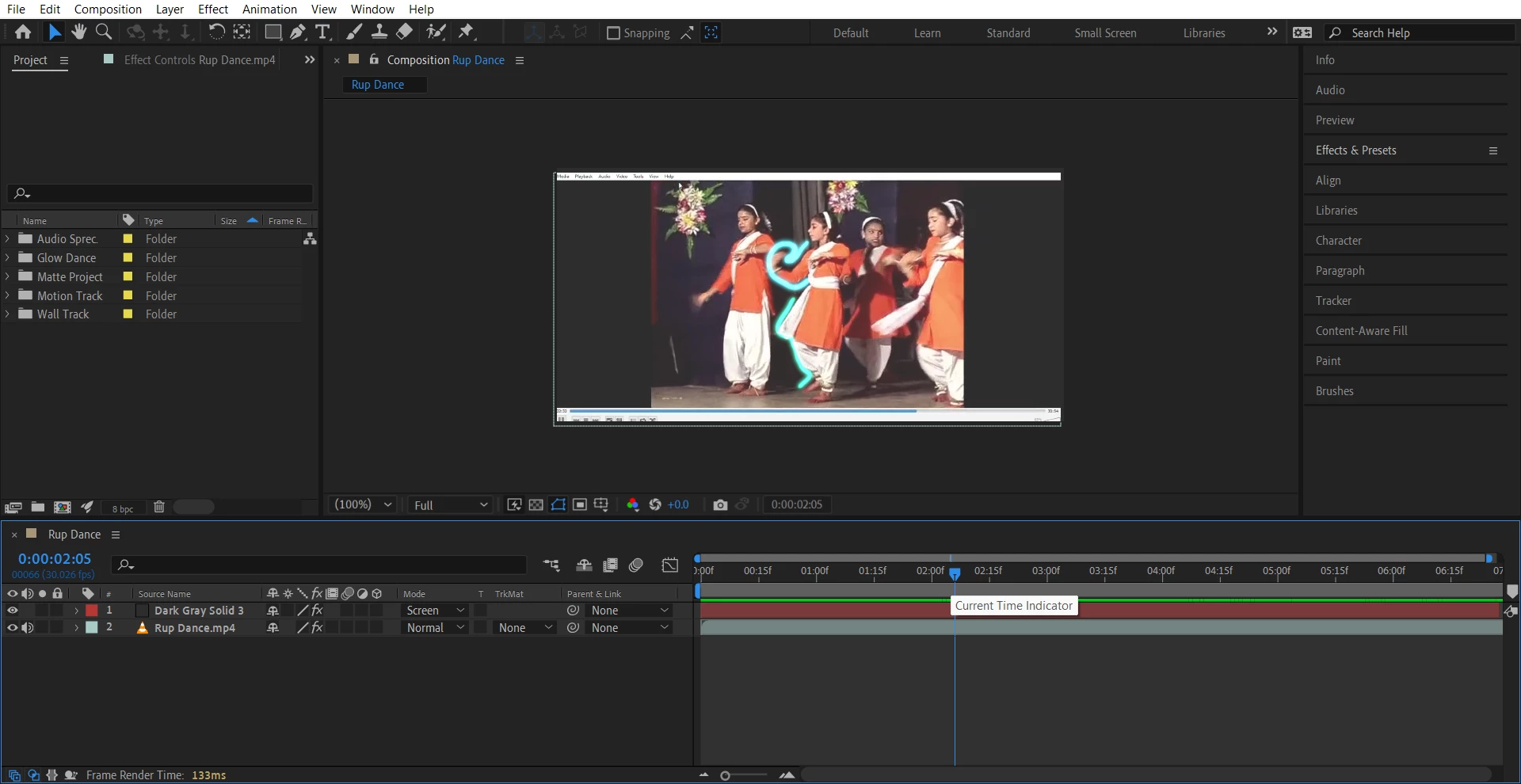
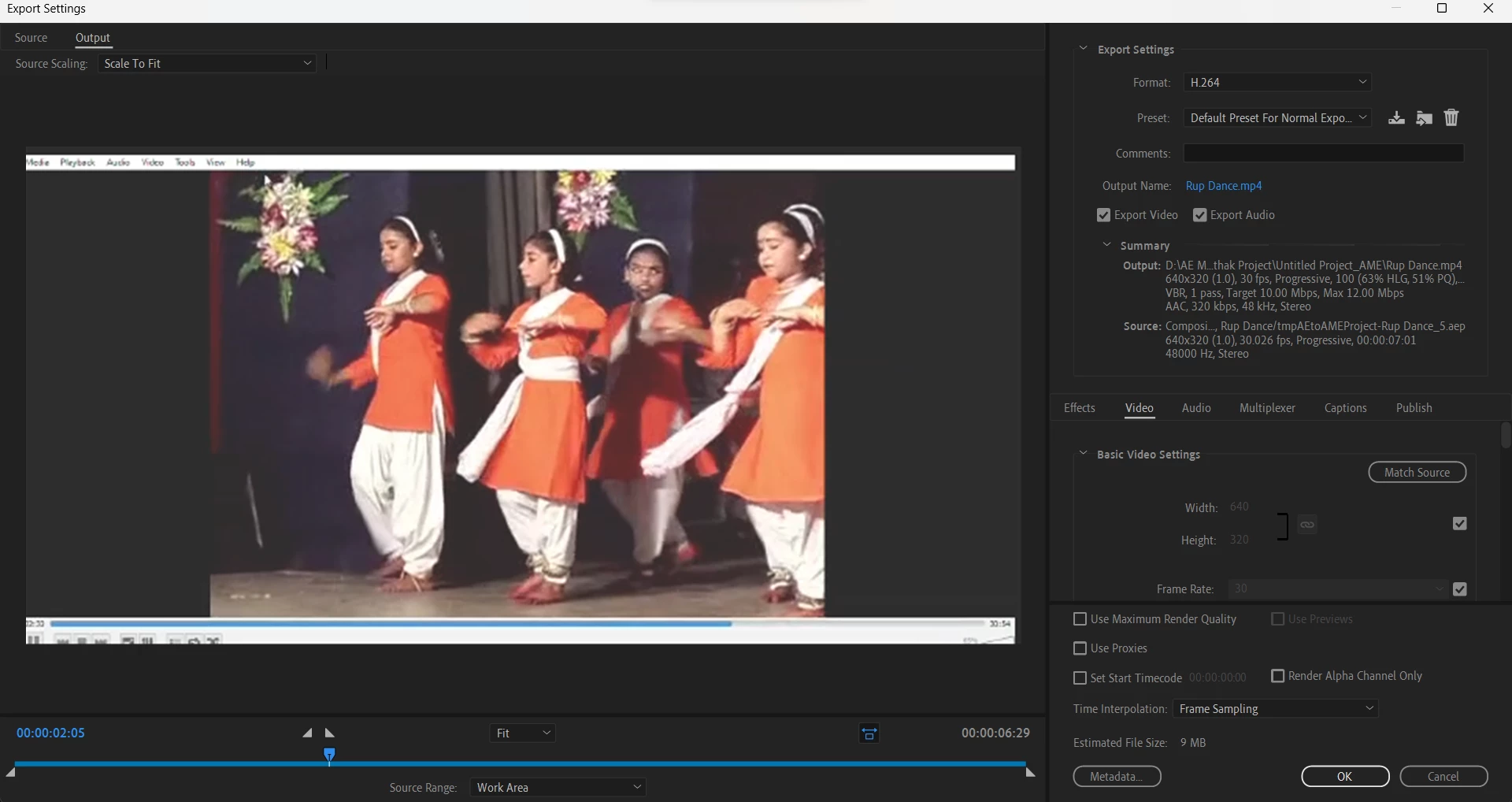

Used brush tool to get glow effect. In Ae, the effects are seen, but after exporting in the Media Encoder, the effect is completely vanished. What's the solution?
You have 10 different brush strokes, each of which is only 1 frame long. The frame rate for your comp is nonstandard. It should be reset to 30 fps. Your footage should also be reset to 30 fps. You are using a custom rendering preset called "Default for normal exp.." or something like that. Unless you are an expert in video standards, formats, and compression techniques, you should not mess with the presets. Just pick one that matches your comp settings. Your frame rates should also always match the standards. The footage's frame rate does not match the frame rate of the output in the Media Encoder. Since the stroke animations are only one frame long, some of the frames may likely be fouled up because of the miss calculations.
I turned off the background MP4 (also at an odd frame rate), added the comp to the Output Module, and rendered a test file. The 1 frame flashes were all there. Personally, I would almost never create a one frame long brush stroke. Two frames would be my minimum. That would give the audience a little more time to process the stroke.
Try fixing the frame rate of the comp and the footage (File/Interpret Footage). See if that helps.
Already have an account? Login
Enter your E-mail address. We'll send you an e-mail with instructions to reset your password.
 AdChoices