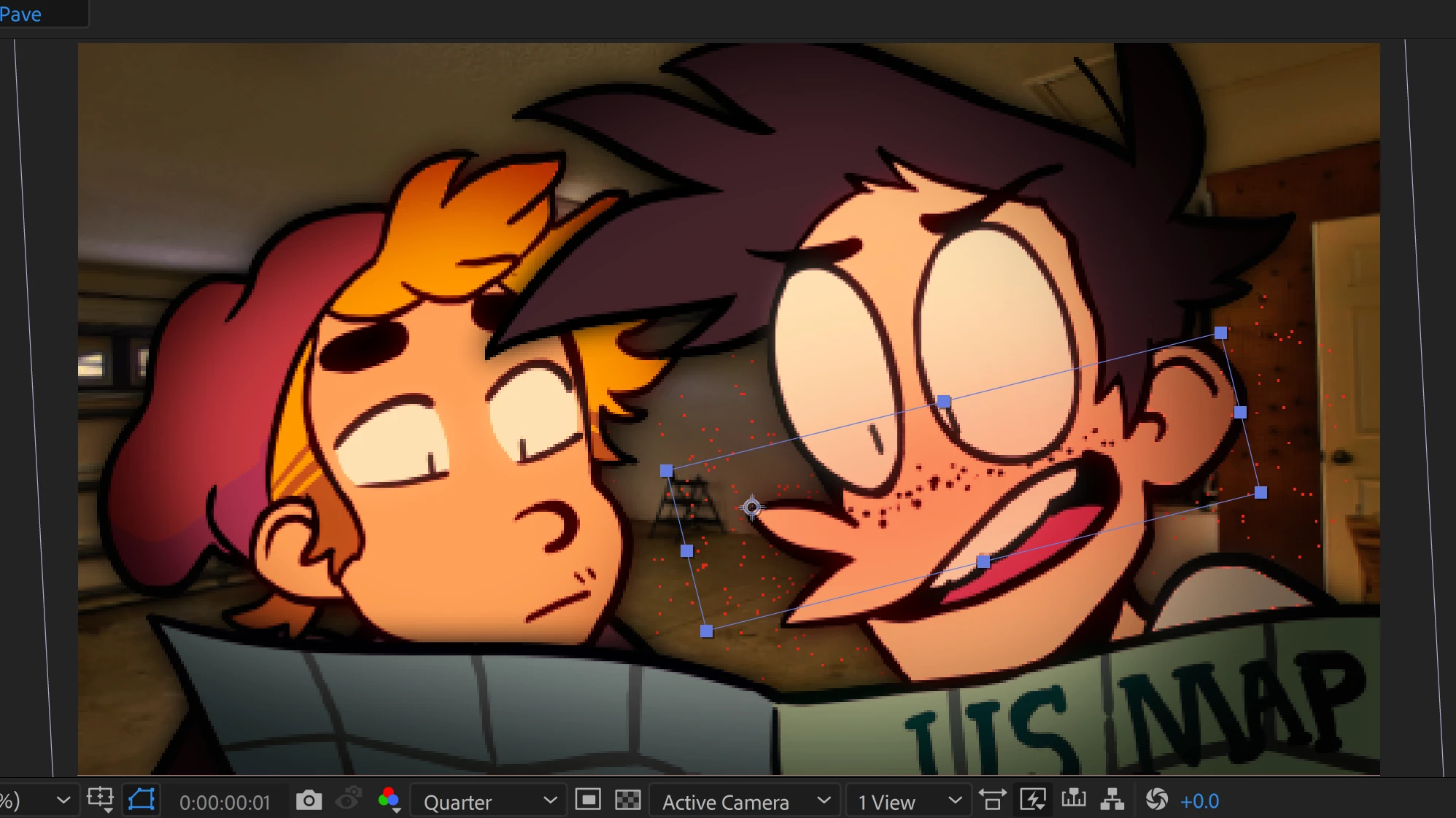
if you have a layer of the skin you can apply a color correction in many ways. then on top will be the eyes so they will not be affected by anything beneath it. same as you would do that in photoshop/illustrator . Ae is like Photoshop/ilustrator but with a timeline. layer based, you composite through using layers, masks and effects. for color correction you could use a solid or shape with a blend mode or an adjustment layer with some color correction affect like levels or curves or tint etc.
so say I have the skin, you could create a shape layer or a masked solid above it and set the blending mode and move it like the animated layer beneath either manually or using motion tracking. when I worked in Waltz With Bashir I was given png sequences made in Flash as different layers, then composited them in Ae so I could affect layers differently. if there was movement I would get tracking markers as a different layer that were placed on the same place where the element was moving (like an X sign on the tip of a cigarette for example) so I could place things like smoke on these tracked markers and then when I was done I would remove the markers layers.
as for confining the layer to the alpha of another, you could use alpha mattes or other ways. you should read here: Use alpha channels, masks, and mattes in After Effects

 AdChoices