
Inspiring
December 21, 2021
Answered

Rendering PNG sequence error

  • December 21, 2021
  • 15 replies
  • 8181 views

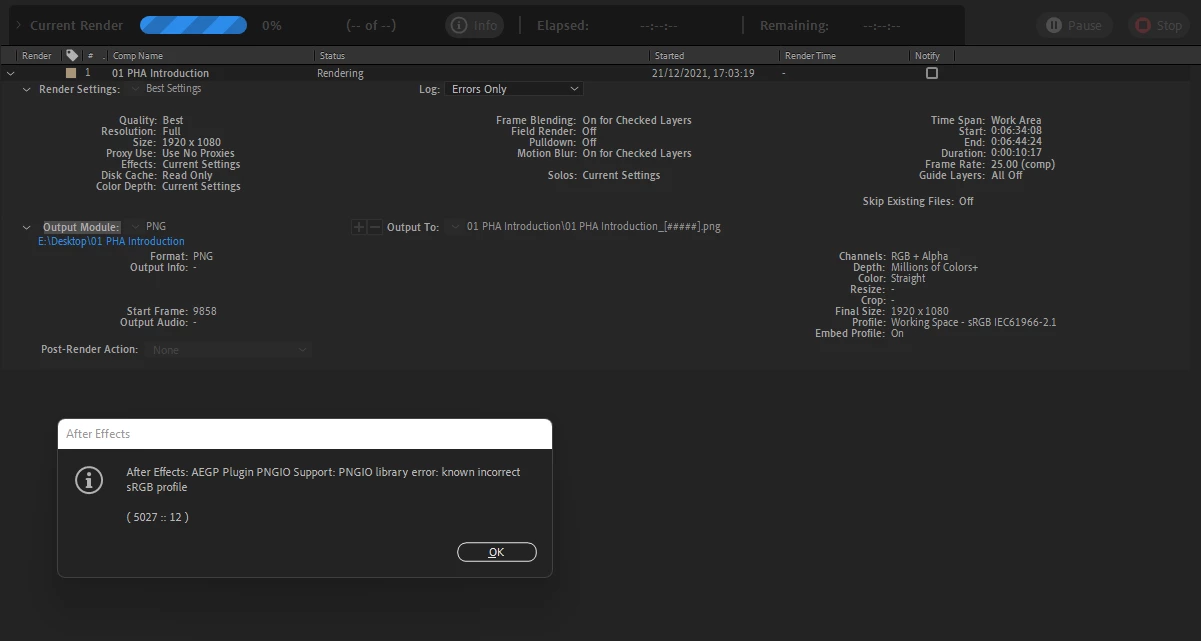
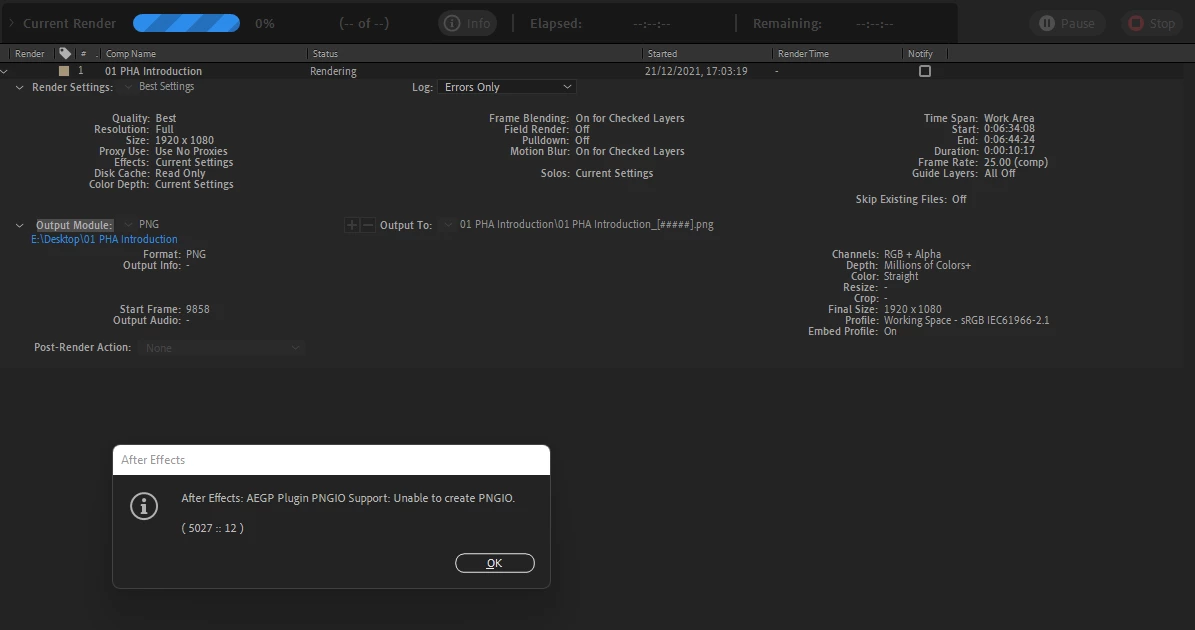
I'm trying to render a PNG sequence as below and I get the following errors:

- AEGP Plugin PNGIO Support: PNGIO library error: known incorrect sRGB profile
- AEGP Plugin PNGIO Support: unable to create PNGIO
- An unexpeted error occurred while exporting a composition. Error Code: 1
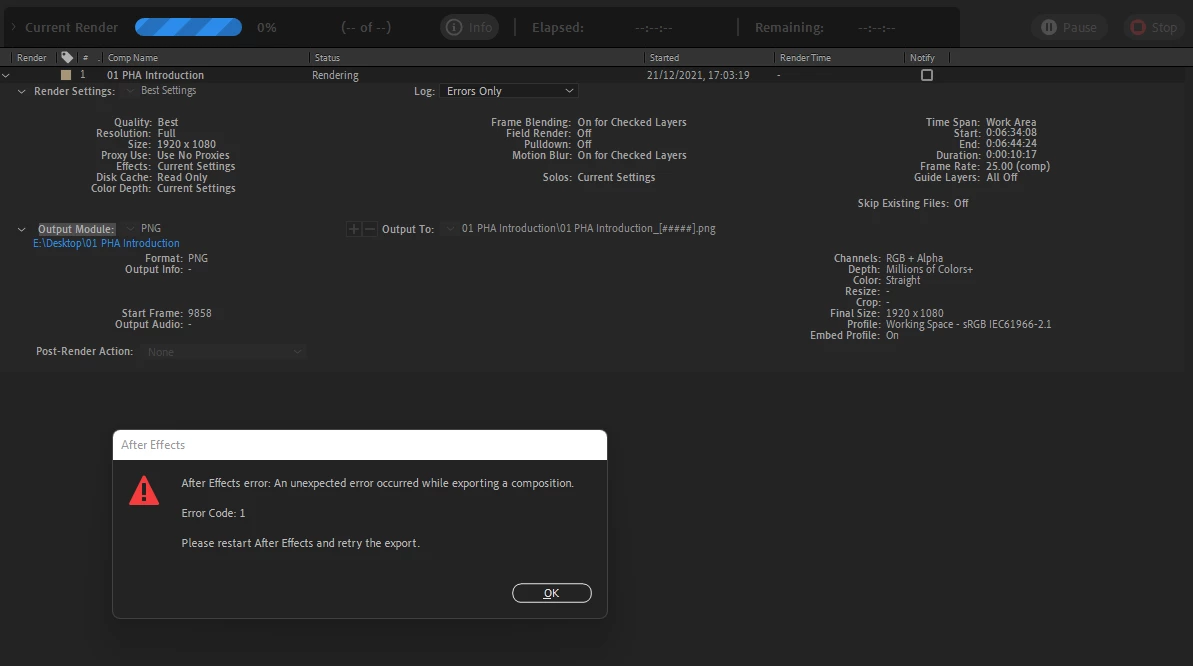
As a result, it exported just one 0-byte png, which is damaged.

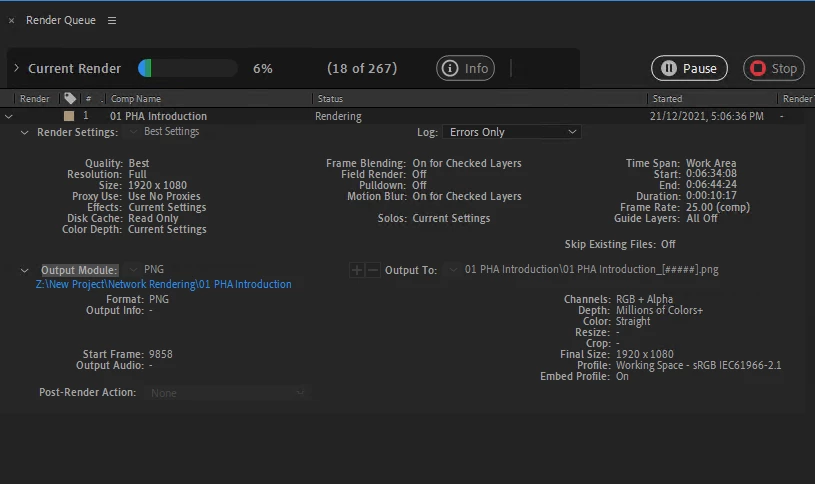
If I open the same project on another machine (again on Windows), it renders without any warning/errors:
Any help?


This topic has been closed for replies.
Correct answer Rameez_Khan

Hi all,


This issue was fixed in After Effects 22.3.


Thanks,

Rameez

15 replies

Participating Frequently
January 6, 2022

I'm having the same issue. I uninstalled the 22.1.1 update and downgraded to the previous version. Now everything works again.

Inspiring
January 7, 2022

Same!

Participating Frequently
January 3, 2022

Same Problem here on multiple pc's.
Happened after the latest update. Even when trying to render an empty composition these errors occur.

The error doesn't happen when you change the "Color Management" in the "Output Module Settings" fromt "Embed Profile" to "Preserve RGB".

It also doesn't happen when you open a new (clean) project and import the project (with the error-problem) en try to render the exact same PNG. So the problem is AE and not the project.

These are work arounds and no sollutions. Please come with a bug fix update Adobe.

Inspiring
January 3, 2022
The error doesn't happen when you change the "Color Management" in the "Output Module Settings" fromt "Embed Profile" to "Preserve RGB".

I confirm this.

It also doesn't happen when you open a new (clean) project and import the project (with the error-problem) en try to render the exact same PNG. So the problem is AE and not the project.

This doesn-t work for me.


Participating Frequently
December 31, 2021

Same problem here.  WTF

Inspiring
December 29, 2021

So is it working for you?


Inspiring
December 21, 2021

Now that I've update the second machine to the very last version of AE I'm having the same problem. 😞