
Images or output video get 'squished'
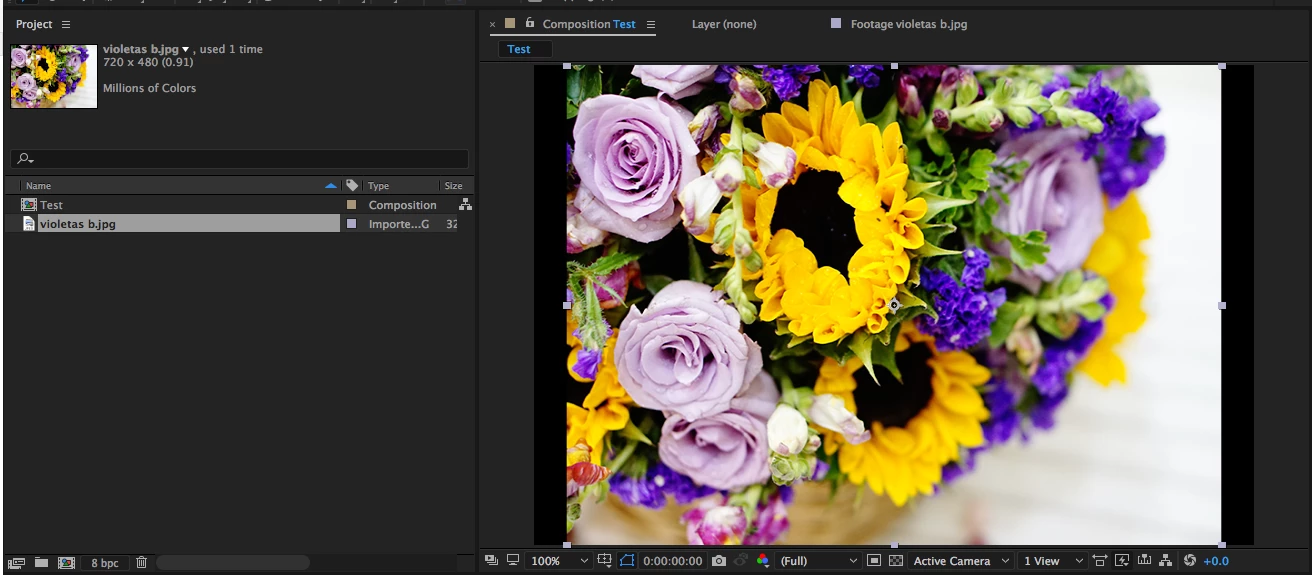
Images get squished when I pull them into an existing composition with the Pixel Aspect Ratio set to 'Square Pixels' (see composition settings in Group A screengrab below). It happens whether I import an image I created in PS or AI, or a random image downloaded from the web. It's easy enough to manually 'stretch' the image and go about my way, but I doubt that's the normal workflow. Once I've done the 'stretching' the output video is fine.
OR, If I create a new project from scratch and drag an image down to the 'create composition icon' it will render perfectly in the composition panel, but the output video will render similarly squished.
For what it's worth, I don't seem to have the same issue with video based on a quick test I did with an iPhone video.
It seems the issue is AE's reading/interpreting the file with a PAR of (0.91). What can I do to change/fix this? Very much appreciate any help!

 AdChoices