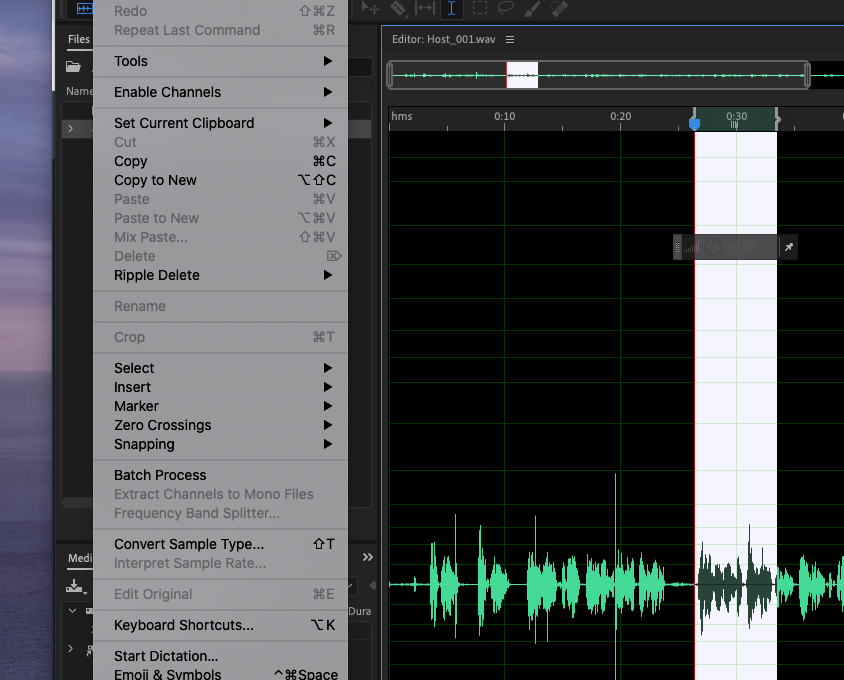
You will lose any specific user-settings you've made, but the most obvious thing to try is to reset Audition's Preferences system. That's really easy to do - just restart Audition with the Shift key held down. If that makes no difference, then try uninstalling and reinstalling the software using Adobe's CCcleaner.





 1
Reply
1
Reply


 AdChoices