


- Home
- Business Catalyst (read-only)
- Discussions
- Custom Domain Causing site formatting issues
- Custom Domain Causing site formatting issues
Custom Domain Causing site formatting issues

Copy link to clipboard
Copied
I have designed my site in Adobe Muse. It was working perfectly with the BC trial domain: sarahruby2014.businesscatalyst.com
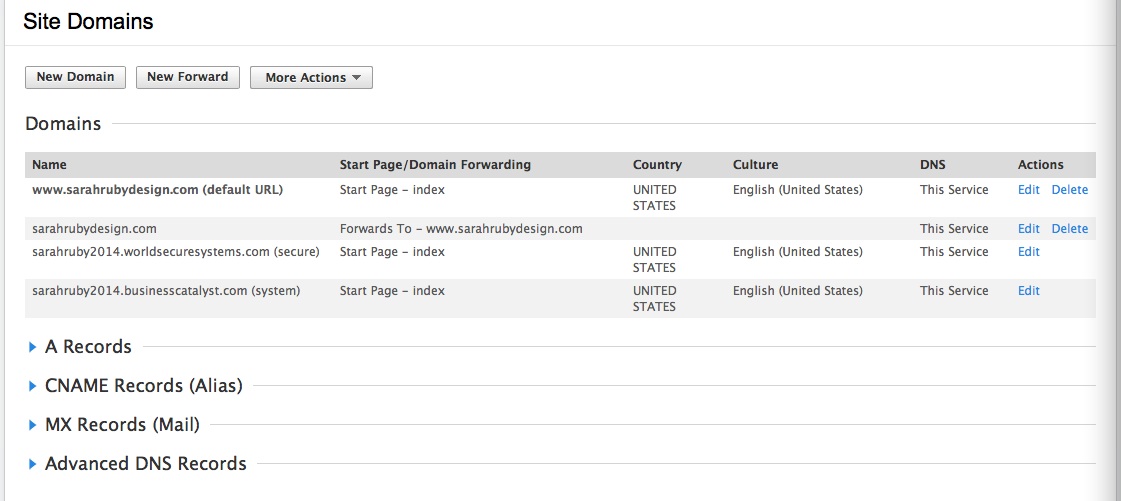
I have added my custom domain: www.sarahrubydesign.com
When you view the site with the custom domain, the formatting on several pages, including the home page is messed up. However, the formatting remains pristine when sarahruby2014.businesscatalyst.com is used.
To add the custom domain, I had to delete it from a legacy website, which I did.
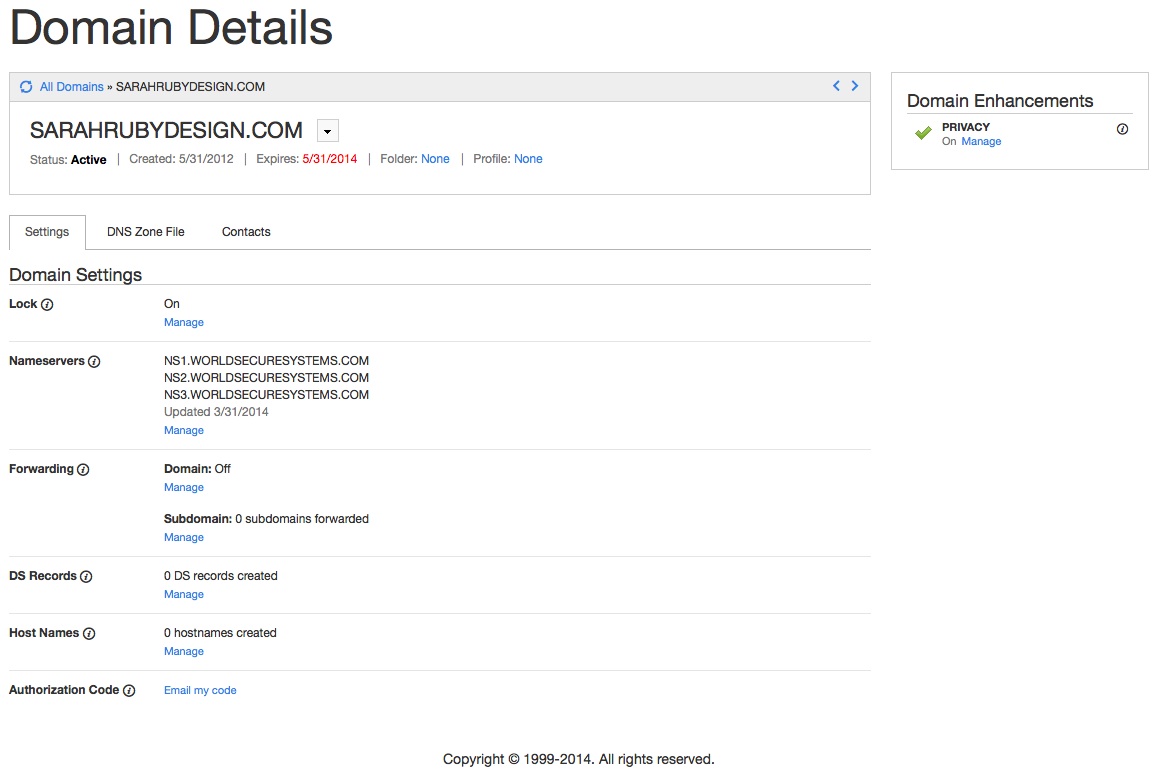
Then I went into my GoDaddy records (via Google, since I registered my domain through Google). I changed the name servers:


 5
Replies
5
5
Replies
5



Copy link to clipboard
Copied
With a .com it can take up to 24 hours to propergate the domain. Seems fine there, You just need to give it some time.
Copy link to clipboard
Copied
Thanks Liam.
I was actually able to fix the majority of the formatting issues by republishing the site from Muse and selecting "upload all files" option (instead of "upload only modified files").
The only place I'm now having issues is on the BC backend. Everything with stylesheets on the backend (news module, login block) and the url for the blog have still not updated.
I suppose I should wait that out a little longer to see if it all updates.
Copy link to clipboard
Copied
It turns out that I was able to get the CSS from the backend to update by going into the stylesheet, making a minor change, and then resaving it.
Everything now looks great!
Copy link to clipboard
Copied
Domain will never effect how your site looks as a note Sarah 
Copy link to clipboard
Copied
Thanks. I didn't think so.... that's why it seemed so strange to me and I figured I must have set something wrong. Thanks for the follow up!

Get ready! An upgraded Adobe Community experience is coming in January.
Learn more
 AdChoices