


- Home
- Business Catalyst (read-only)
- Discussions
- Problems creating web forms in BC
- Problems creating web forms in BC
Problems creating web forms in BC

Copy link to clipboard
Copied
First of all, I would like to apologize in advance. I know very little about coding. I use Muse to design websites and so far have had great luck, but I have a client who would like more than just the basic contact form that is available as a widget in Muse. I have done as much as I can to educate myself on creating forms with BC, and have actually made great progress considering where I started. That being said, I am still having some issues.
First, the form looks different when I "preview page in Browser" vs when I publish the page:
PREVIEW PAGE IN BROWSER:
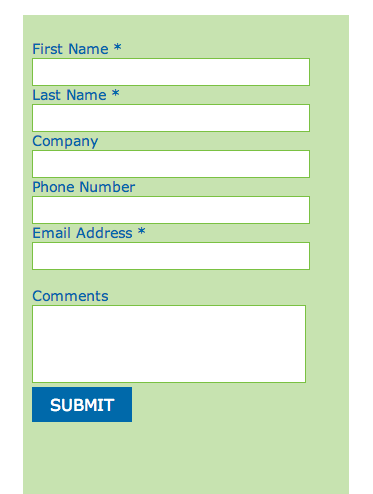
This is the way it looks when I PUBLISH the site:
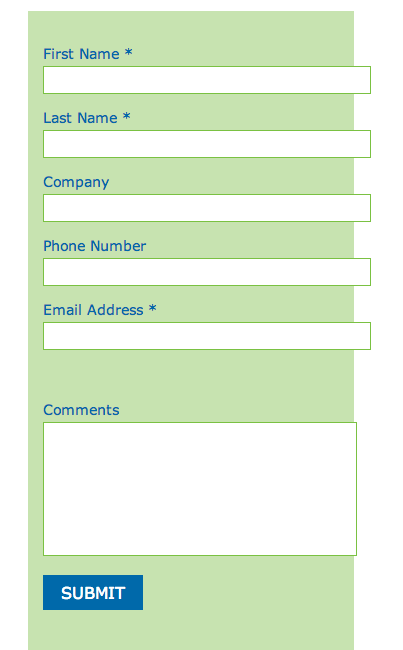
What happened? This is the code I used to set the styles:
<style>
.webform label{
font-family: verdana;
font-size: 14px;
color: #0069AA;
}
.td{
padding: 5px;
}
.cat_textbox{
border: 1px solid #7AC142;
border-radius: 0px;
background-color: white;
width: 260px;
height: 26px;
padding: 0px 20px 0px 6px;
}
.cat_listbox{
border: 1px solid #7AC142;
border-radius: 0px;
background-color: white;
width: 270px;
padding: 6px;
}
.cat_button{
border: 0px solid #f06823;
border-radius: 0px;
width: 100px;
height: 35px;
font-family: verdana;
font-size: 12pt;
color: white;
background-color: #0069AA;
}
</style>
So, I have those issues. The next problem I have is that when I attempt to fill out the PUBLISHED form, I get this error:
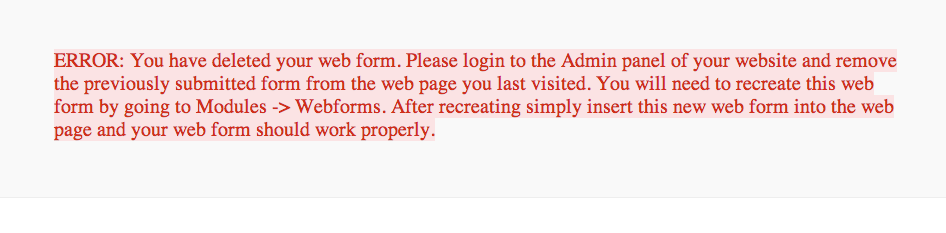
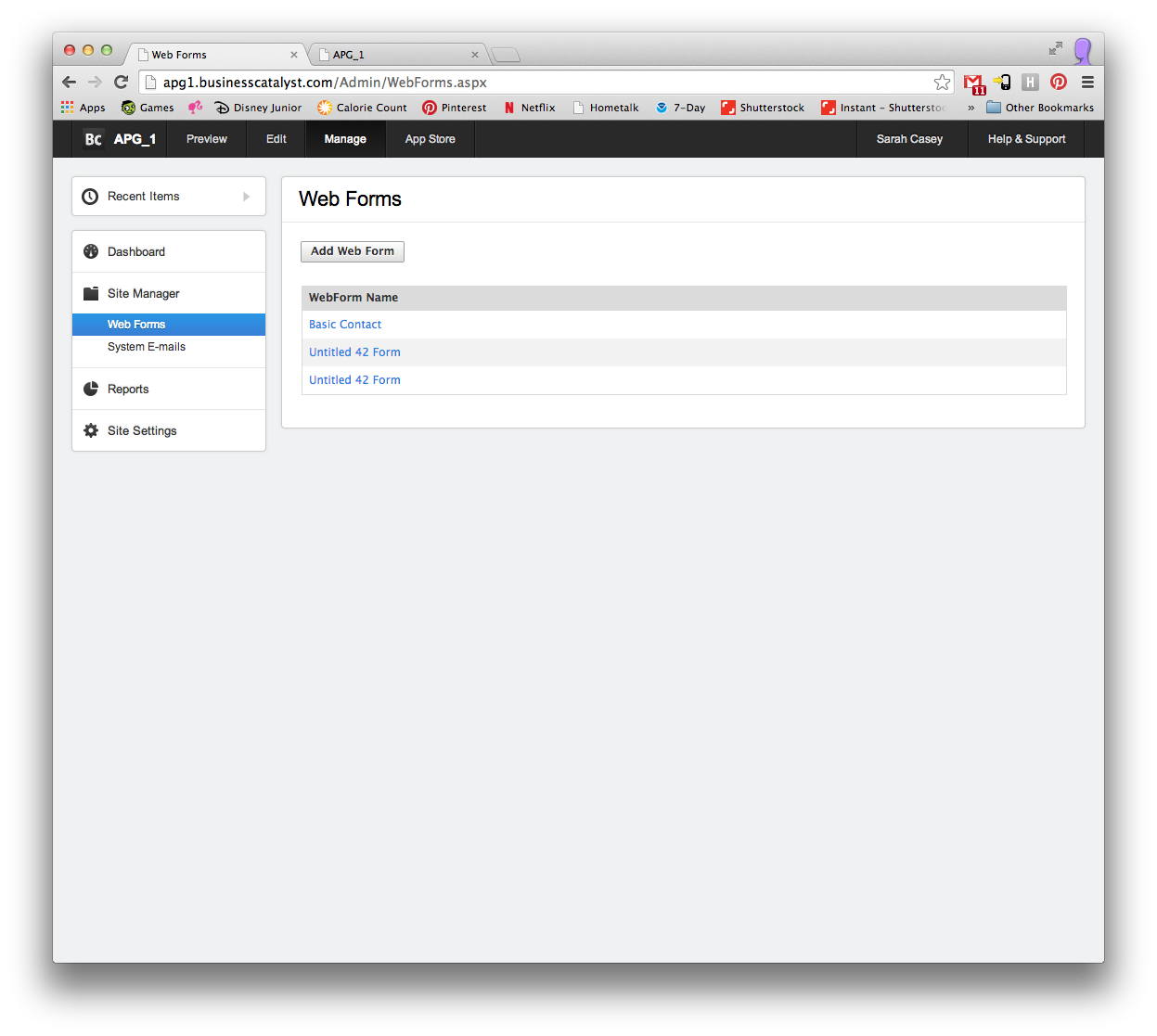
The first time I went back to my Admin panel in BC, it was true, the form had disappeared! So, I created it again. Reinserted the HTML in Muse, but still got the same error. The form shows up in BC as "Basic Contact":
I am not sure if this is part of the problem, but BC keeps logging me out.
One last question. If for some reason, I am not able to create a functioning form in BC, is there any disadvantages to using a 3rd party such as JotForm to create the forms?
Thank you so much!


 3
Replies
3
3
Replies
3


Copy link to clipboard
Copied
Please help!


Copy link to clipboard
Copied
Hi,
When you create a web form in BC, add it to a page in BC itself. And preview the page and submit a test entry. Then repeat the process, add it to Muse and publish it again. This should fix the issue of deleted web form.
Let me know how it goes
Copy link to clipboard
Copied
Same problem.
I created the form in BC, used the MORE ACTIONS>ADD FORM TO WEB PAGE. Then, I went to the page (in BC). It wasn't there, so I added the form as a module. I was able to preview the page and submit it just fine. I did it twice to be sure. Then, I went back to Muse. It didn't show up on the page even after closing and opening the file again. So, I inserted the html and it published it. Showed up fine, but I got the same error when I tried to submit the form. When I went back to BC, it had kicked me out, but once I logged in, the form was still there. In the past it had always disappeared.
I appreciate your help!

Get ready! An upgraded Adobe Community experience is coming in January.
Learn more
 AdChoices