


- Home
- Captivate
- Discussions
- Re: text changes color when previewed
- Re: text changes color when previewed

Copy link to clipboard
Copied
Hello!
I have a wierd question that I can't get resolved.
I have many slides in my project that look fine in edit:
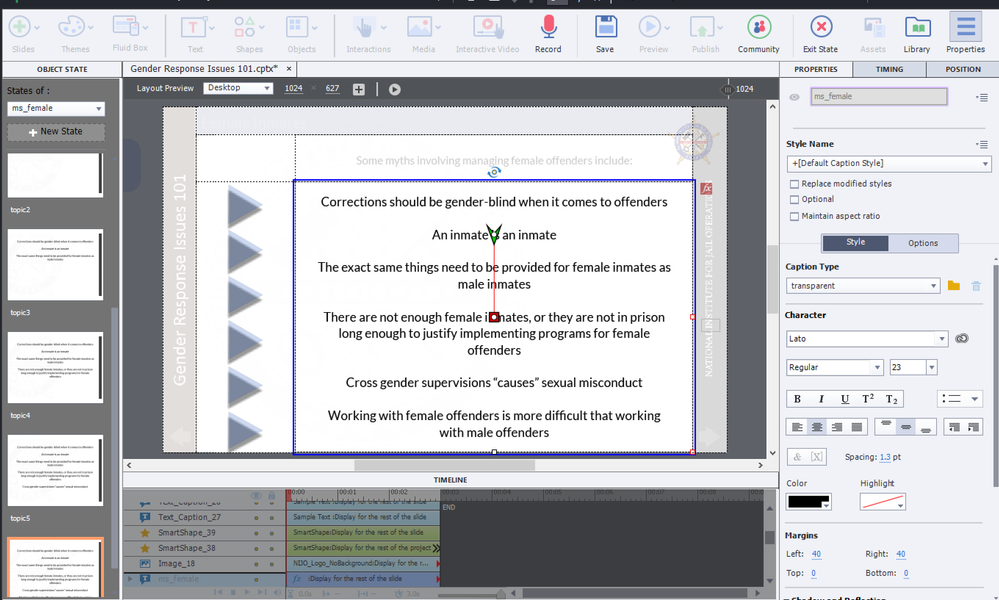
But when i go to preview, It turns the text grey....
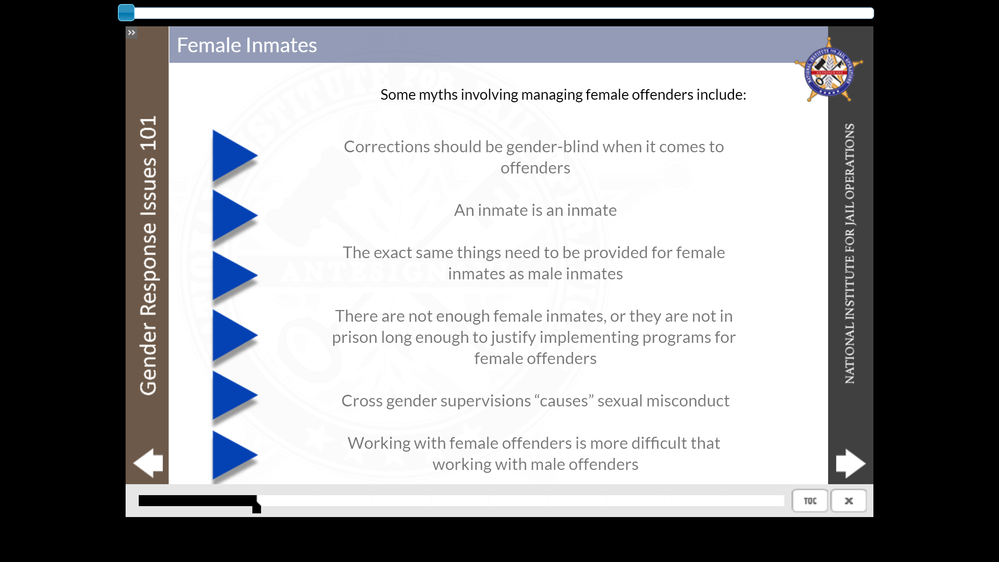
They are not happy about it and I can't figure out why it's doing it...
Has this happened to anyone before???
Thank you!!!!


 1 Correct answer
well, its haooening becuase of my pause.... If its too close to the end?? I guess. seems wierd still.

 2
Replies
2
2
Replies
2

Copy link to clipboard
Copied
well, its haooening becuase of my pause.... If its too close to the end?? I guess. seems wierd still.

Copy link to clipboard
Copied
Really? That is very weird. Be careful: this responsive project may start to get corrupted. I cannot see the pause in the Timeline panel, don't know if Lato is an Adobe font neither. You have a shape button which is timed for the rest of the project. I cannot see the motion effect duration neither.


Find more inspiration, events, and resources on the new Adobe Community
Explore Now
 AdChoices