Exit
  • Global community
    • Language:
      • Deutsch
      • English
      • Español
      • Français
      • Português
  • 日本語コミュニティ
  • 한국 커뮤니티
0

3D extrude and bevel issue

New Here ,
Nov 12, 2021 Nov 12, 2021

Screenshot 2021-11-12 at 10.53.40.pngSee the screenshot above with the box which usually appears when 'extrude and bevel' are clicked on a shape, however it isnt appearing since updaing and instead the below box appears?

I need to do 'map art' option which I can't find anywhere on this new box. please help? is this a normal box which has appeared or am I missing something glaringly obvious


working on the new update 26.0.1 


Screenshot 2021-11-12 at 10.54.01.png

TOPICS
Draw and design
1.7K
Translate
Report
Community guidelines
Be kind and respectful, give credit to the original source of content, and search for duplicates before posting. Learn more
community guidelines

correct answers 1 Correct answer

Community Expert , Nov 12, 2021 Nov 12, 2021

Effect > 3D & Materials > 3D (Classic) > Extrude & Bevel

Translate
Adobe
Community Expert ,
Nov 12, 2021 Nov 12, 2021

Effect > 3D & Materials > 3D (Classic) > Extrude & Bevel

Translate
Report
Community guidelines
Be kind and respectful, give credit to the original source of content, and search for duplicates before posting. Learn more
community guidelines
Community Beginner ,
May 06, 2023 May 06, 2023

Do you have an idea how i can blend steps under extrude and bevel too?

Translate
Report
Community guidelines
Be kind and respectful, give credit to the original source of content, and search for duplicates before posting. Learn more
community guidelines
Community Expert ,
May 06, 2023 May 06, 2023

You can use the blend function on 3D & materials as well.

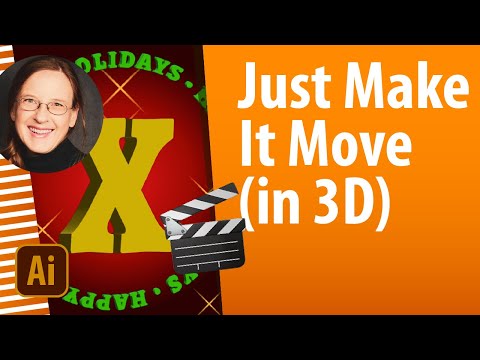
https://www.youtube.com/watch?v=Q0-3uJmEglI 

Now that we know how to animate using Illustrator, of course we want to create 3D animation. The 3D & materials effect can be used for animation in Illustrator thanks to one of Illustrator's oldest functions: blends. This video shows you how to do it. Please check out my other animation tutorials:
Translate
Report
Community guidelines
Be kind and respectful, give credit to the original source of content, and search for duplicates before posting. Learn more
community guidelines
Community Beginner ,
May 06, 2023 May 06, 2023

okay thanks. will check. The problem am trying to solve is to blend an image and a text (the colors) under extrude and blend. before the update the option was there as blend step, now gone

Translate
Report
Community guidelines
Be kind and respectful, give credit to the original source of content, and search for duplicates before posting. Learn more
community guidelines
Community Expert ,
May 06, 2023 May 06, 2023
LATEST

In the 3D Classic version you need to click More Options to get to the Blend Steps.

Translate
Report
Community guidelines
Be kind and respectful, give credit to the original source of content, and search for duplicates before posting. Learn more
community guidelines