 Adobe Community

- Home
- Illustrator
- Discussions
- Why are my pencil lines filling in when the fill i...
- Why are my pencil lines filling in when the fill i...

Copy link to clipboard
Copied
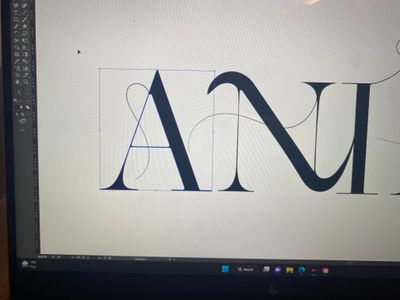

Hey, hoping someone can help 🙂
I'm manipulating font and I've added a few pencil lines coming off the letters. The stroke is black and the fill is off. When I go to unite the lines & letters to make one shape, the pencil lines fills themselves in & change the fill to black, when I need the letters to be filled but the pencil lines to stay stroke only
Even when I don't try to unite them and just try to change the colour, the pencil line's get filled in. I don't understand why this is happening and am unsure how to get it to stop, I want the lines to stay looking the same. Someone help!


 1 Correct answer


If you want to unite the lines with the letter(s), you need to first expand the strokes: Object > Path > Outline stroke

Explore related tutorials & articles
 8
Replies
8
8
Replies
8


Copy link to clipboard
Copied
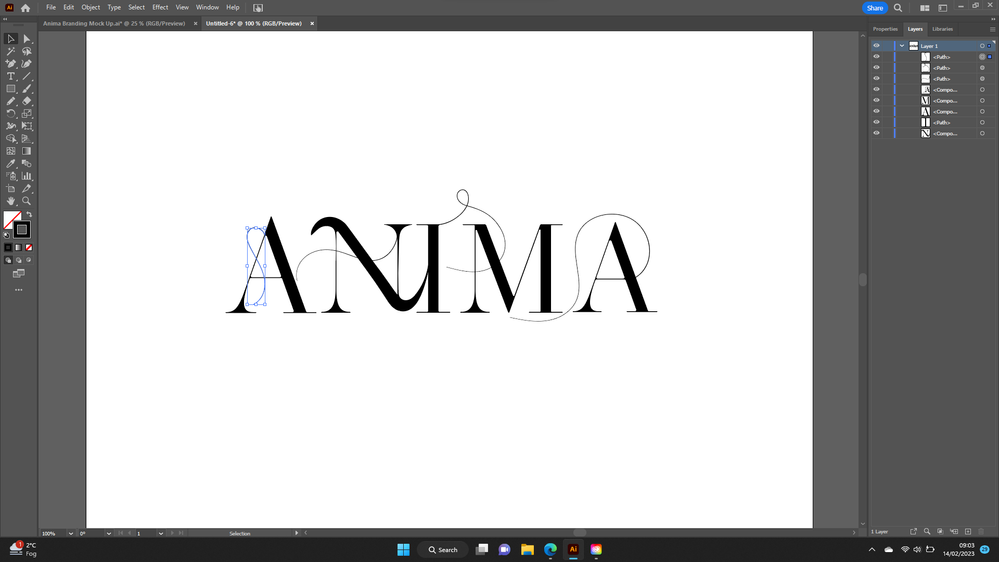
Can you show the expanded layers panel with the line selected?
(and please use the screen capture of your system instead of taking a picture with your camera).
Copy link to clipboard
Copied
Like this?
I'm very new to illustator so still trying to get my head around everything
Copy link to clipboard
Copied
Yes, thanks, that looks fine.
As you can see, the selected object does not show a fill. If you group it with the the A it should be fine.
I think the linesthat give you trouble are part of a compound path/group.
You can try to cut the lines, paste them back and group them with the letter.
Copy link to clipboard
Copied
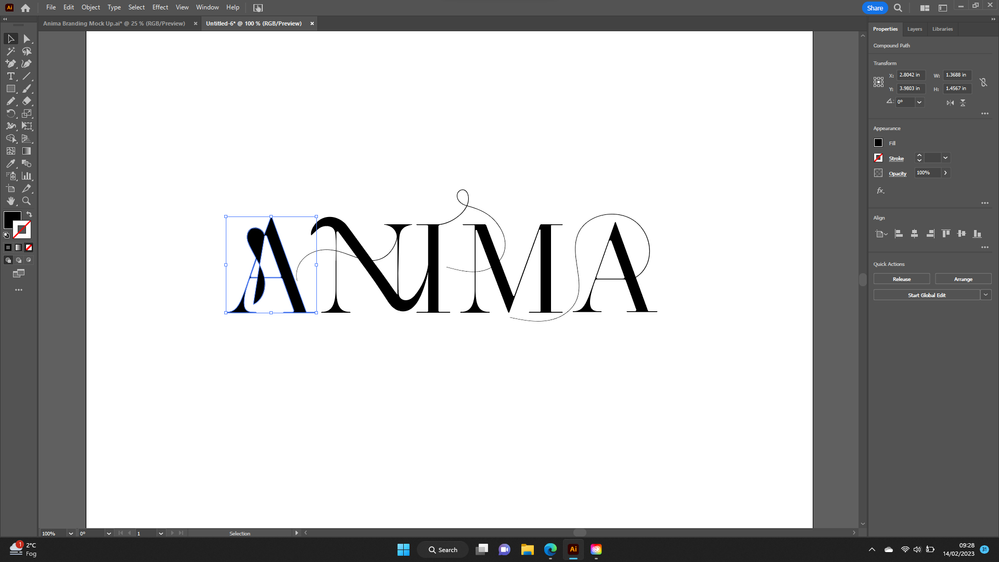
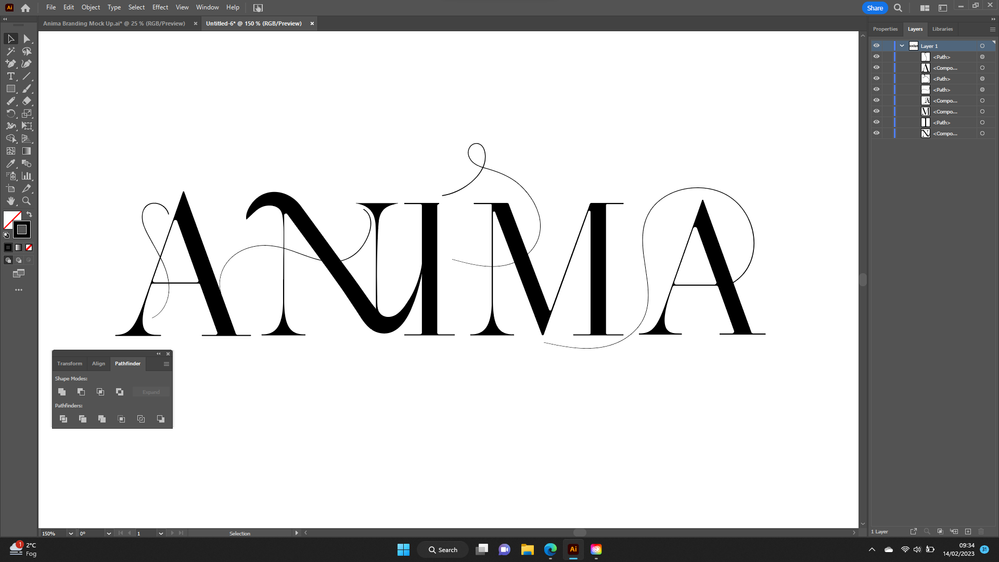
I've grouped the line to the A, united it with the path finder and it's still done the same thing.
All of the lines coming off the letters are serparate to the letters, they aren't apart of the letters. The only letter that it doesn't seem to effect is the line coming off the end A, however there's nothing different with this line compared to the others so I'm still unsure of why this is happening.

Copy link to clipboard
Copied
Why use the Pathfinder?
Copy link to clipboard
Copied
I was following a video and it said after you manipulate the font, use the pathfinder to unite it all into one shape rather than all the lines being seperate. Because I need to copy and paste the logo onto different designs
Copy link to clipboard
Copied
If you want to unite the lines with the letter(s), you need to first expand the strokes: Object > Path > Outline stroke
Copy link to clipboard
Copied
Thankyou so much this has worked now!


 AdChoices