bocamag
Participating Frequently
February 8, 2017
Answered

character control panel

  • February 8, 2017
  • 2 replies
  • 821 views

I recently updated my InDesign CC to (2017). When I did my character control panel changed. There are items missing that were there before (ie span columns, lock to baseline, hyphenate etc.). How do I get it back to orginal. I tried the customize control panel but it only allows me to add or take off, not really customize.

The bottom image is what I want to get back to.
This topic has been closed for replies.
Correct answer Sumana Namhata

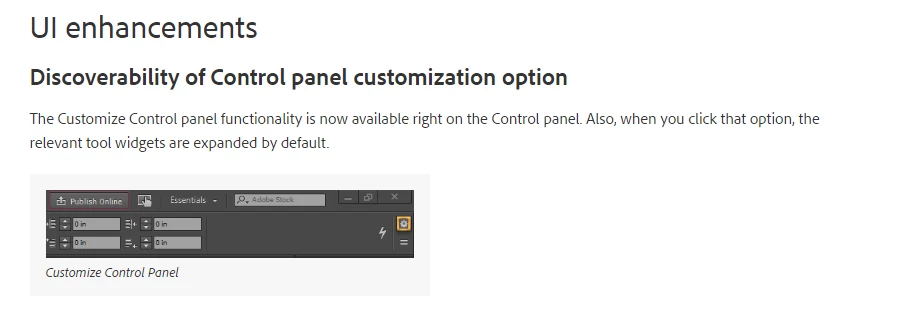
This is a new feature added into 2017 . Its been customized . Click on the gear symbol on right and enable the options that you want .

2 replies

Steve Werner
Community Expert
Community Expert
February 8, 2017

In a late version of CC 2015 (also found in CC 2017), they changed the interface to make icons larger and space them out more. The intent was to help an increasing number of people who have high resolution monitors. The icons and text were becoming too small and hard to read.

The side effect is that you can view less items on the Control Panel (it's not really the Character panel, which is something different).

All you can do is add or take off items with the Customize controls; you can't return the Control panel to the way it was before unless Adobe engineers add an option to make everything smaller again.

Sumana Namhata
Adobe Employee
Sumana NamhataCorrect answer
Adobe Employee
February 8, 2017

This is a new feature added into 2017 . Its been customized . Click on the gear symbol on right and enable the options that you want .
